ActionStep
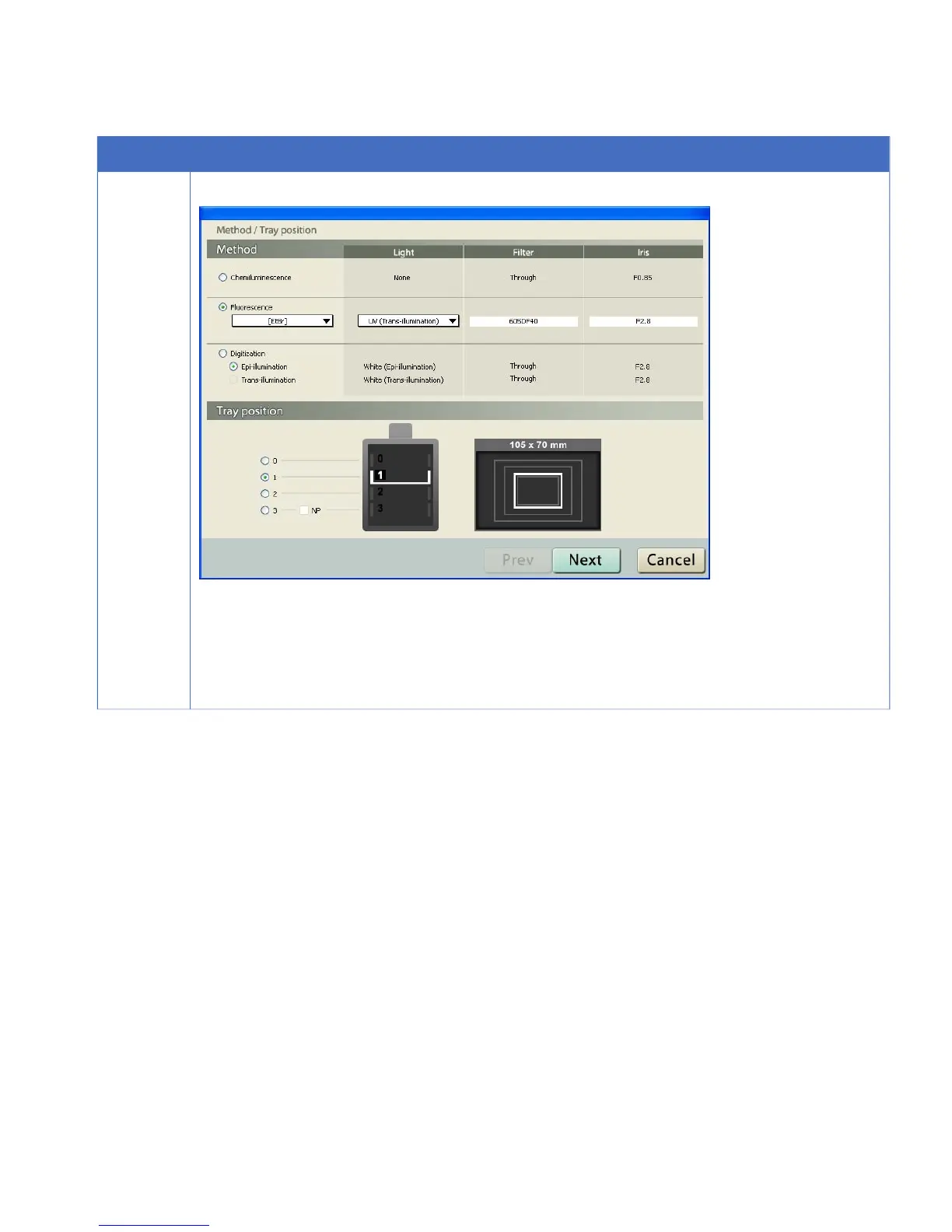
Click the Method/Tray position button.
3
1
Select the Method, Light source, Filter, Iris, and Tray position.
2
If FlatFrame Mode is set to manual in Edit:Preference, click the Next button.
3
Select the appropriate Flat Frame file.
4
Click the OK button.
ImageQuant LAS 4000 User Manual 28-9607-42 AB 75
4 Operating the ImageQuant LAS 4000
4.15 Exposing large sample using wide view lens



 To Next Page