12-
8
LPS-O Line Protection Relay GE Power Management
12.1 INTRODUCTION 12 ASCII COMMUNICATIONS
12
SHOWSET Displays the current values
of selected settin
s
VIEW To see PROTECTION GROUP Settin
s press
Settin
Group no 1 to 4
To see GENERAL Settin
s press G
To quit press ESC
Enter your choice:2
To view Cate
ory of Settin
s press C
To view ALL Settin
s press A
To
o back to previous menu press B
To quit press ESC
Enter your choice: C
To view protection SETTINGS in a cate
ory enter
cate
ory number 1 to 20
To view protection settin
s CATEGORY names
enter C
To
o back to previous menu press B
To quit press ESC
Enter your choice: 5
Press ENTER to continue or ESC to quit
Enter 1, 2, 3, 4,
G, or press ESC
Enter C, A, B, or
press ESC
Enter numbers
between 1 to 20,
the letters C and
B, or press ESC
Press ENTER or
ESC
SET Allows the user to chan
e
settin
s
SETTINGS To view/chan
e PROTECTION GROUP Settin
s
press Settin
Group no 1 to 4
To view/chan
e GENERAL Settin
s press G
To quit press ESC
Enter your choice:2
To view/chan
e Cate
ory of Settin
s press C
To view/chan
e ALL Settin
s press A
To
o back to previous menu press B
To quit press ESC
Enter your choice: C
To view/chan
e protection SETTINGS in a
cate
ory enter cate
ory number 1 to 20
To view/chan
e protection settin
s CATEGORY
names enter C
To
o back to previous menu press B
To quit press ESC
Enter your choice: 1
Press ENTER to continue or ESC to quit
Enter 1, 2, 3, 4,
G, or press ESC
Enter C, A, B, or
press ESC
Enter numbers
between 1 to 20,
the letters C and
B, or press ESC
Press ENTER or
ESC
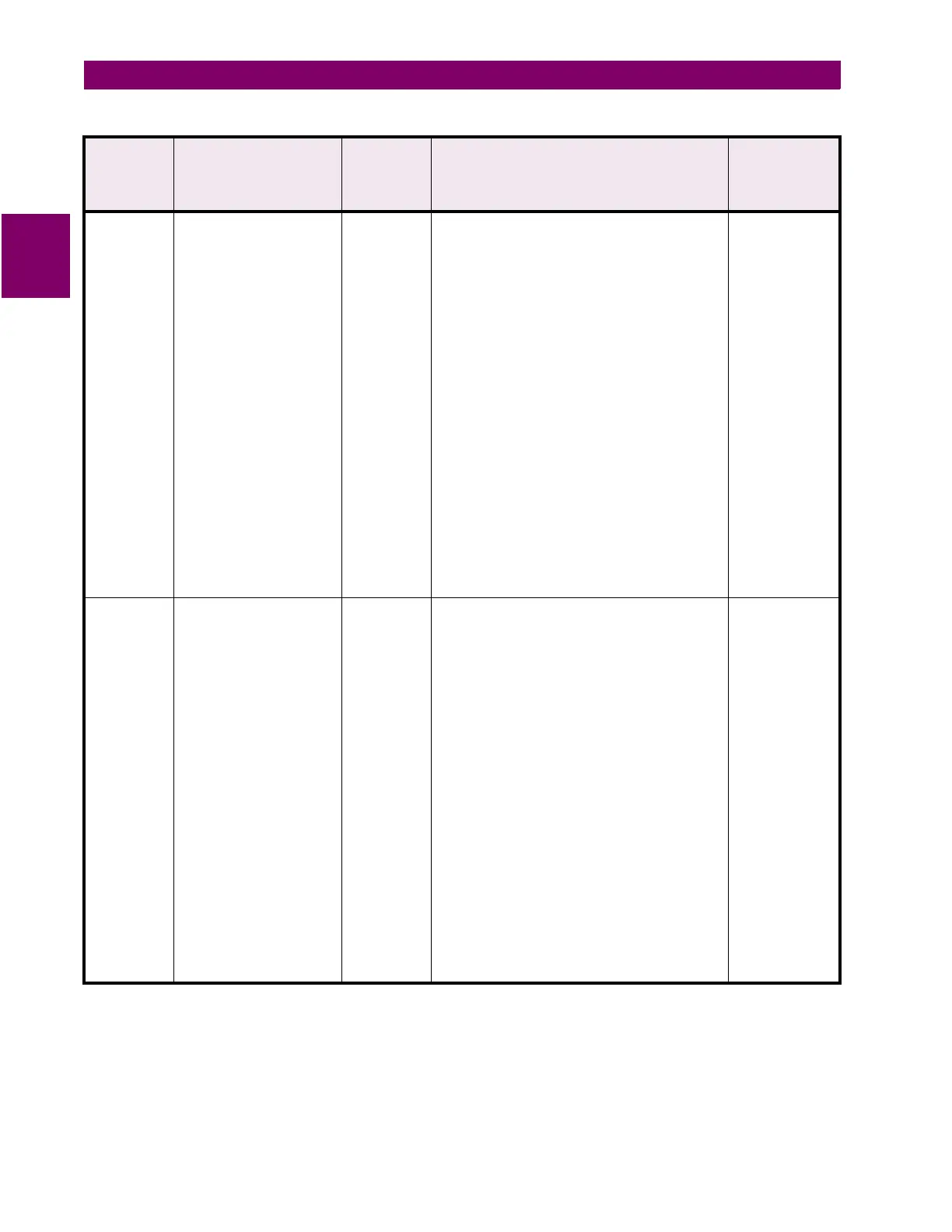
Table 12–3: ASCII COMMAND LIST
(Sheet 7 of 7)
ASCII
Command
Mnemonic
Command Description Lowest
Level
Password
Needed
Relay Prompt User Response



 To Next Page