page | 46
Basic OperationBasic Operation
Menu System
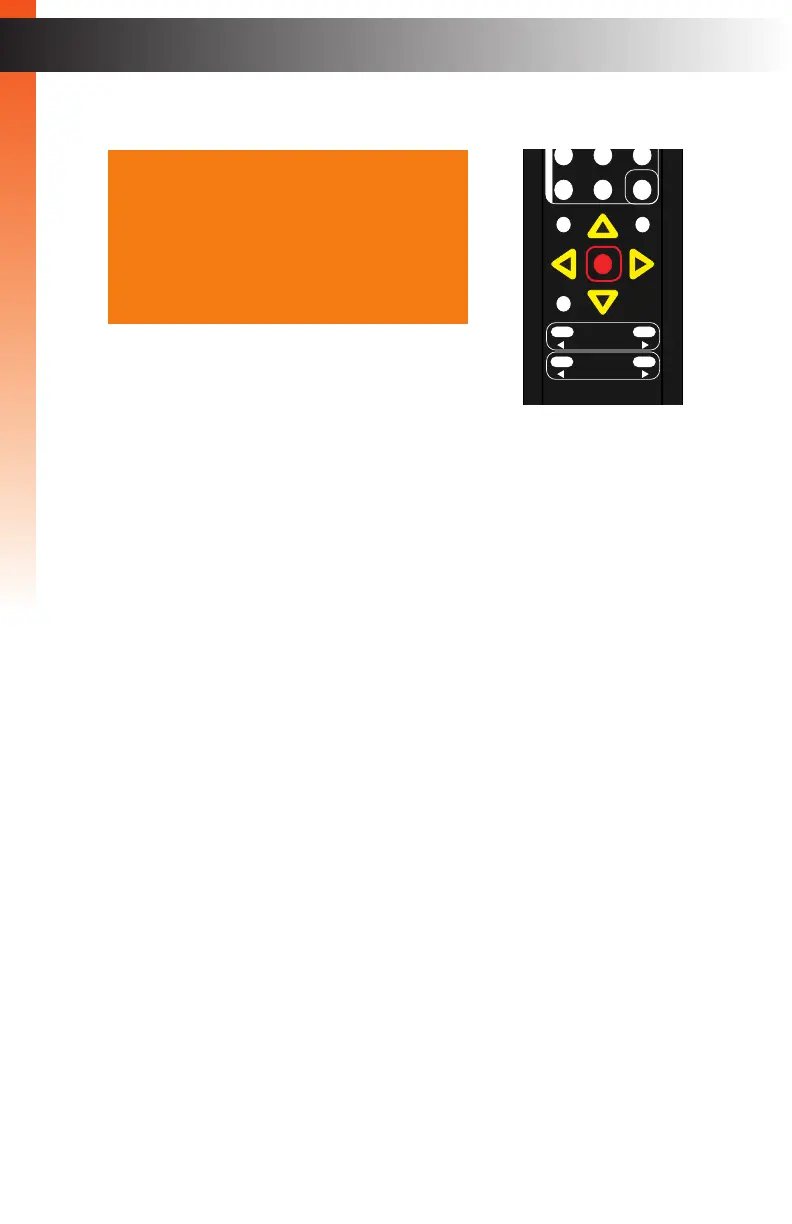
8. Press the OK button to accept the desired vertical position setting.
9. To return to the previous menu, press the ▲ or ▼ buttons to highlight the Back
option, then press the OK button. You can also press the Menu button to return
to the top-level menu.
OK
Resolution
Menu
Exit
L/R 1
Int
VGA
HDMI
Off On
DP DVI
Comp Mask
Optical Coaxial
L/R 2 Mute
Info
Vol -
Vol +
Aspect Ratio
Audio
Auto Size
Phase 040
V Position 005
H Position 050
Under/Over Scan Off
Aspect Ratio Source
HDCP
Send HPD Pulse ---
Back
VGA Settings
Basic OperationBasic Operation



 To Next Page