Rev. 00 02/21
74
Maintenance / Repairs OptiCenter OC09
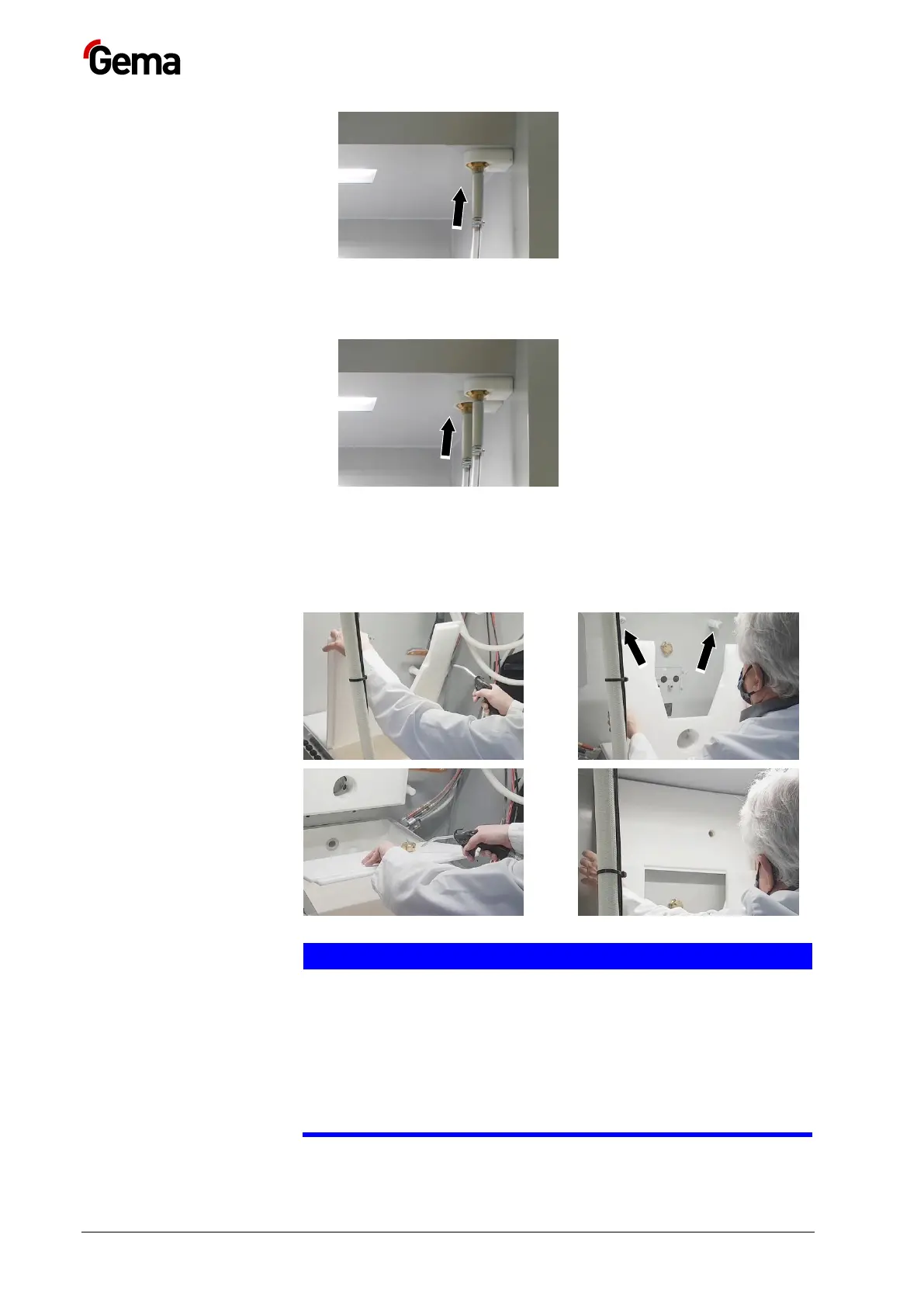
19. The position of the recovery hose is sensor-monitored
20. If equipped, move the fresh powder hose from the OptiHopper to the
cleaning position (FP)
21. The position of the fresh powder hose is sensor-monitored
22. Remove black OptiHopper cover, clean and place in parking position
(side wall parking position)
23. Lift the white OptiHopper covers, clean them and place them in the
parking position (rear panel parking position)
Large dust formation possible!
If the OptiCenter is operated without the appropriate equipment
(hearing protection, safety goggles) and if not cleaned with the
exhaust air switched on, the compressed air containing powder
can cause hearing damage, eye damage as well as respiratory
problems.
► Switch on the exhaust air
► Wear appropriate protective equipment.
24. Remove the plug from the OptiHopper



 To Next Page