30 HS15
plus
5. The HS15
plus
“homes” the carriage toward the keypad end of the
machine. (The HS15
plus
home position is at the keypad end of the
plotter and the adjustable sprockets are at the opposite end.)
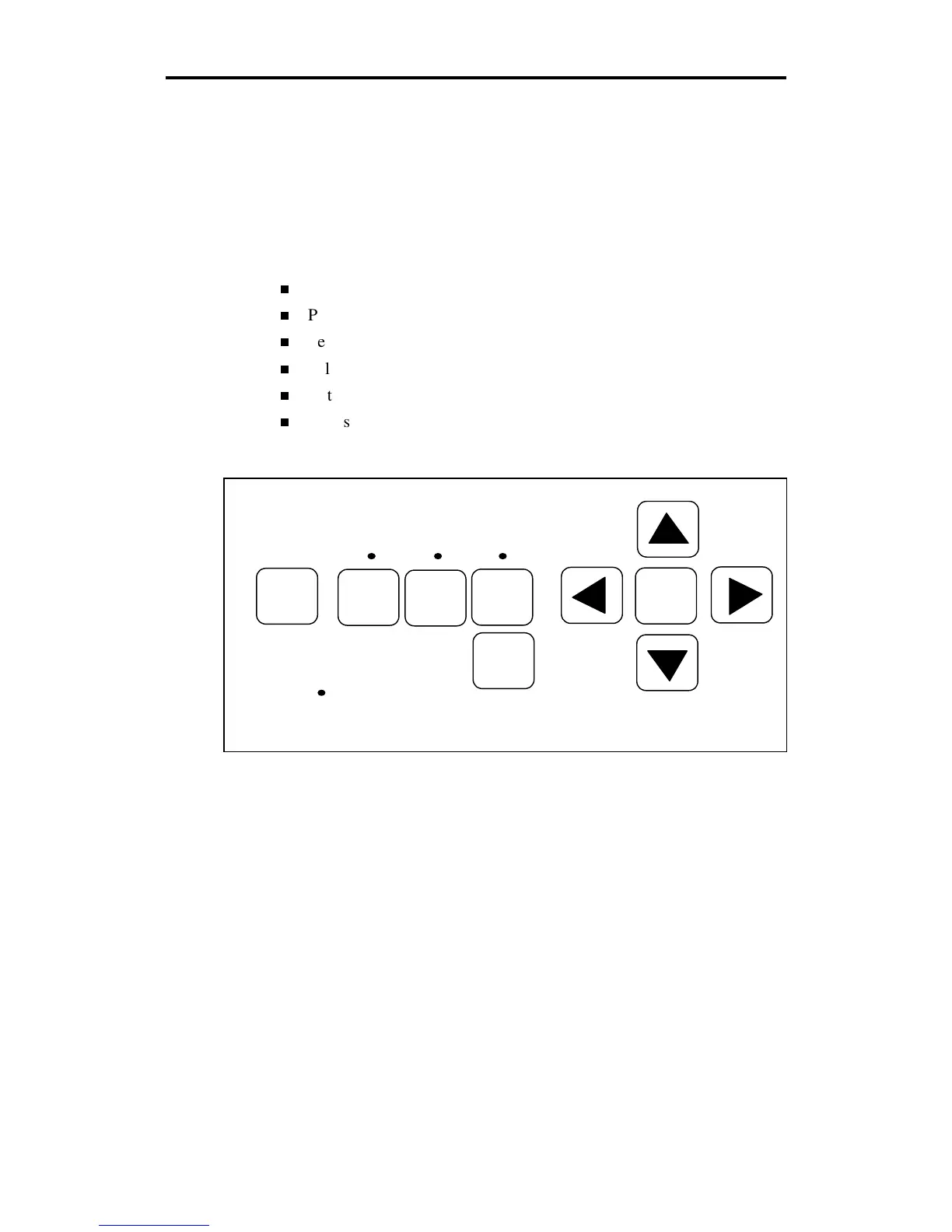
Front Panel
The HS15
plus
front panel keys shown below are used to perform all of the
following operations:
Position the carriage and material.
Put the plotter on-line for drawing, cutting, and pouncing.
Select single or continuous job processing.
Select knife mode.
Initialize knife tool.
Access diagnostic modes, as needed. See the “Special Diagnostics”
and “Error Conditions” sections for more information.
A further explanation of key functions and several test exercises follow.
RESET
RUN
CONT
RUN
SINGLE
SWIVEL
KNIFE
SLOW
INIT
KNIFE
POWER



 To Next Page