Operation 31
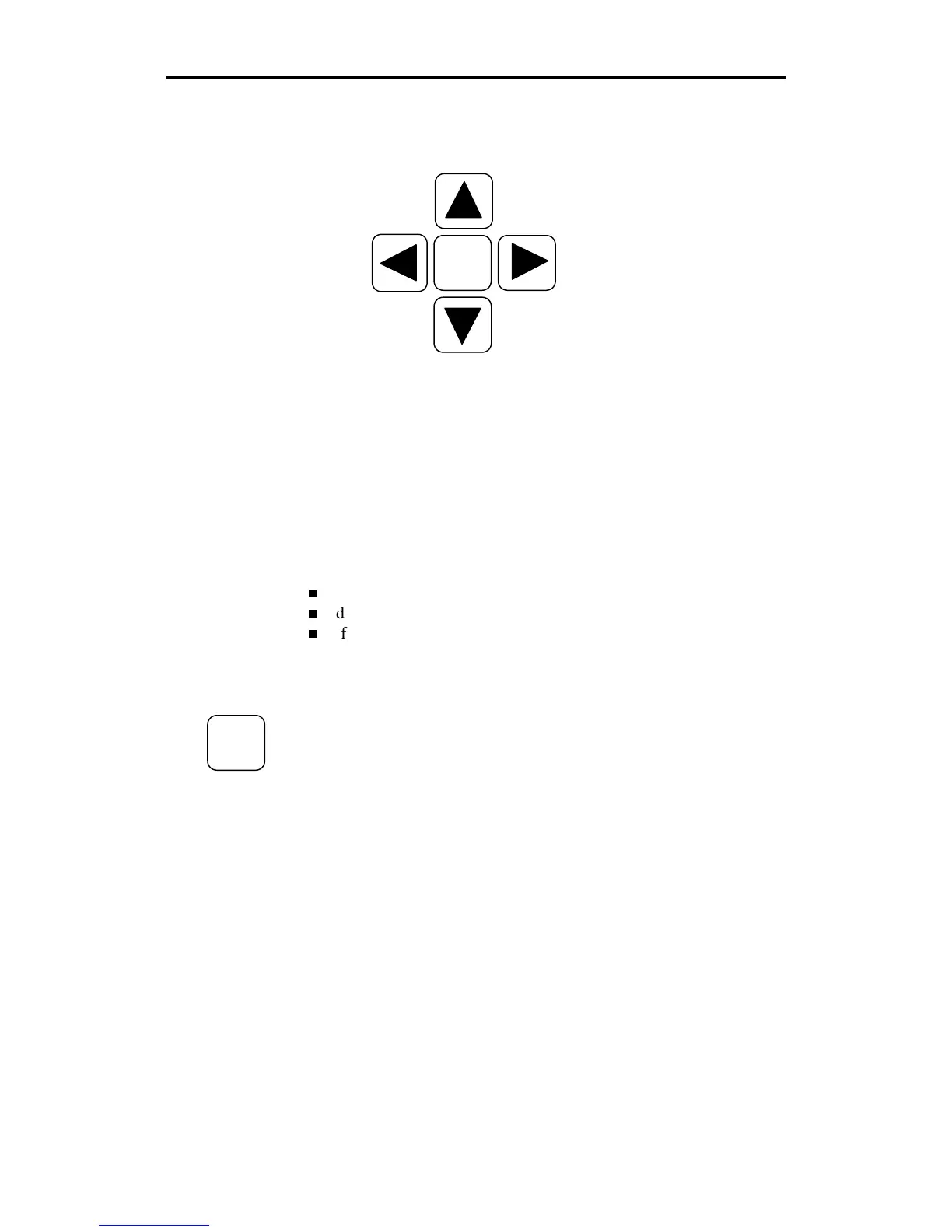
SLEW KEYS
Slew keys are the four keys surrounding the
SLOW
key.
Press the left and right slew keys to unroll material before plotting, to
position the tool for plotting, to position the carriage and material
between jobs, and to rotate the drum and feed material through the
plotter or back toward the roll holder.
Press the up or down slew keys to move the carriage between the rear
and the front of the plotter.
The slew and
SLOW
keys do not function during the following:
while a job is plotting
during an error condition
if a Run light is on, even if the plotter is idle.
Slow slew key
Use the
SLOW
key to access slow slew mode. Slow slew mode permits
you to move the drum or carriage one step at a time or continuously at a
very slow speed.
SLOW
SLOW



 To Next Page