42 HS15
plus
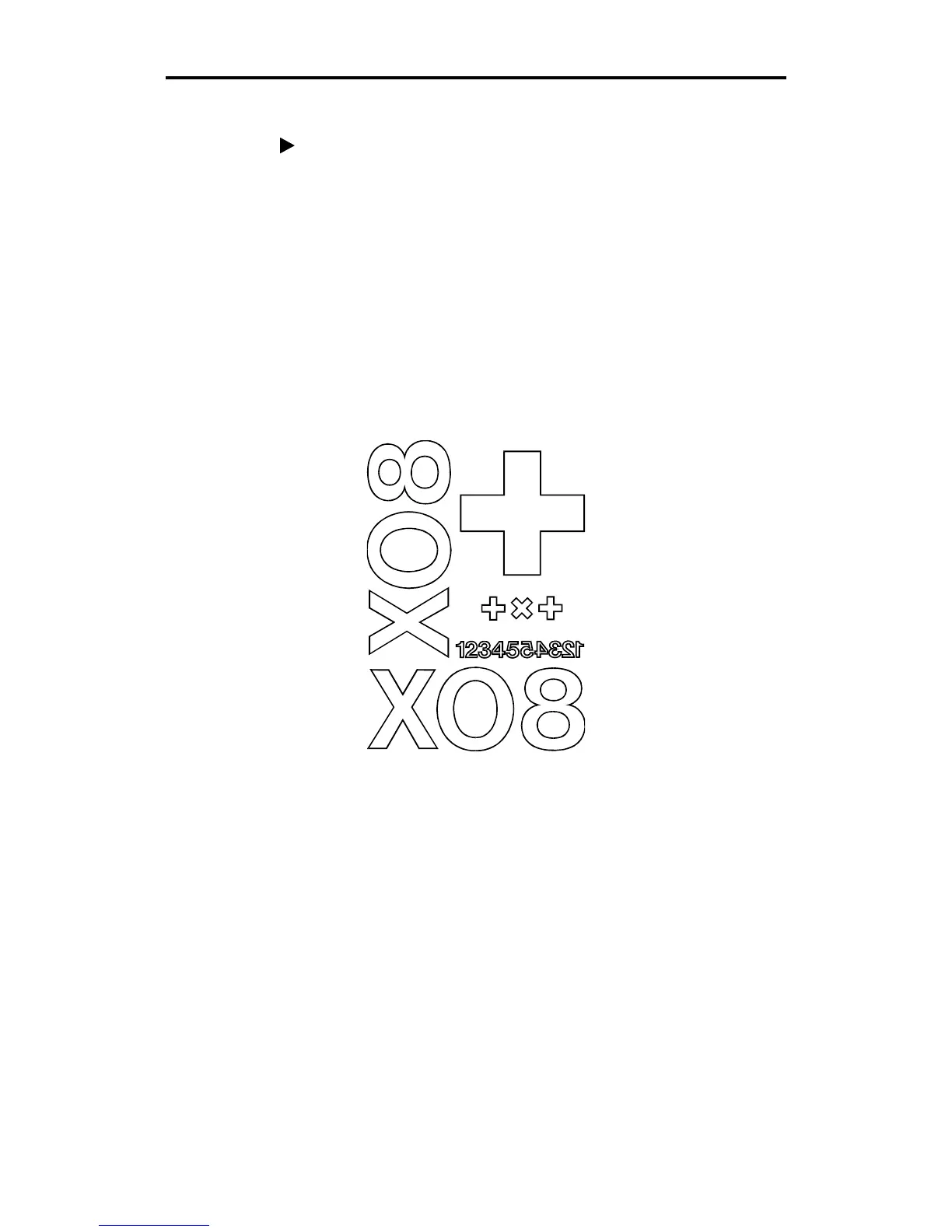
X08 CUT TEST
To plot the X08 cut test
1. To access the X08 cut test plot, hold the
RESET
key while powering
up.
2. Load vinyl and install the knife holder.
3. Press the down arrow key.
4. Press
RUN SINGLE
to plot once or
RUN CONT
to plot continuously.
5. Compare the test plot to the illustration below. If the plot is
different, contact Gerber Field Service.



 To Next Page