GM Energy V2H Bundle Installation Manual 50
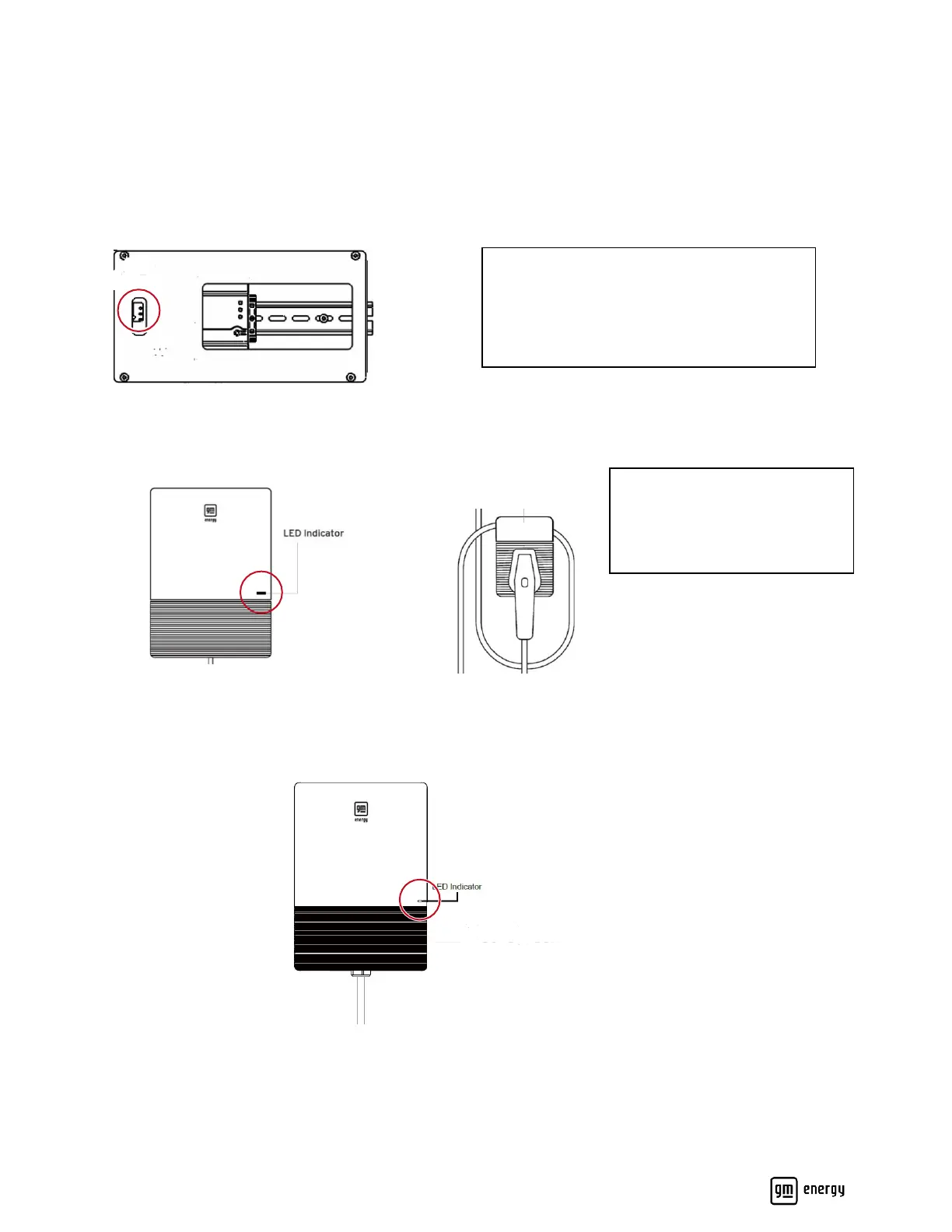
LED Status Verification
Verify the relevant components of the system are in the following LED state before commissioning the system,
please reference the LED guide in this manual if needed.
DC1 (Data collector inside of MID)
EVSE
If the Charger’s indicator LED is red, this indicates that the DIP switch has not been configured. Please set the DIP
switch before proceeding. Reference the “Set Charger Rating” for further instructions.
BDI



 To Next Page