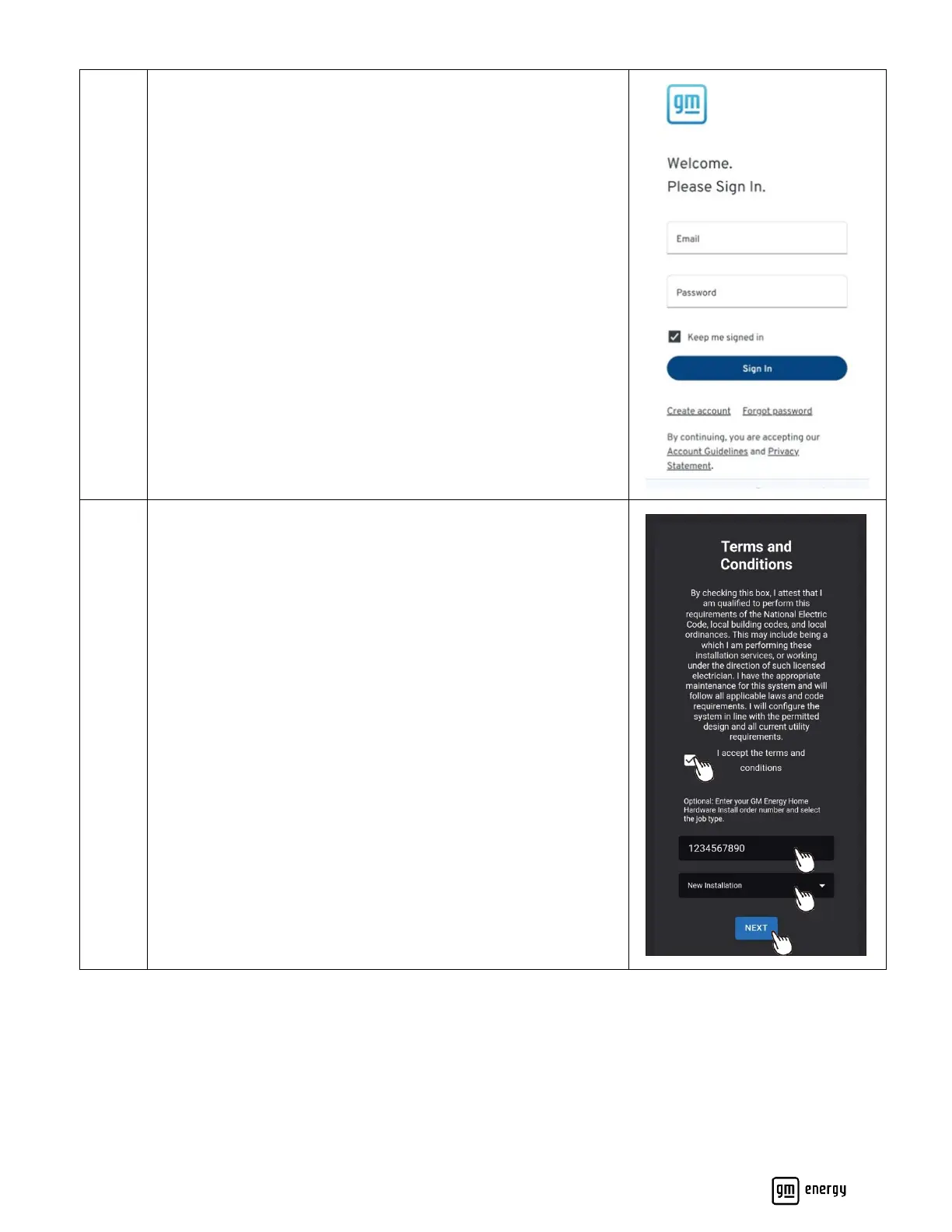
This is the GM Energy Installer website sign in page.
Sign in using user credentials. If you do not have an existing
account, follow the prompt to create a new account. Each installer
must create their own GM account; this is separate from the
customer’s account.
Read the Terms and Conditions. In order to proceed, you must
accept these.
Input the GM Energy hardware order number if available.
Note: Customers will have received the order number as part of
the receipt of their purchase.
Select installation type. For new installs, select “New Installation”
Click “Next” to proceed.



 To Next Page