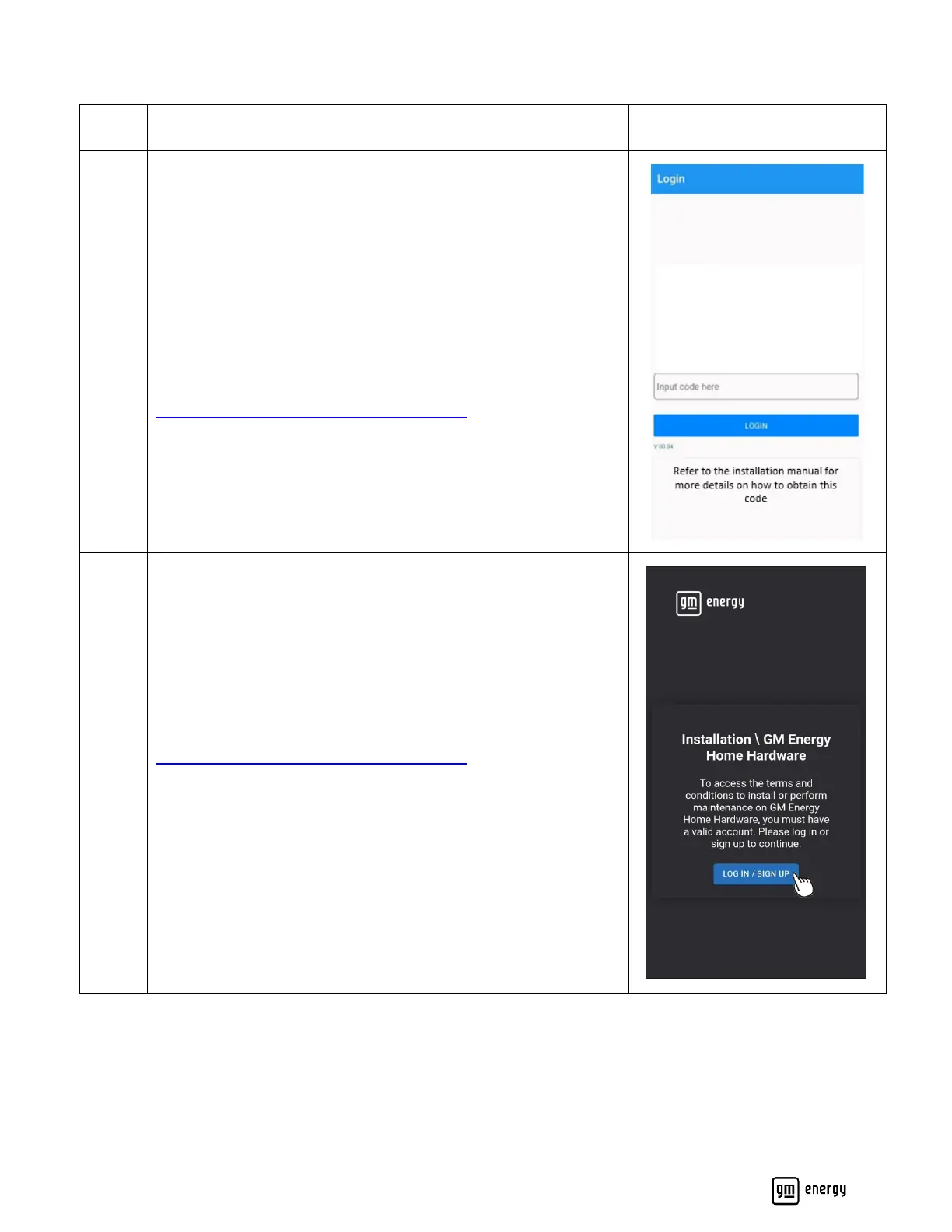
Open the PowerShift Install App
If you are commissioning the equipment for the first time or
performing maintenance, you will need to set up an account and
agree to the terms and conditions. If you do not have an existing
account, refer to the link below to start the process to obtain a
login code.
https://euss-prod.musea2.azure.ext.gm.com
Navigate to the GM Energy installer website.
https://euss-prod.musea2.azure.ext.gm.com
If you are commissioning the equipment for the first time or
performing maintenance, you will need to set up an account and
agree to the terms and conditions.



 To Next Page