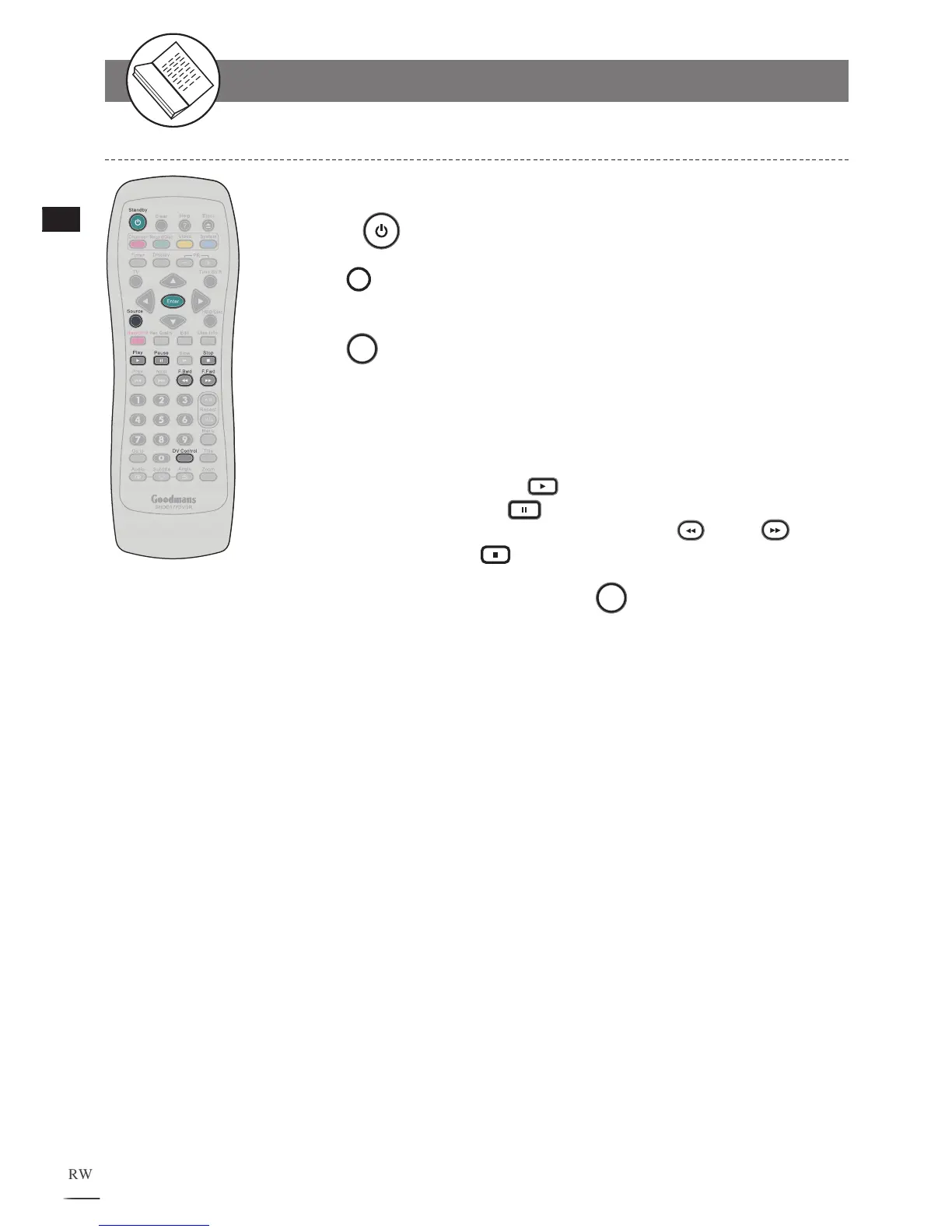
DV Control Function
Connect the recorder to DV.
Turn on
Power of the recorder and DV.
Press
Source on the remote control repeatedly until DV
source is set.
Press
DV Control on the remote control. A DV controller
menu appears on the top of the screen.
The DV now can be operated through the remote control of the
recorder
.
• To play the DV program, press Play.
• To pause the program, press Pause.
• To fast forward or fast backward the playback, press F.Bwd/ F.Fwd.
• To stop playback, press Stop.
To leave DV controller menu, press
DV Control.
1
2
3
4
5
6
DV Operation



 To Next Page