DVD & HDD
2
2-1 HDD and DVD Operations
Basic HDD Playback
Preparations:
•
Turn on the TV set, and select “Video” as the TV input.
•
Press the Power button on the stereo system if the recorder is connected to a stereo system.
1
2
3
4
5
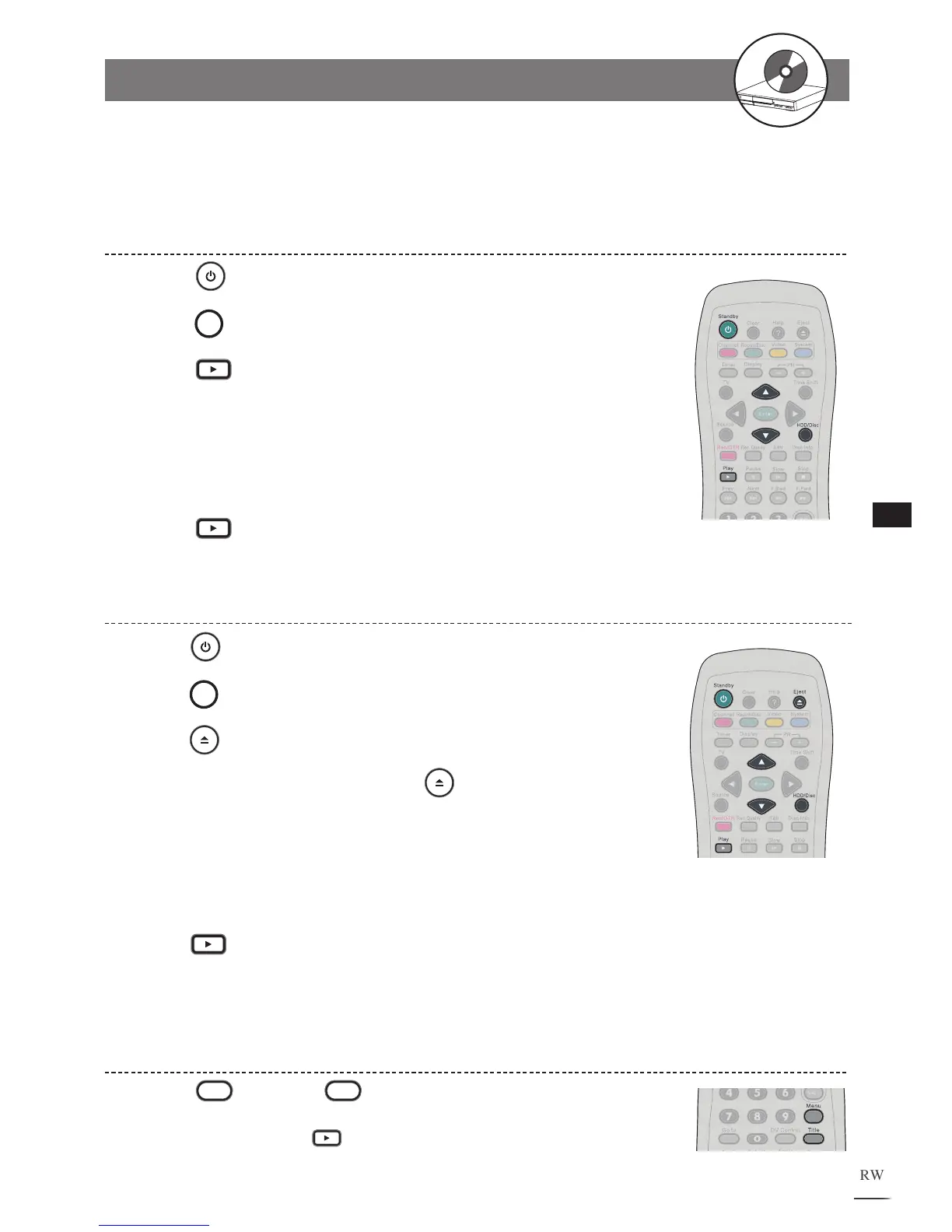
Press
Standby.
Press
HDD/Disc to switch to HDD mode.
Press
Play, a title menu appears on the screen and
the last recorded title starts playback behind the title
menu.
Use / to select a title. The selected title will begin to
play behind the title menu.
Press
Play again to leave the title menu.
Basic DVD Playback
Press
Standby.
Press
HDD/Disc to switch to DVD mode.
Press
Eject to open the disc tray.
Place a disc onto the tray. Press
Eject to close the disc
tray. After the disc tray is closed.
If the disc has one or more titles recorded on it, a menu will
appear on the TV screen. Use / to select a program
t
itle in the menu.
Press
Play to start playback the selected title.
1
2
3
4
5
6
Returning to Menu Screen During HDD Playback
1
Press
Menu or
Title during HDD playback to
bring up the title menu.
To leave the menu, press Play.



 To Next Page