4-1
Kodak and JPEG Picture CDs
Playing Picture CDs
Press
Standby.
Press
HDD/Disc to set the recorder to DVD mode.
Press
Eject to open the disc tray. Place a picture disc onto the tray.
Press
Eject to close the disc tray. The recorder starts to play the picture
CD back. Photos will be presented in a slide show automatically.
1
2
3
4
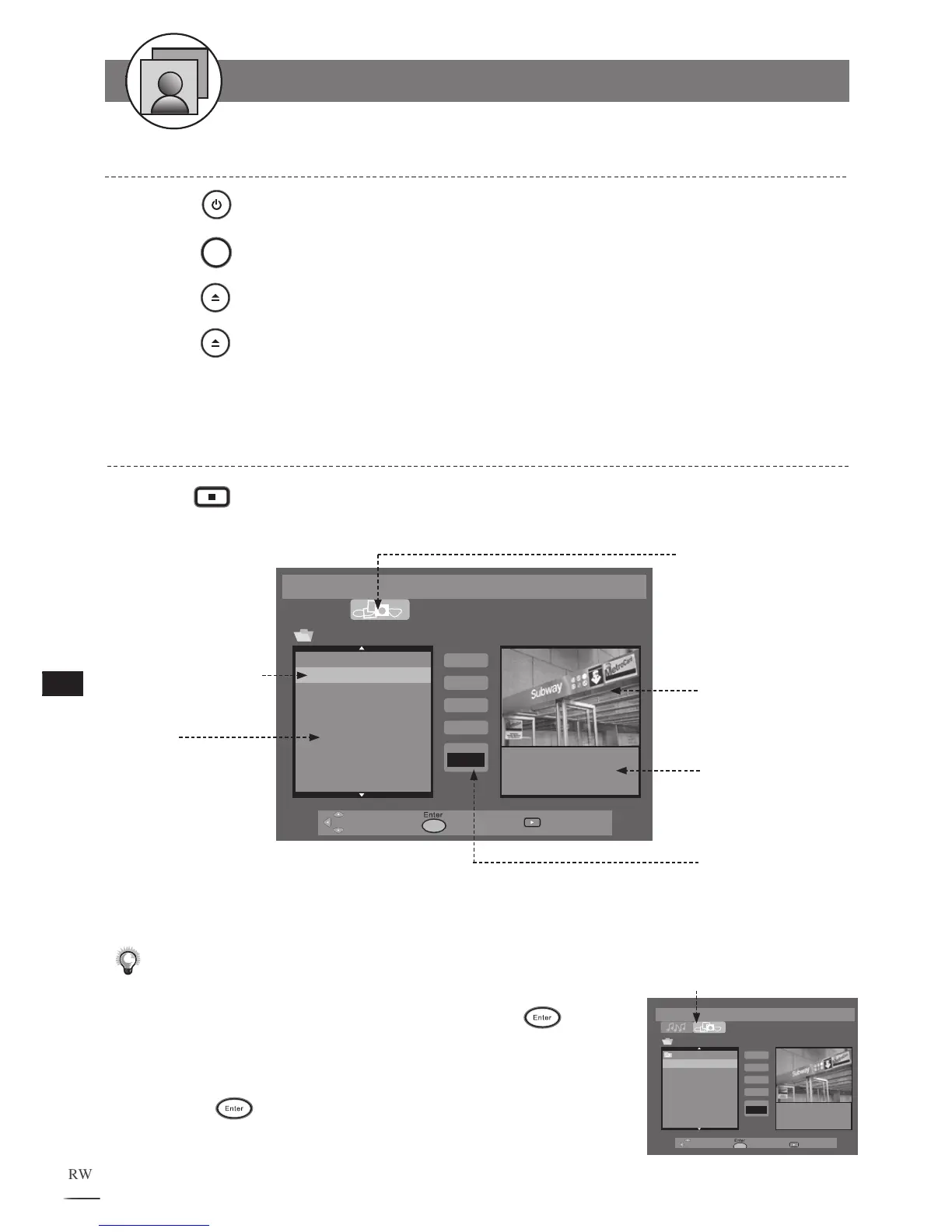
File List
Currently playing
picture
Picture CD is loaded
Information
of the current
playing picture
001_1.JPG
002_2.JPG
003_3.JPG
004_4.JPG
005_5.JPG
006_6.JPG
007_7.JPG
008_8.JPG
009_9.JPG
File: 002_2.JPG
Size: 329KB
Resolution: 1500*1000
Play List
Add
Add
All
Slide
Speed
-
Normal+
Preview of the
highlighted picture
Stopping Playback to Display the File List
Press Stop to stop the playback, a File List appears on the screen.
1
Press / to
select playing speed
Note:
• Some discs may contain mixed format files. To select Picture CD
mode, use
/
to select the Picture CD tab and press .
• Discs with more than one directory will show all directories in the
File List.
• To enter one of the folders, use
/
to select the preferred folder
and press
. The files among the folder will be displayed on the
File List.
Select the Picture CD tab to
enter Picture CD mode
Prev.
001_1.JPG
002_2.JPG
003_3.JPG
004_4.JPG
005_5.JPG
006_6.JPG
007_7.JPG
008_8.JPG
File: 001_1.JPG
Size: 365KB
Resolution: 1500*1000
Play List
Add
Add
All
Slide
Speed
-
Normal+



 To Next Page