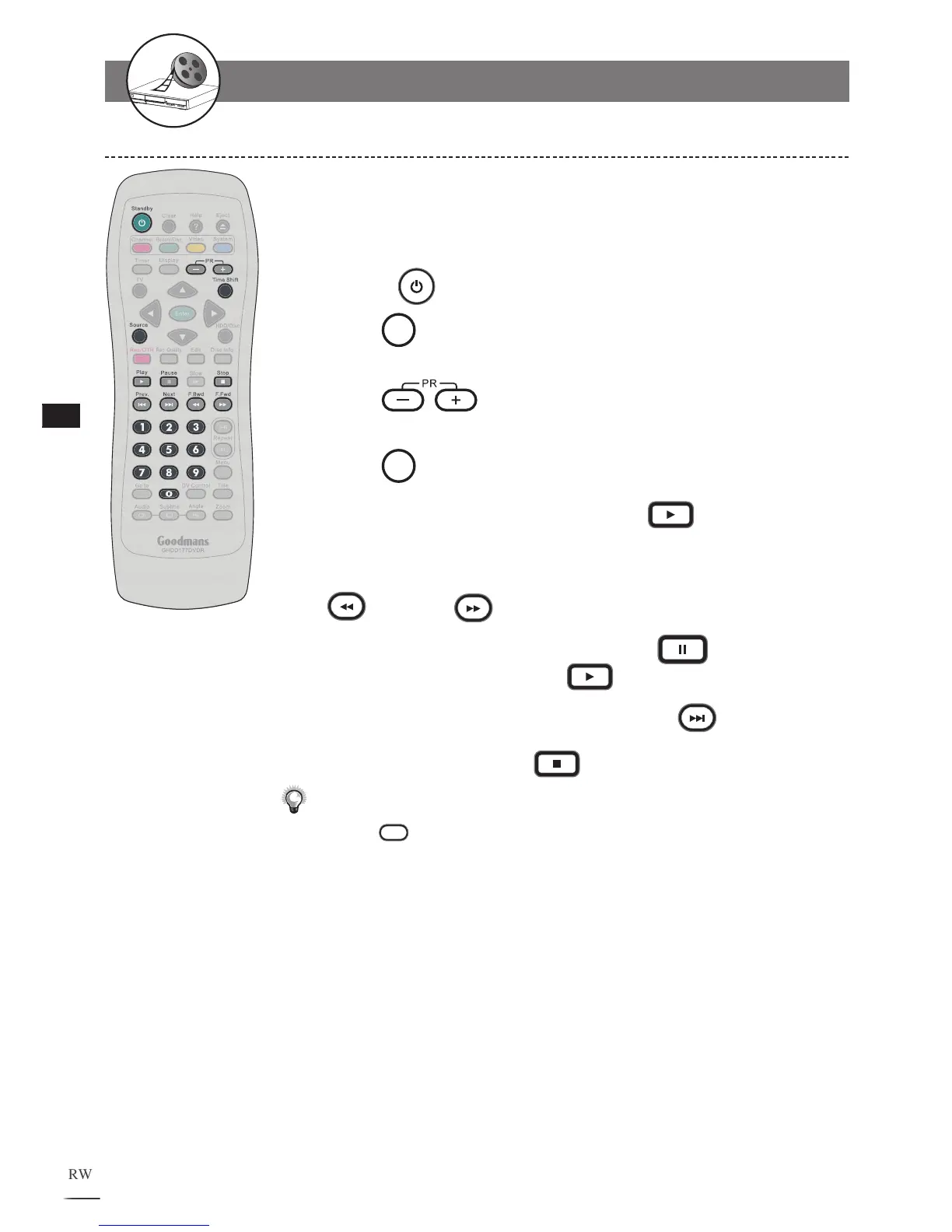
Timeshift Operation in HDD
Timeshift is a convenient function for temporally storing TV
programs in the HDD for later viewing.
Connect the recorder to the
TV set.
Turn on
Power of the recorder and the TV set.
Press
Source on the remote control to view TV channels
through the HDD+DVD Recorder.
Press
PR+/- or Number Button(s) to select a
channel to view.
Press
Timeshift while watching a TV program.
During Timeshift is proceeding, press
Play and
playback starts from the very beginning of the Timeshift.
To watch the timeshift program backward or forward, press
F.Bwd or F.Fwd
To pause the timeshift playback, press
Pause. To
resume the playback, press
Play.
T
o go to the end point of Timeshift, press
Next.
T
o stop Timeshift, press
Stop.
Note:
• Press
Disc Info. as playing the timeshift, the information box
indicates the time between the current viewing point and the actual
Timeshift recording point.
• The function of Timeshift can store a program in the HDD temporally.
Once stopped Timeshift, the temporally stored program will be deleted.
1
2
3
4
5
6
7
8
9
10
1-2
Recording
-continued



 To Next Page