DVD & HDD
2
Pausing Playback
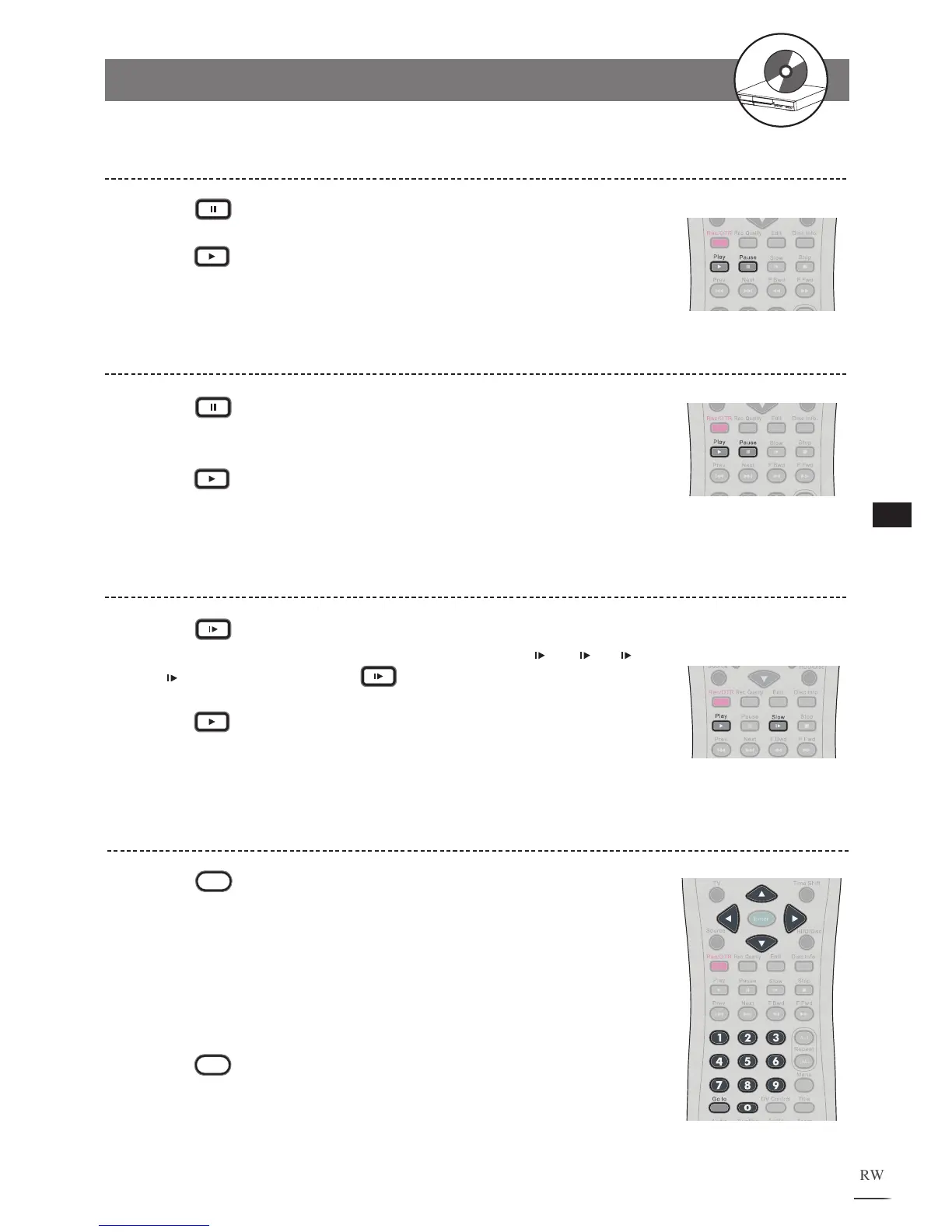
Press Pause to pause the playback.
Press
Play to return to normal playback.
1
2
Frame Advance (Step)
Press Pause to pause the playback. The disc is
advanced by one frame each time you press the button.
P
ress
Play to return to normal playback.
1
2
Slow-Motion During Playback
Press Slow during playback.
The playback speed changes forwardly and backwardly ( 1/2, 1/4, 1/8
and 1/16) each time you press Slow.
Press Play to return to normal playback.
1
2
Selecting Scenes by Title Number
Press
Go to during the playback. A menu box
appears on the screen.
Press / to select Title.
Press
the Number Button(s) or / to
edit title number.
New title will be played right after the reset.
P
ress
Go to again to leave the menu box.
1
2
3
4
2-1
HDD and DVD Operations - continued



 To Next Page