Picture CDs
4
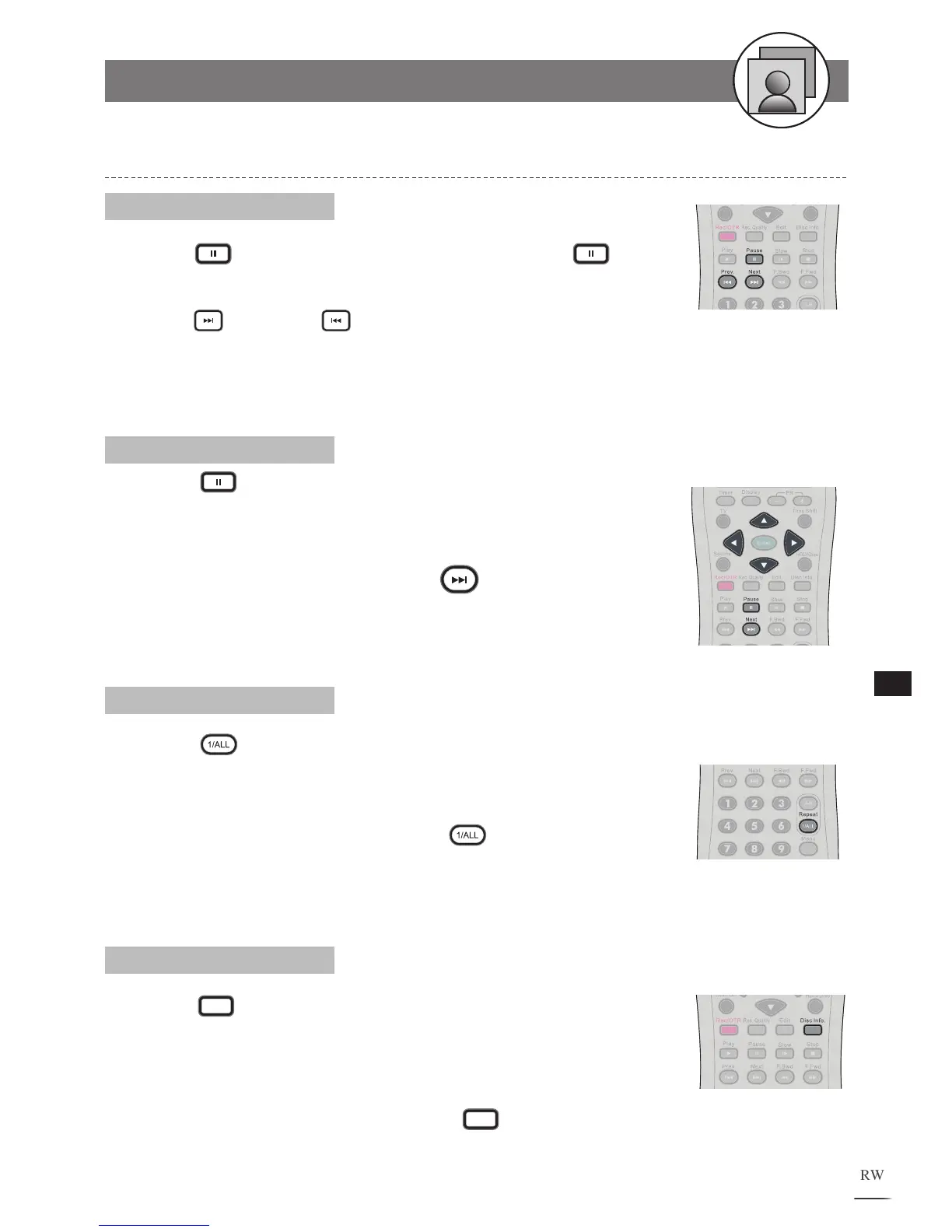
Press Pause to pause the playback. Press
Pause to
return to normal playback.
Press
Next and
Prev. to view the next or previous
photo.
1
2
Pause, Next and Prev.
Press Pause and /// to rotate the photo by 90
degree.
The Slide Show will stop after using the above functions.
To resume the Slide Show, press
Next.
1
2
Rotating
Press
Repeat 1/ALL during playback, a REPEAT
box appears on the top right corner. The slideshow will be
played repeatedly.
To return normal playback, press
Repeat 1/ALL
again, and a REPEAT OFF box appears on the screen.
1
2
Repeating
Press
Disc Info.
during playback, an information list
appears. Some picture discs can provide the information of
File, Size, Resolution, Make, Model, T
ime, Exposure time,
F-number and ISO.
To leave the information box, press Disc Info. again.
1
2
Information
Viewing Pictures through Other Functions
4-1
Kodak and JPEG Picture CDs
- continued



 To Next Page