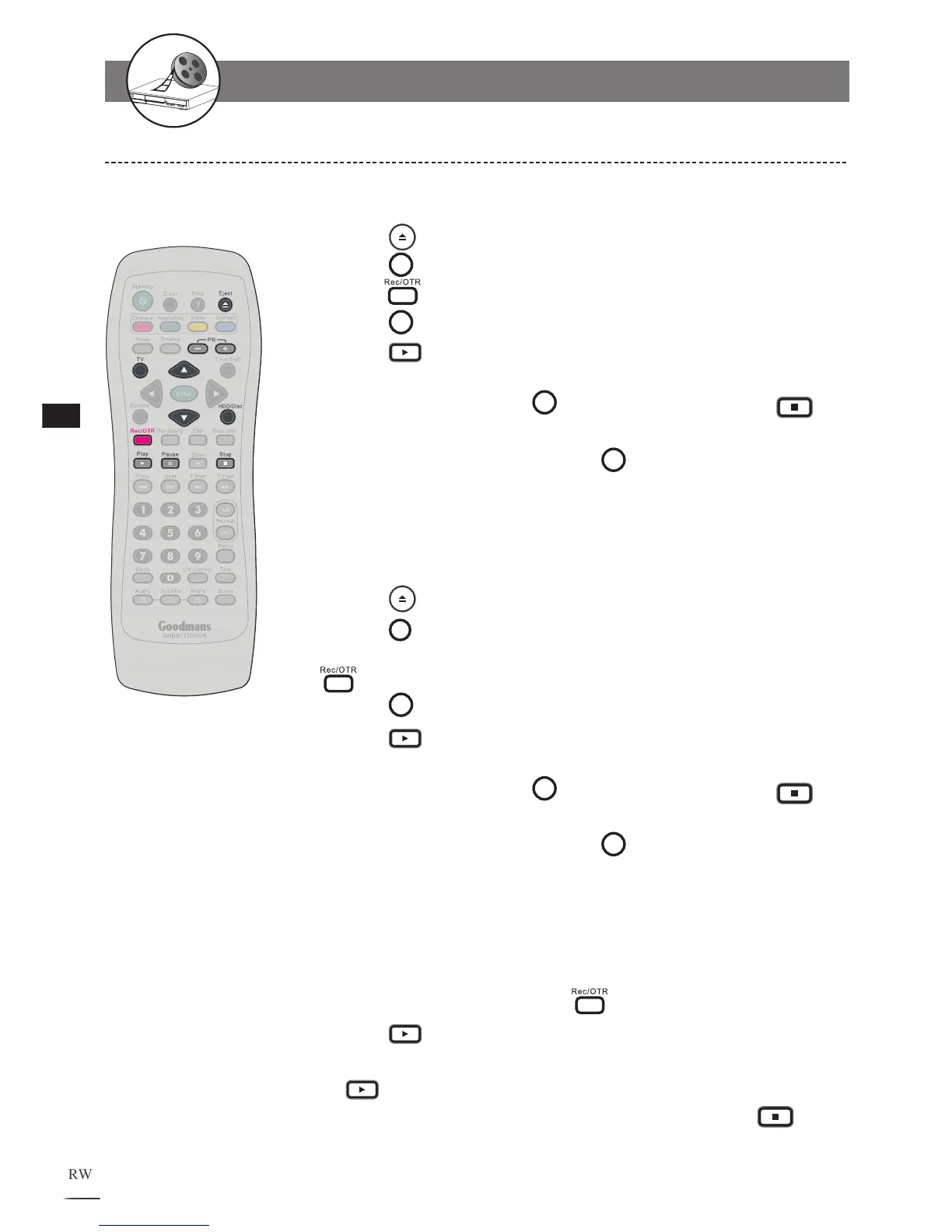
Recording to HDD Whilst Watching
To record to Hardrive using the internal TV tuner and at the same time
playback a DVD / Movie disc.
1
Press the
EJECT button and insert a movie disc. Close the tray.
2
Press the TV button and select which TV channel you want to record.
3
Press the Record button to start recording to HDD.
4
Press the HDD/Disc button to select DVD mode.
5
Press the Play button or follow the DVD/Movie start up menu to watch
the movie.
6
To stop the recording press the HDD/Disc button and press the Stop
button.
7
To return to watching the movie press the HDD/Disc button to select the
DVD mode.
To record to Hardrive using Scart input whilst at same time viewing a
DVD
1
Press the
EJECT button and insert a movie disc. Close the tray.
2
Press the Source button and select Scart input.
3
Playback the external devise attached to the Scart input and then press the
Record button to start recording to HDD.
4
Press the HDD/Disc button to select DVD mode.
5
Press the Play button or follow the DVD/Movie start up menu to watch
the movie.
6
To stop the recording press the HDD/Disc button and press the Stop
button.
7
To return to watching the movie press the HDD/Disc button to select the
DVD mode.
To Record to Hardrive whilst at same time playing back a previously
made recording from the hardrive.
You may record from the Scart input or from the internal TV tuner.
1
Select TV or Scart source then press Record to start recording to HDD.
2
Press the Play button to view the HDD recording titles.
3
Select the recording to be played using the arrow up/down buttons then press
the Play button.
4
To stop the recording being made currently to the HDD press the Stop
button twice.
1-2 Recording



 To Next Page