4-1
Kodak and JPEG Picture CDs
- continued
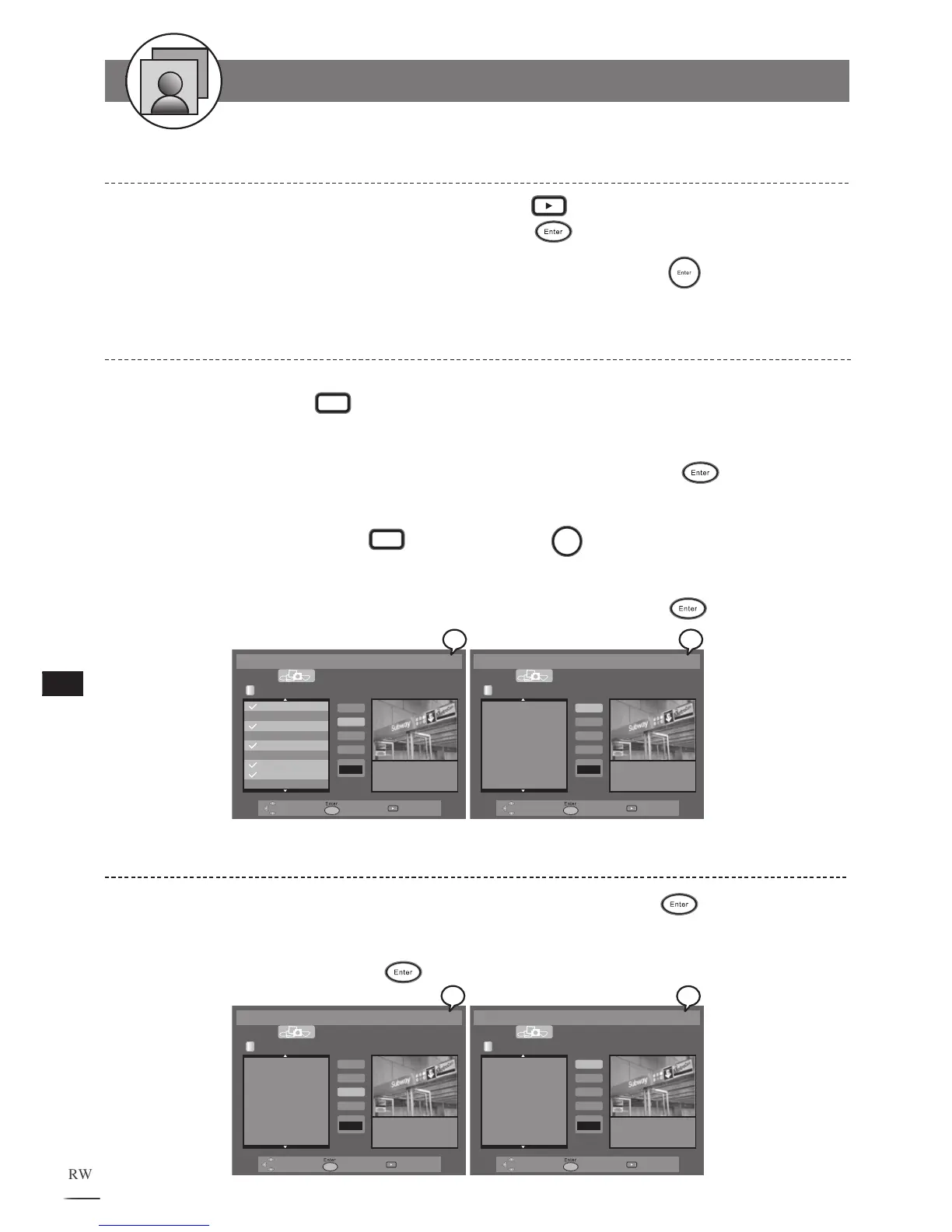
Deleting All Picture Files from File List
Use /// to select the Delete All tab and then press .
All picture files on the Play List are removed. To return to the File List, select
the File List t
ab and press .
1
2
Deleting Picture Files from Play List
Press / to select a music track which is going to be removed from the Play
List and then press
Edit. A check appears in front of the selected track.
Repeat the above step to select other music tracks to be removed for the Play
List. Use /// to select the Delete tab and then press
.
The selected tracks are deleted from Play List. To delete single music tracks,
select a music track with
Edit
and press
Clear. The selected track
will be removed from the Play List.
T
o return to the File List, select the File List t
ab and press .
1
2
3
4
File List
Delete
Delete All
Slide
Speed
-Normal+
File: 002_2.JPG
Size: 329KB
Resolution: 1500*1000
002_2.JPG
004_4.JPG
006_6.JPG
009_9.JPG
010_10.JPG
013_13.JPG
File List
Delete
Delete All
Slide
Speed
-Normal+
File: 002_2.JPG
Size: 329KB
Resolution: 1500*1000
Adding All Picture Files into Play List - continued
To play the pictures on the Play List, press Play to start playback, or use
/// to select the Slide tab and press .
To return to the File List, select the F
ile List tab and press
.
4
5



 To Next Page