DVD & HDD
2
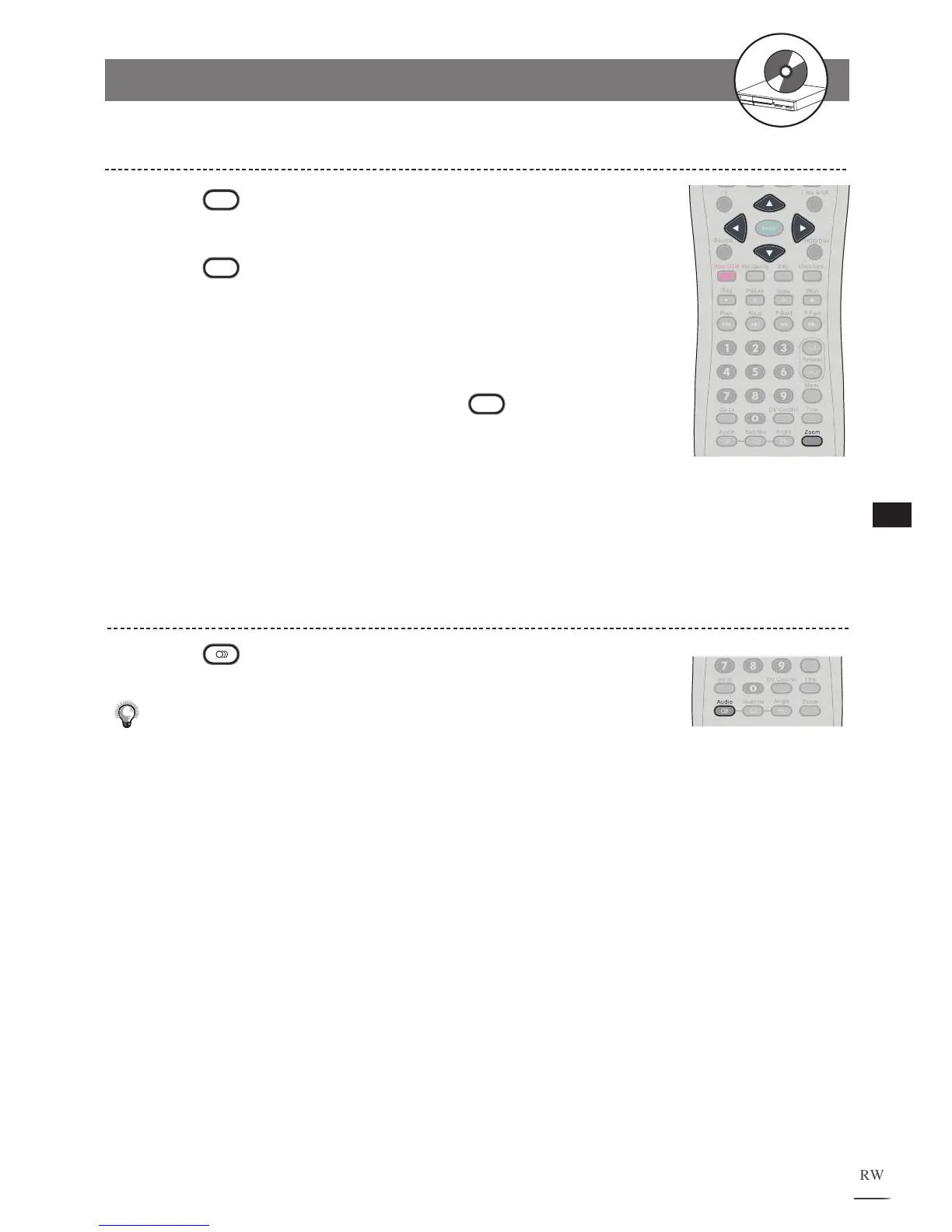
Zooming During Playback
Press
Zoom during playback. A zoom window will
appear on the right button side of the screen.
Press
Zoom a number of times to watch the scene
with different enlargements.
Zoom ratios are 200%, 400%
and 800%.
Press / // to scroll to a preferred position.
T
o return to normal playback, press
Zoom until the
zoom window disappears.
1
2
3
4
Changing Audio Soundtrack Language
Press
Audio repeatedly during playback to select a
preferred language.
Note:
• This function is only valid for discs with multi-language audio sound-
tracks.
•
When the preferred language is not among the options, it may indicate
that the language is not available on the disc.
• If no audio soundtrack language is selected, the DVD Recorder will play
the default language on that disc.
1
2-1
HDD and DVD Operations - continued



 To Next Page