5-3
VIDEO Setup-continued
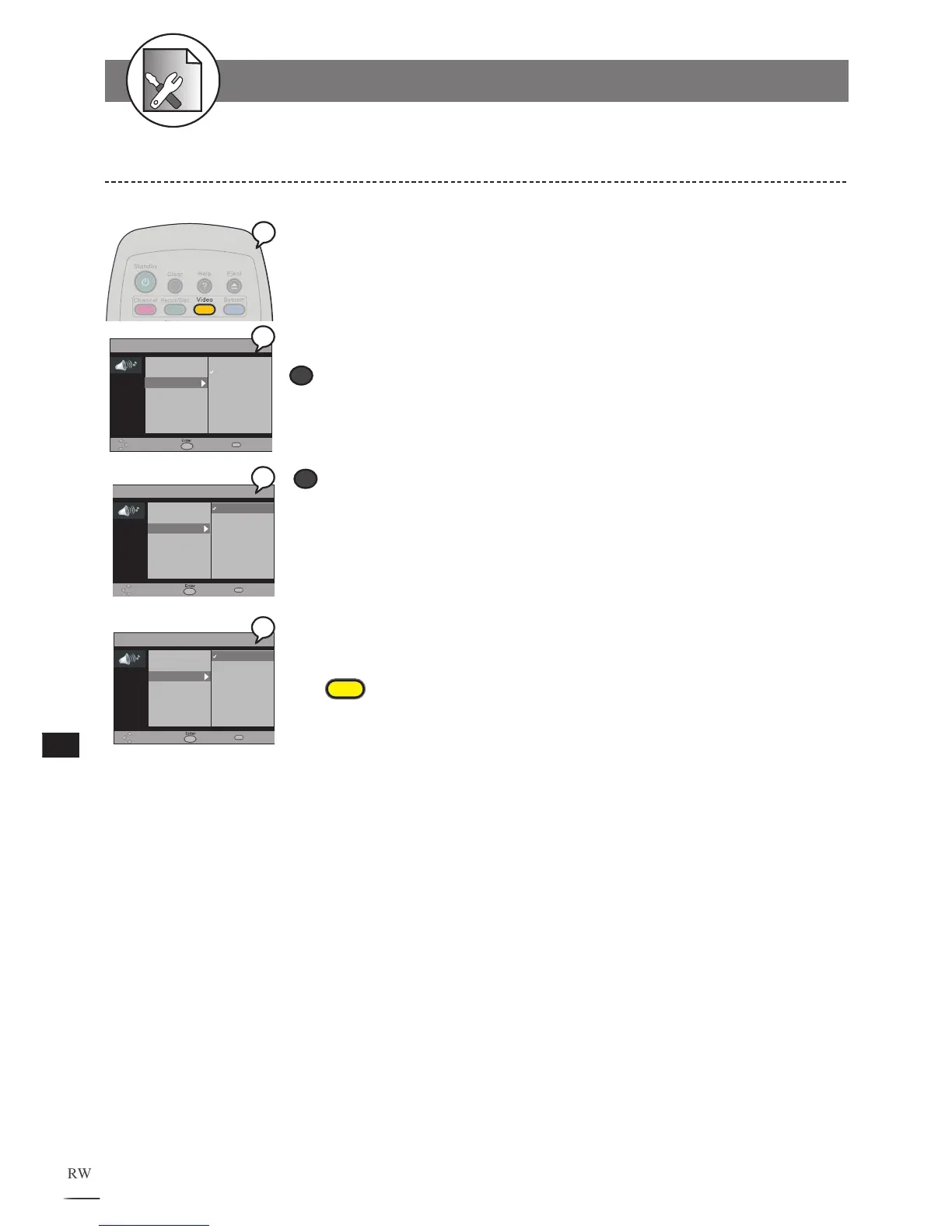
Please choose the preferred video output according to the output format.
1 Press Video in the stop mode to display the menu.
2 Press to select “TV System”.
3 Use // to select a video output source.
SCART RGB
Select “SCART RGB” when you’ve
connected this recorder’s SCART OUT to TV via
Scart cable. This will provide a better viewing result.
RCA Component
Select “RCA Component” when you’ve
connected this recorder’s
Cr Y Cb Out
jacks
to TV’s Cr Y Cb input via Component video cable.
This will provide the best view-
ing result.
To finish the setup operation
Press
Video
to exit from Video setup screen.
Video Output Setting
VIDEO
TV Type
TV System
Video Output
DVD Subtitle
Move Select Exit
RCA Component
SCART RGB
VIDEO
TV Type
TV System
Video Output
DVD Subtitle
Move Select Exit
RCA Component
SCART RGB
VIDEO
TV Type
TV System
Video Output
DVD Subtitle
Move Select Exit
RCA Component
SCART RGB



 To Next Page