1-3 Editing-continued
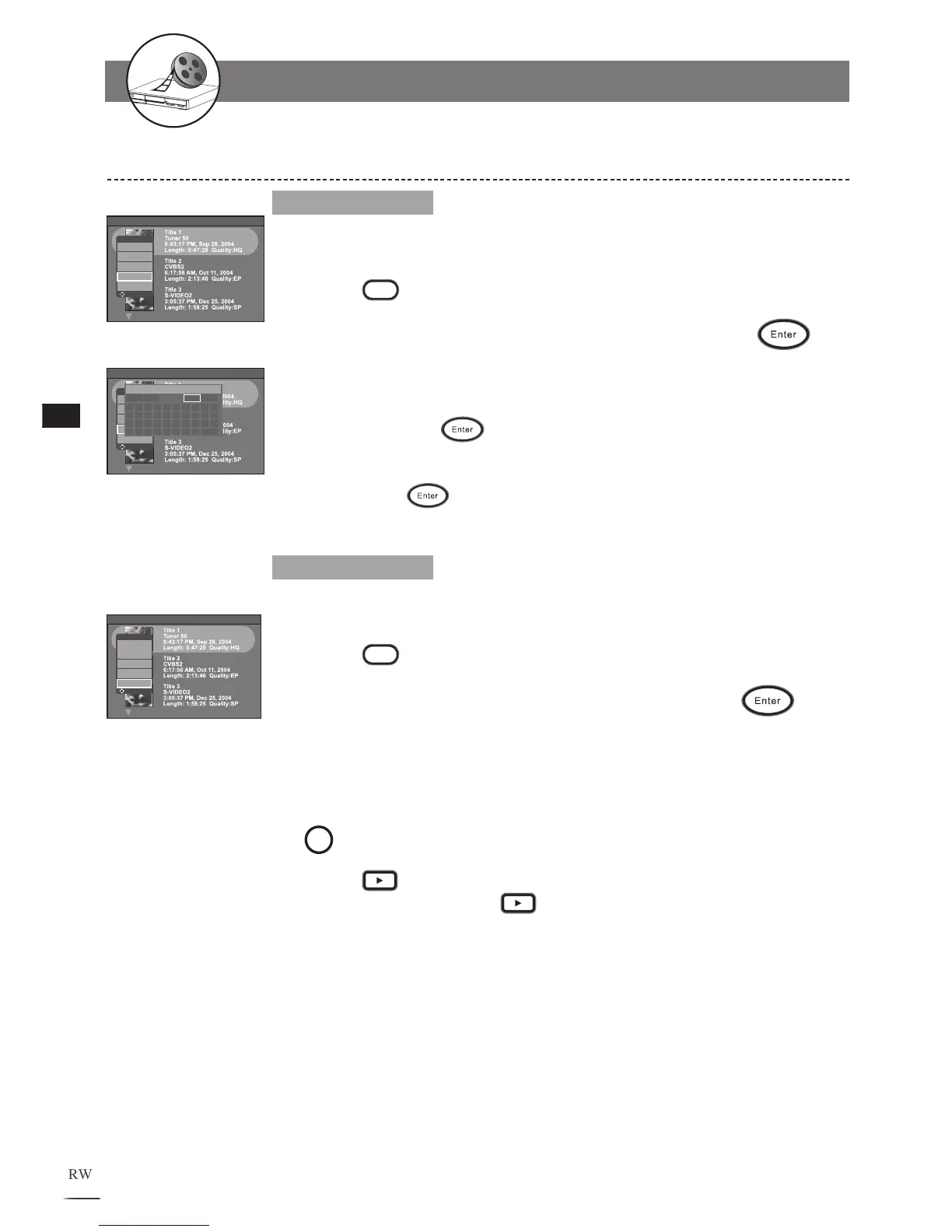
Edit Title Name
1
2
3
4
5
Use / to select a title to edit.
Press
Edit to bring up the +VR Disc Edit menu.
Use / to select Edit Title Name then press
to
confirm.
A keyboard menu appears. Use /// to
select charac-
ters and press
to enter.
To leave the keyboard menu, use /// select Done
then press
. The new title will reflect on the title
menu.
Editing Titles in the Title Menu in DVD - continued
Upload to HDD
1
2
3
4
5
6
Use / to select a title to edit.
Press
Edit to bring up the +VR Disc Edit menu.
Use / to select Upload to HDD and press
.
A Dubbing box appears on the right bottom corner and
shows the status of the dubbing process.
T
o review the dubbing title after uploading to HDD, press
HDD/Disc to set the recorder to HDD mode.
Press
Play to display the title menu. Use / to
select the title. Press
Play again to leave the menu.
+VR Disc Edit
Erase Title
Protect Title
Play Full Title
Edit Title Name
Upload to HDD
Move Select
+VR Disc Edit
Erase Title
Protect Title
Play Full Title
Edit Title Name
Upload to HDD
Move Select



 To Next Page