2-1 HDD and DVD Operations - continued
Stopping DVD Playback and Returning to the
Menu Screen (If a Menu Screen Is Available on the Disc)
1
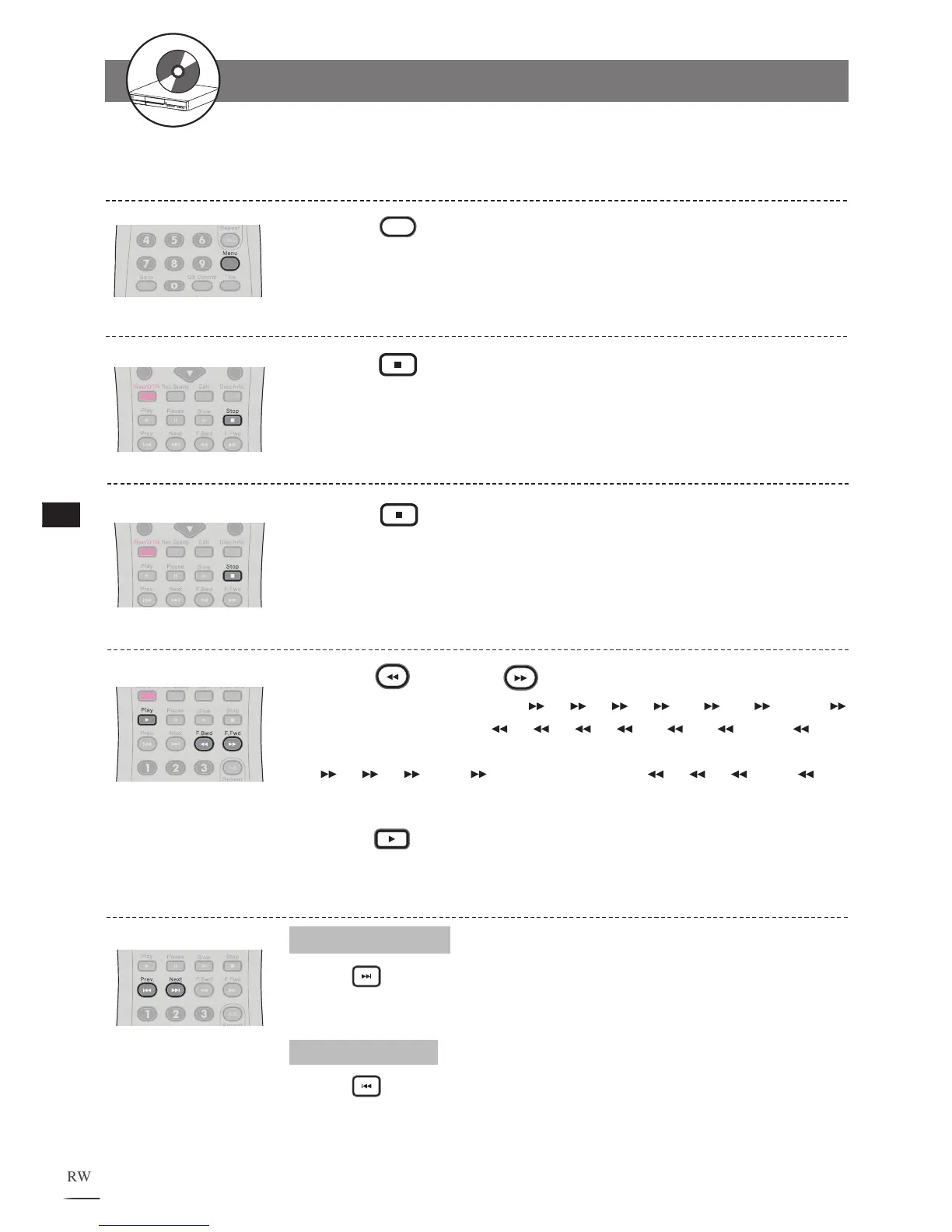
Press
Menu during DVD playback to bring up the
title menu.
Stopping HDD Playback
Fast Forward (Fast Backward)
Press F.BWD or F.FWD during playback.
The speed of DVD advance ( x2, x4, x8, x16, x30, x60 and
x100) or DVD reverse ( x2, x4, x8, x16, x30, x60 and x100)
changes for each press of F.FWD or F.BWD.The speed of VCD advance (
x2, x4, x8 and x16) or VCD reverse ( x2, x4, x8 and x16)
changes for each press of F.FWD or F.BWD.
Press Play to return to normal playback.
1
2
Skipping Chapters
Skipping Ahead
Press
Next
during playback.
Skips a chapter each time you press the button.
Skipping Back
Press
Prev. during playback.
When you press Prev. once midway through a chapter, the recorder returns to
the previous chapter to start playback. The recorder skips to the previous chapter
each time you press the button.
Stopping DVD Playback
Press Stop to stop DVD playback.
1
Press Stop to stop HDD playback.
1



 To Next Page