DVD & HDD
2
Selecting Subtitle During Playback
Press
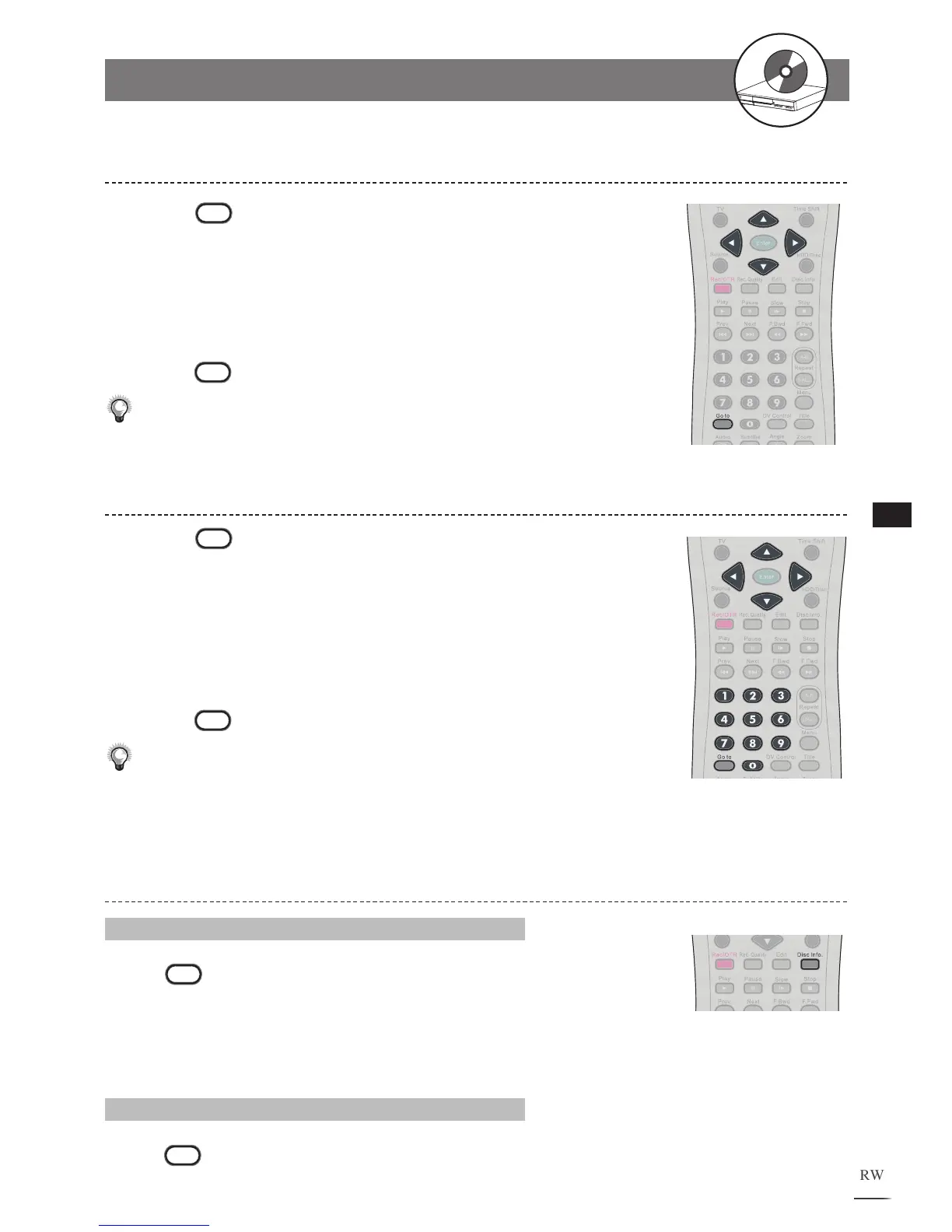
Go to during playback. A menu box appears
on the screen.
Press / to select Subtitle.
Press / to edit subtitle setting.
P
ress
Go to again to leave the menu box.
Note: This function is not available in HDD mode.
1
2
3
4
Selecting Angle During Playback
Press
Go to during playback. A menu box appears
on the screen.
Press / to select Angle.
Press the Number Button(s) or / to edit angle
number
. New viewing angle will be played.
Press
Go to again to leave the menu box.
Note: This function is not available in HDD mode.
1
2
3
4
Displaying the Information of the Scene
Displaying the Information of the Scene
Press
Disc Info. during playback. A list appears to pro-
vide information, including Title, Chapter, Time, Audio, Subtitle,
Angle, Remained time of Current Title Chapter and Free Space
of Recordable Media, will be shown on the screen.
Stop Displaying the Information of the Scene
Press
Disc Info. again to close the Info. list.
2-1
HDD and DVD Operations
- continued



 To Next Page