Initial Settings
5
Erase/Format Setting
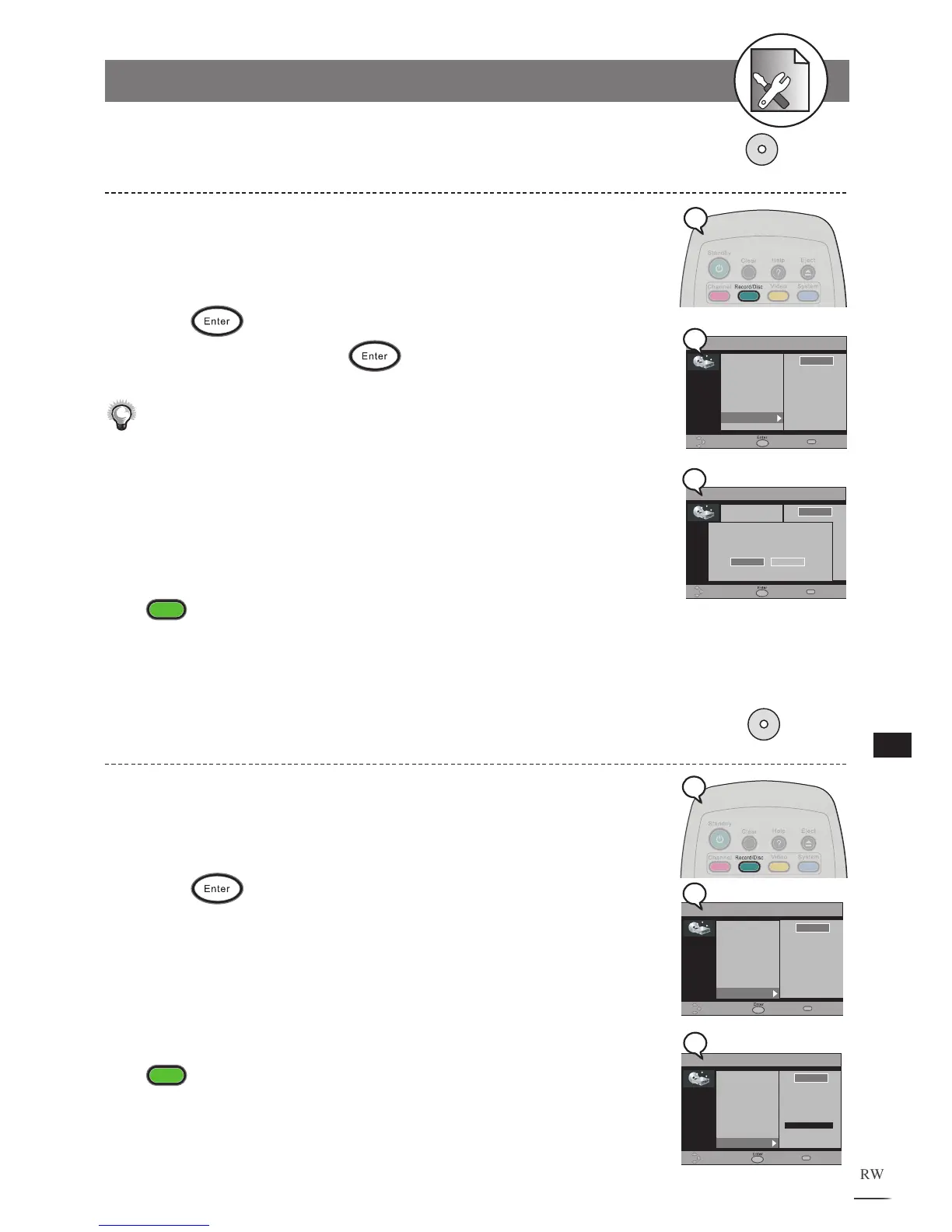
1 Press Record/Disc at stop mode to display the menu.
2 Press to select “Erase/Format”.
3 Press to select “Start”.
4 Press .
5 Select “Yes” and press to confirm.
Please confirm that the DVD+RW disc is in REC already. As this command may not
be paused or cancelled, please re
consider the necessity of such acts.
When
Finalization and Erasing begin, all REC functions are locked. Please do
not turn off the power at this time in case of loss of information.
To finish the setup operation
Press
Record/Disc
to exit from Record/Disc setup screen.
5-2
RECORD / DISC Setup-continued
Protect Disc Setting
1 Press Record/Disc at stop mode to display the menu.
2 Press to select “Protect Disc”.
3 Press to select “Start”.
4 Press .
After the Disc is Protected, the “Make Compatible” and “Erase/Format“
functions will be disabled.
To finish the setup operation
Press
Record/Disc
to exit from Record/Disc setup screen.



 To Next Page