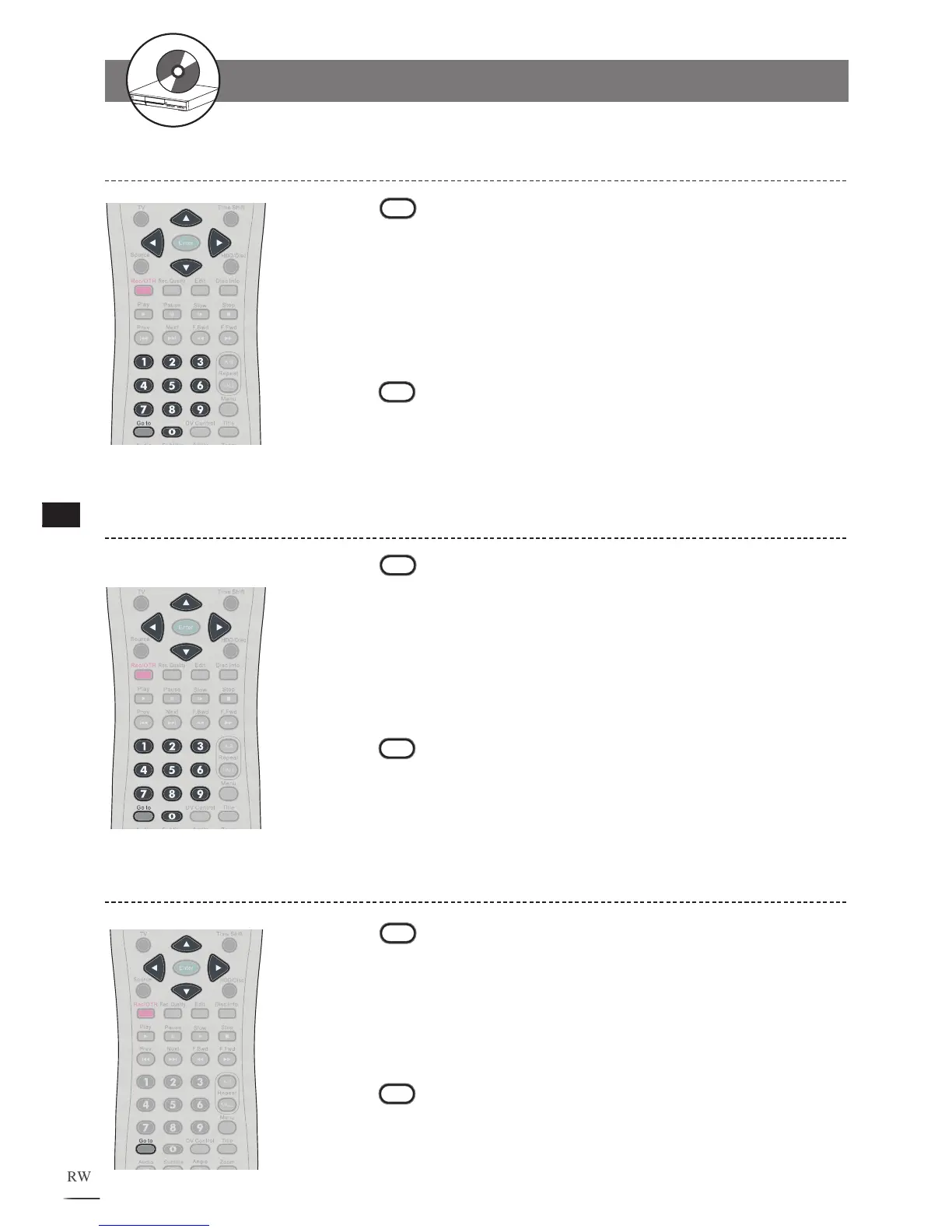
Selecting Scenes by Chapter Number
Selecting Scenes by Time
Press
Go to during playback. A menu box appears
on the screen.
Press / to select Chapter.
Press the Number Button(s) or / to edit chapter
number
. New title will be played right after the reset.
Press
Go to again to leave the menu box.
1
2
3
4
Press
Go to during playback. A menu box appears
on the screen.
Press / to select Time.
Press the Number Button(s) to edit playing time. New
scene will be played right after the reset.
P
ress
Go to again to leave the menu box.
1
2
3
4
Selecting Audio System During Playback
Press
Go to during the playback. A menu box
appears on the screen.
Press / to select Audio.
Press / to edit audio setting.
P
ress
Go to again to leave the menu box.
1
2
3
4
2-1
HDD and DVD Operations - continued



 To Next Page