Recording Functions
1
1-3 Editing-continued
Editing Titles During DVD Playback
Insert Chapter
1
2
3
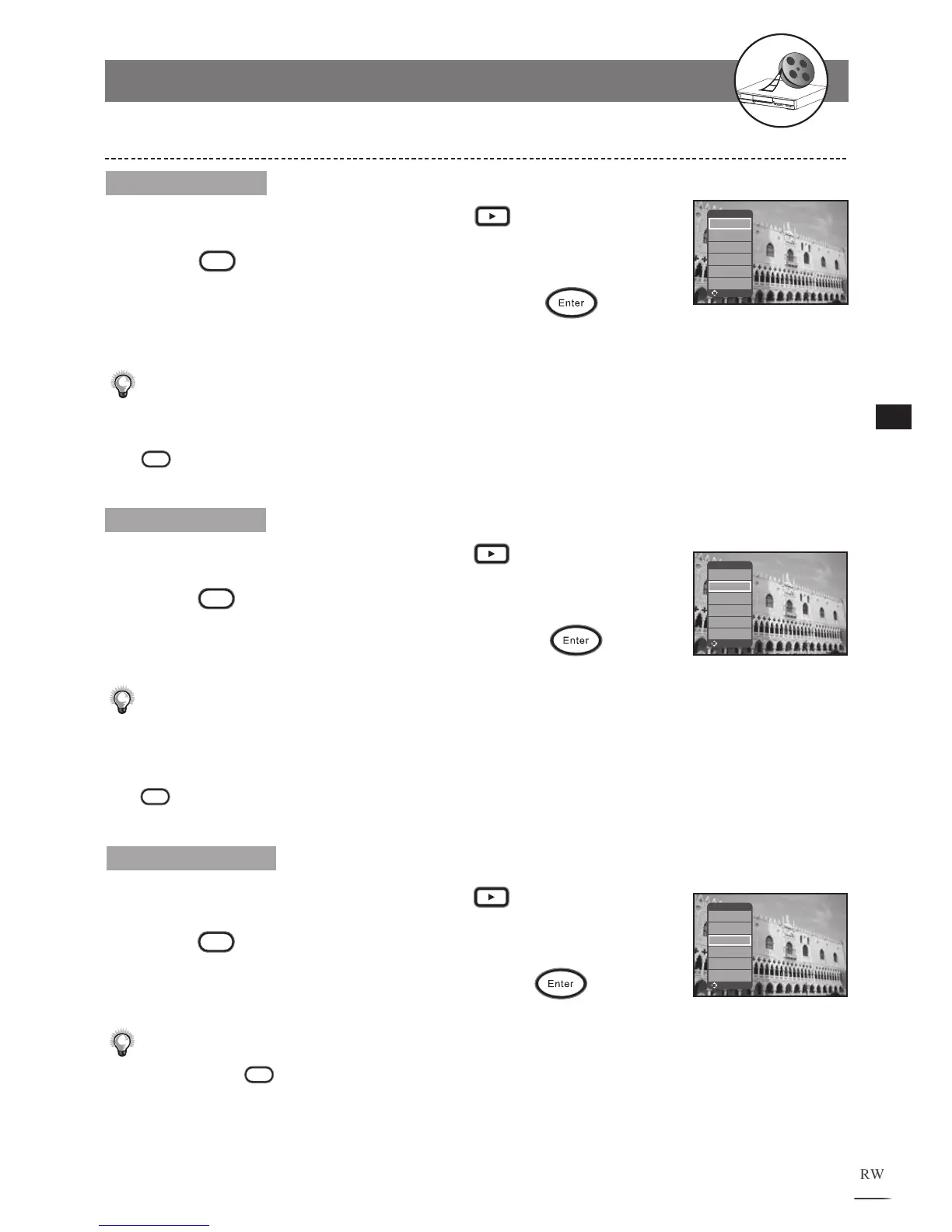
Use / to select a title and press Play.
Press
Edit during playback, an edit menu appears.
Use / to select Insert Chapter. Press
at the
point where you wish to insert a chapter bookmark.
A new
chapter is created.
Note:
•
Chapters are markers inside a title. The playback can be skipped from chapter to chapter.
• To check the information about the chapters of a title during playback, press
Disc Info. during playback .
Delete Chapter
+VR Title Edit
Insert Chapter
Delete Chapter
Hide Chapter
Show Chapter
C
hange Thumbnail
Upload to HDD
Move Select
+VR Title Edit
Insert Chapter
Delete Chapter
Hide Chapter
Show Chapter
C
hange Thumbnail
Upload to HDD
Move Select
+VR Title Edit
Insert Chapter
Delete Chapter
Hide Chapter
Show Chapter
C
hange Thumbnail
Upload to HDD
Move Select
1
2
3
Use / to select a title and press Play.
Press
Edit during playback, an edit menu appears.
Use / to select Delete Chapter. Press
to
delete the chapter that is currently playing.
Note:
• The program section of the deleted chapter will be automatically merged into
the previous chapter.
• To check the information about the chapters of a title during playback, press
Disc
Info. during playback.
Hide Chapter
Use / to select a title and press Play.
Press
Edit during playback, an edit menu appears.
Use / to select Hide Chapter. Press
to hide
the chapter that is currently playing.
Note:
• Hidden Chapters will not show up during normal playback. To play the hidden
chapters, press
Goto.
• To play the whole title included the hidden chapters, please refer to - Play Full
Title on page 34.
1
2
3



 To Next Page