Auto Tuning System is a tuner search and allows a channel to be confirmed. During initial
setup, this DVD Recorder will select available TV channels. Yet, if more channels become
available in your area, you may need to repeat the Channel Search to update the available
channels.
1.
While performing Auto Tuning, it will erase and replace all previously stored channels.
2. Before
performing Auto Tuning
, make sure your TV connections has been made properly.
-- For Details on how to make TV connection to your DVD Recorder, please refer to the
Quick Guide.
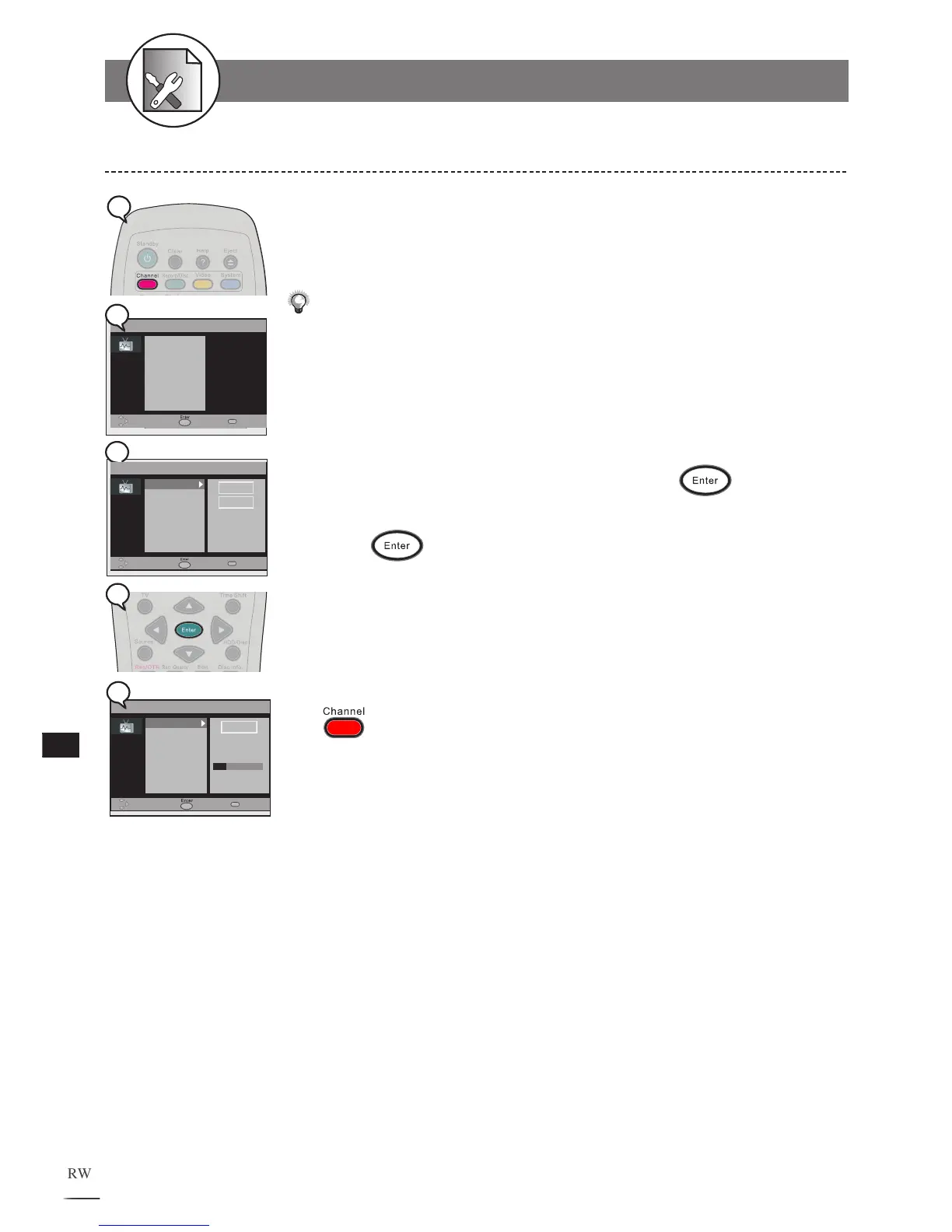
1 Press Channel at stop mode to display the menu.
2 Select “Auto Tuning System” and press .
3 Use / to select a region. UK or EIRE
4 Press
.
4a
Auto Tuning then starts and your HDD/DVD Recorder will tune in all the receiv-
able channels to your TV. This process may take several minutes to be done.
The total available channel numbers are displayed when Auto Tuning is finished.
To finish the setup operation
Press to exit from Channel setup screen.
Auto Tuning System Setting
5-1 AUTO TUNING SYSTEM Setup



 To Next Page