E. Under TIMER Setup:
Please refer to the OSD instruction to do the following setting.
5 Initial Settings-continued
In Advance:
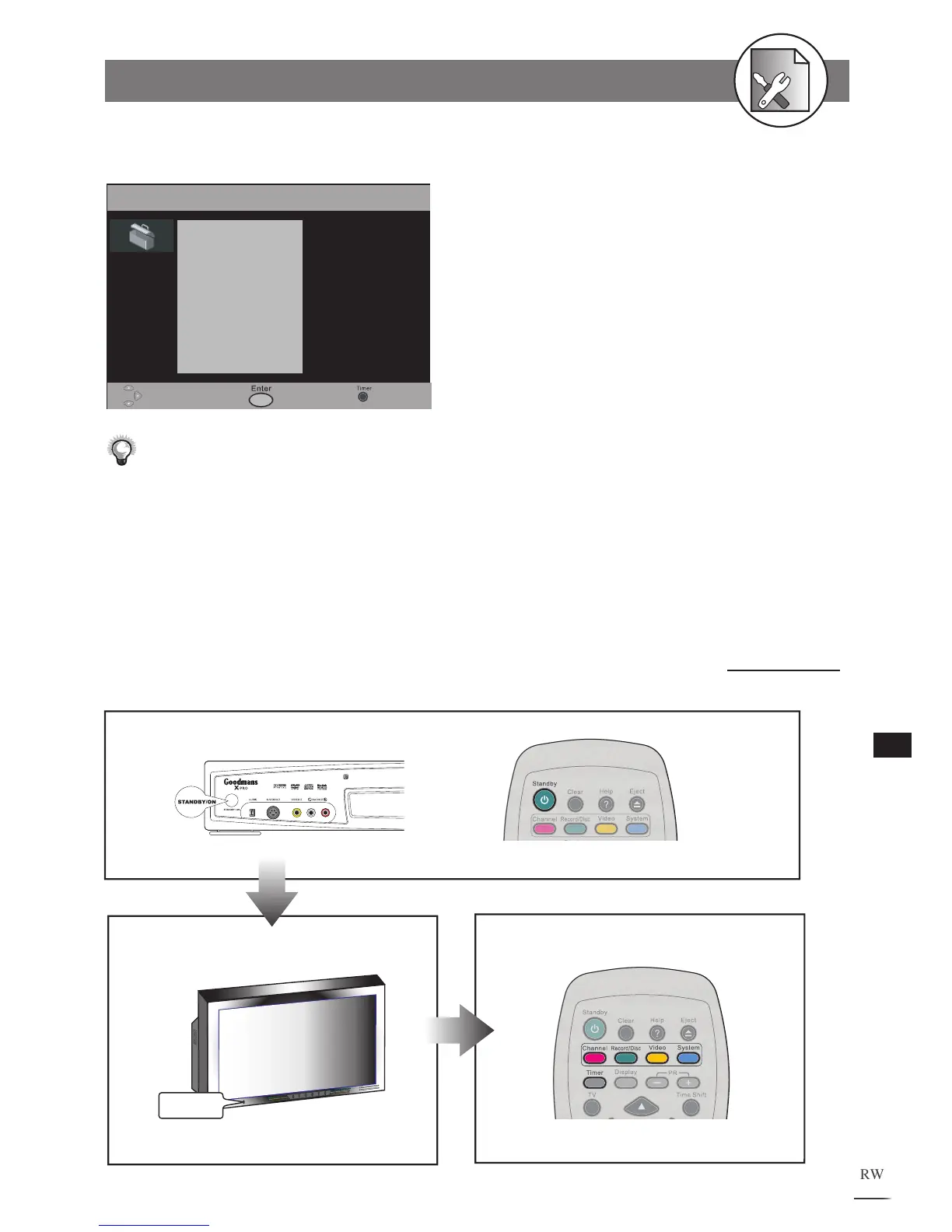
1. Press the STANDBY/ON button on the DVD Recorder or the Standby button on
the remote control to turn on your DVD R
ecorder.
2. Turn on your TV, and switch it to the correct Video In channel.
3. Press Channel, Record/Disc, Video, System, or Timer button at stop mode
to display the menus.
Or
POWER
1
2
3



 To Next Page