Initial Settings
5
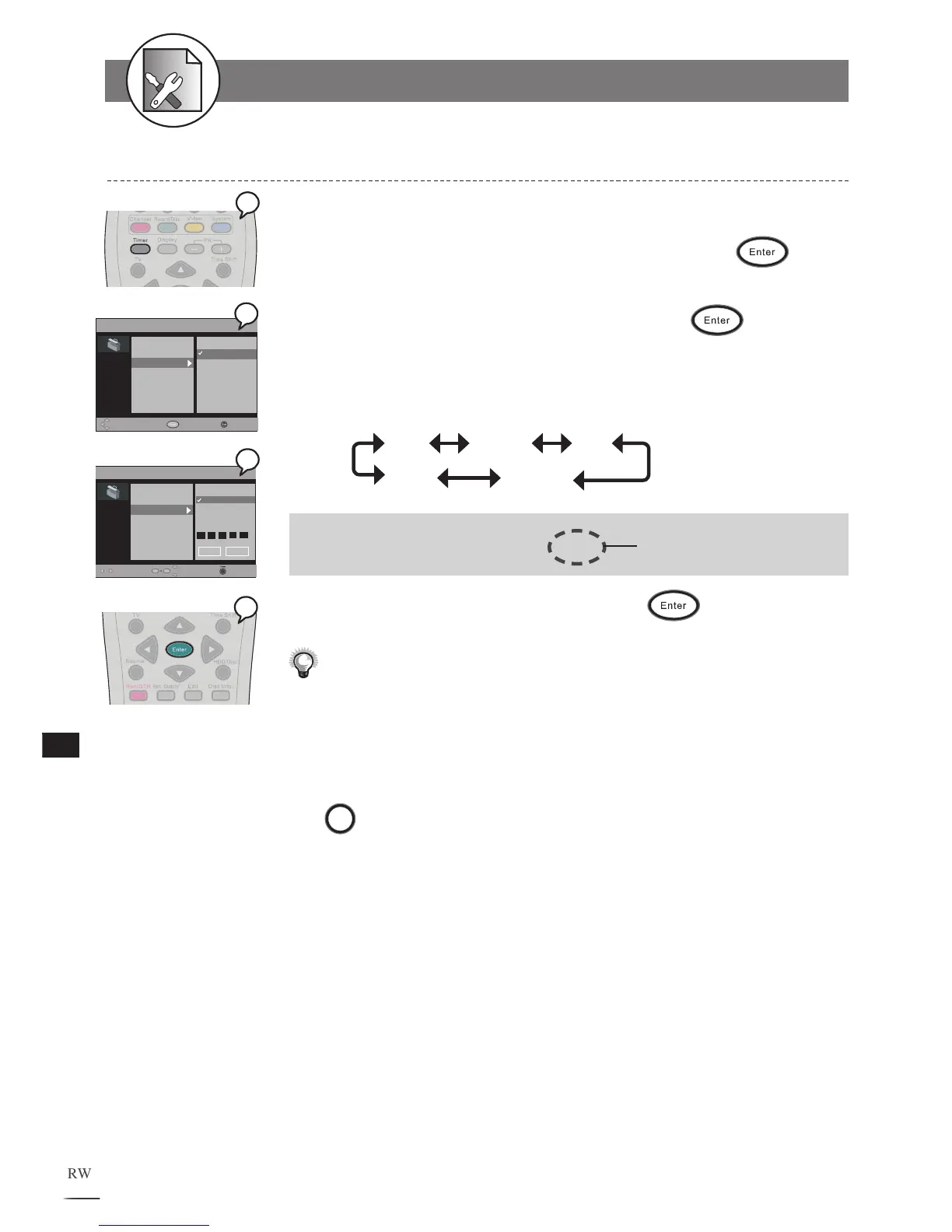
1 Press Timer at stop mode to display the menu.
2 Press
to select “Date Time Setting” and press
.
3 Use //
to select “Automatic” to adjust time automatically
or “Manual” to adjust time manually. Press
to enter.
4 Use /
to select the item you wish to change and use
/
to change the value.
Use / to scroll through the following items.
Date Month Year
Hour Minute
Example: Time 18:30:20
Date 15/04/04 THU
It will change automatically
according to your setup date.
5 Use / to select “Save” and press .
Every time before doing timer recording, you have to check the date
and time
setting again to make sure the information of the date and time
is correct.
To finish the setup operation
Press
Timer
to exit from System setup screen.
Date / Time Setting
5-5
Timer Setup-continued



 To Next Page