1-3 Editing-continued
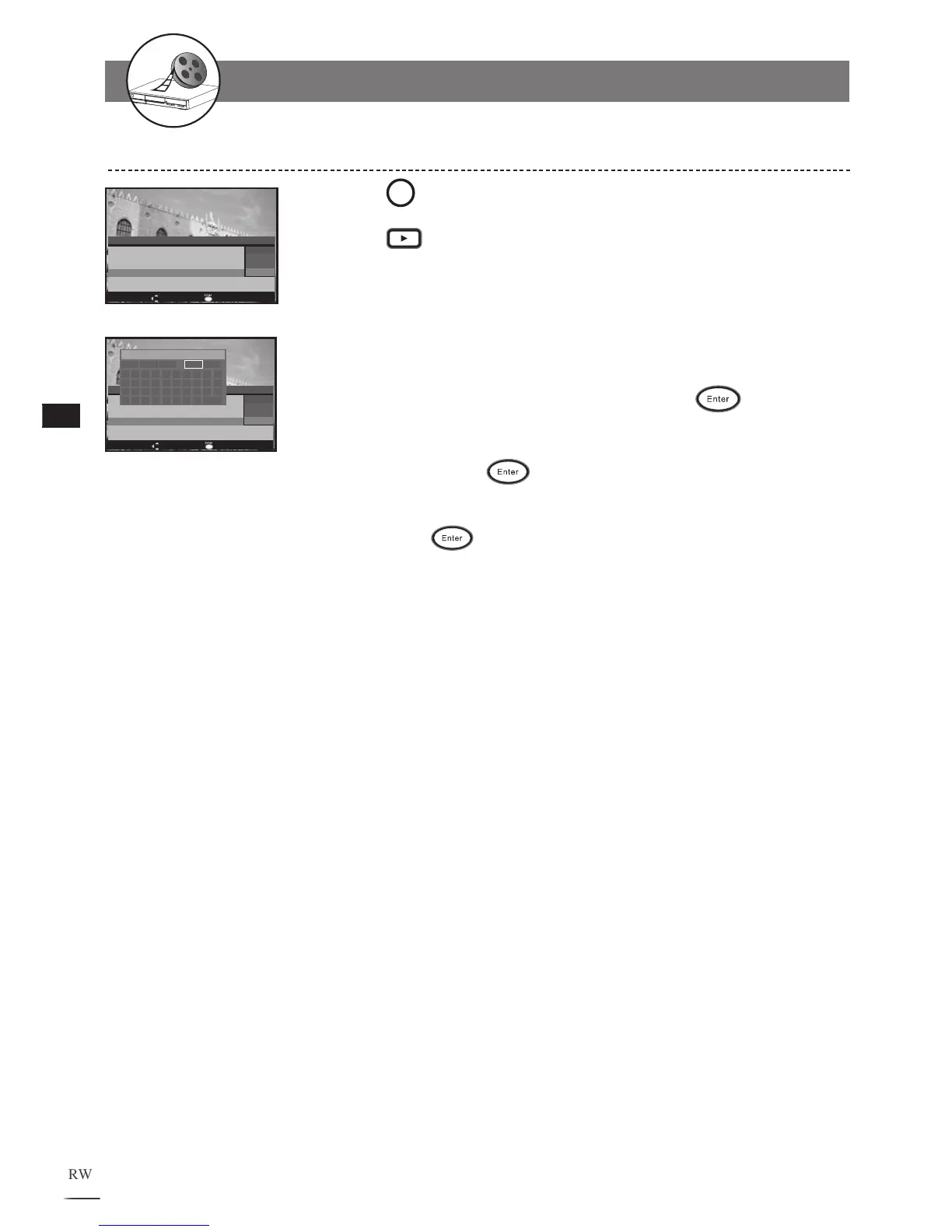
Editing Title Names in HDD
1
2
3
4
5
6
7
Press HDD/Disc to set the recorder to HDD mode.
Press
Play to display the title menu. The recording
is directly playing the lasted recorded title.
Use / to highlight a title to edit.
Press to bring up the HDD Clip Edit menu.
Use / to select Edit Name and press
to enter.
A keyboard menu appears. Use /// to
select char-
acters and press
to enter.
To leave the keyboard menu, use /// select Done
then press
. The new title will reflect on the title
menu.
Num Date Time Length QA Program
1 05/10/04 06:09:52 01:34:29 SP SCART
2 12/10/04 11:32:16 00:58:37 EP CVBS1
3 20/11/04 09:19:38 01:12:48 HQ SCART
4 29/11/04 22:15:44 02:07:54 HQ COMP1
5
01/12/04 13:46:57 00:31:35 SP CVBS1
6 25/12/04 18:24:16 00:47:26 SP COMP1
Total = 006
MOVE Edit current clip name (<=14 chars)
HDD Clip Edit
Delete
Burn to DVD
Edit Name
Num Date Time Length QA Program
1 05/10/04 06:09:52 01:34:29 SP SCART
2 12/10/04 11:32:16 00:58:37 EP CVBS1
3 20/11/04 09:19:38 01:12:48 HQ SCART
4 29/11/04 22:15:44 02:07:54 HQ COMP1
5
01/12/04 13:46:57 00:31:35 SP CVBS1
6 25/12/04 18:24:16 00:47:26 SP COMP1
HDD Clip Edit
Delete
Burn to DVD
Edit Name



 To Next Page