5-3
VIDEO Setup-continued
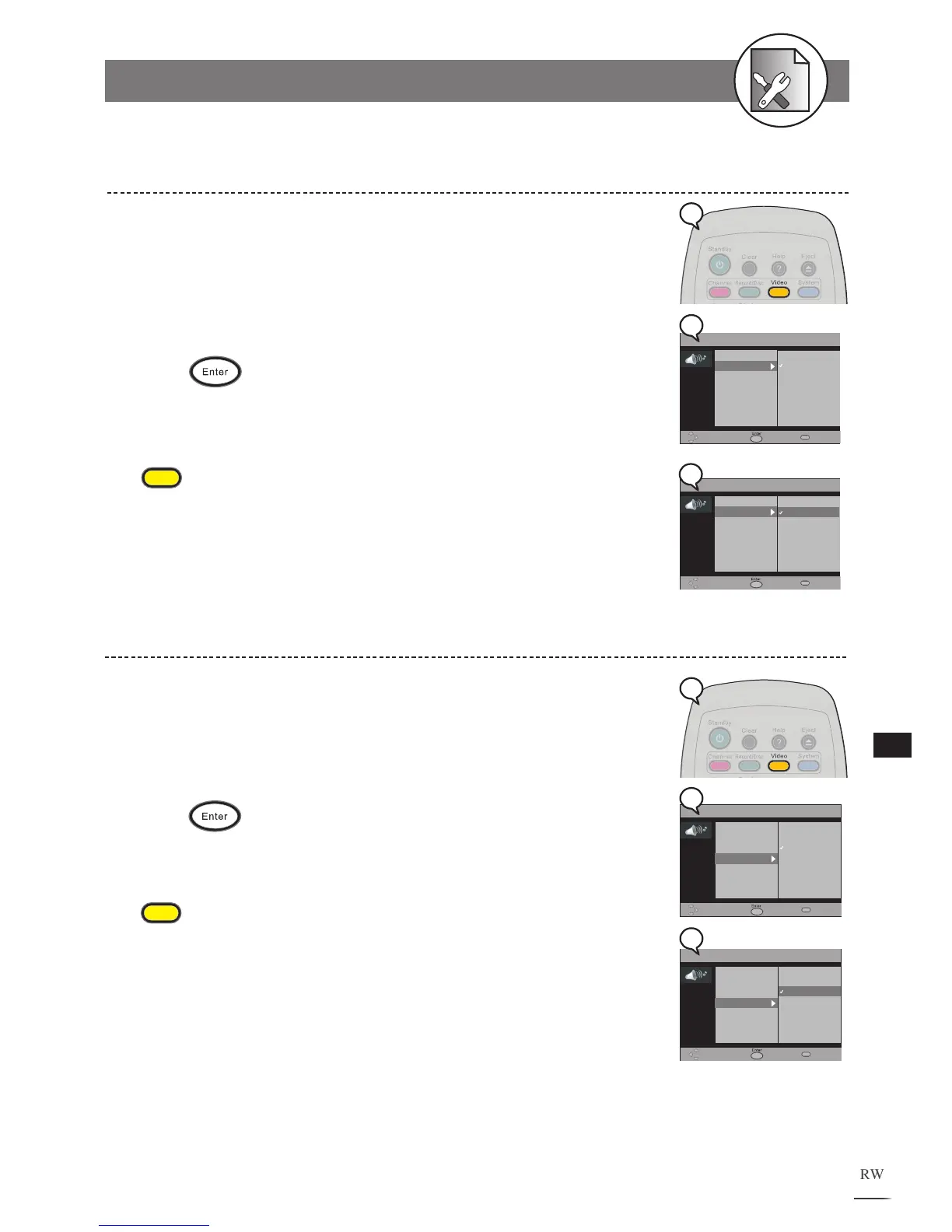
Select the “PAL” or “NTSC” in accordance with your TV’s system. If your TV supports
both PAL and NTSC.
1 Press Video at stop mode to display the menu.
2 Press to select “TV System”.
3 Use // to select a system.
4 Press .
To finish the setup operation
Press
Video
to exit from Video setup screen.
TV System Setting
Subtitle Setting
Allows you to set various languages for the on screen display (OSD).
1 Press Video at stop mode to display the menu.
2 Press to select “DVD Subtitle”.
3 Use // to select a language.
4 Press .
To finish the setup operation
Press
Video
to exit from Video setup screen.



 To Next Page