Getting Started
Quick Playback
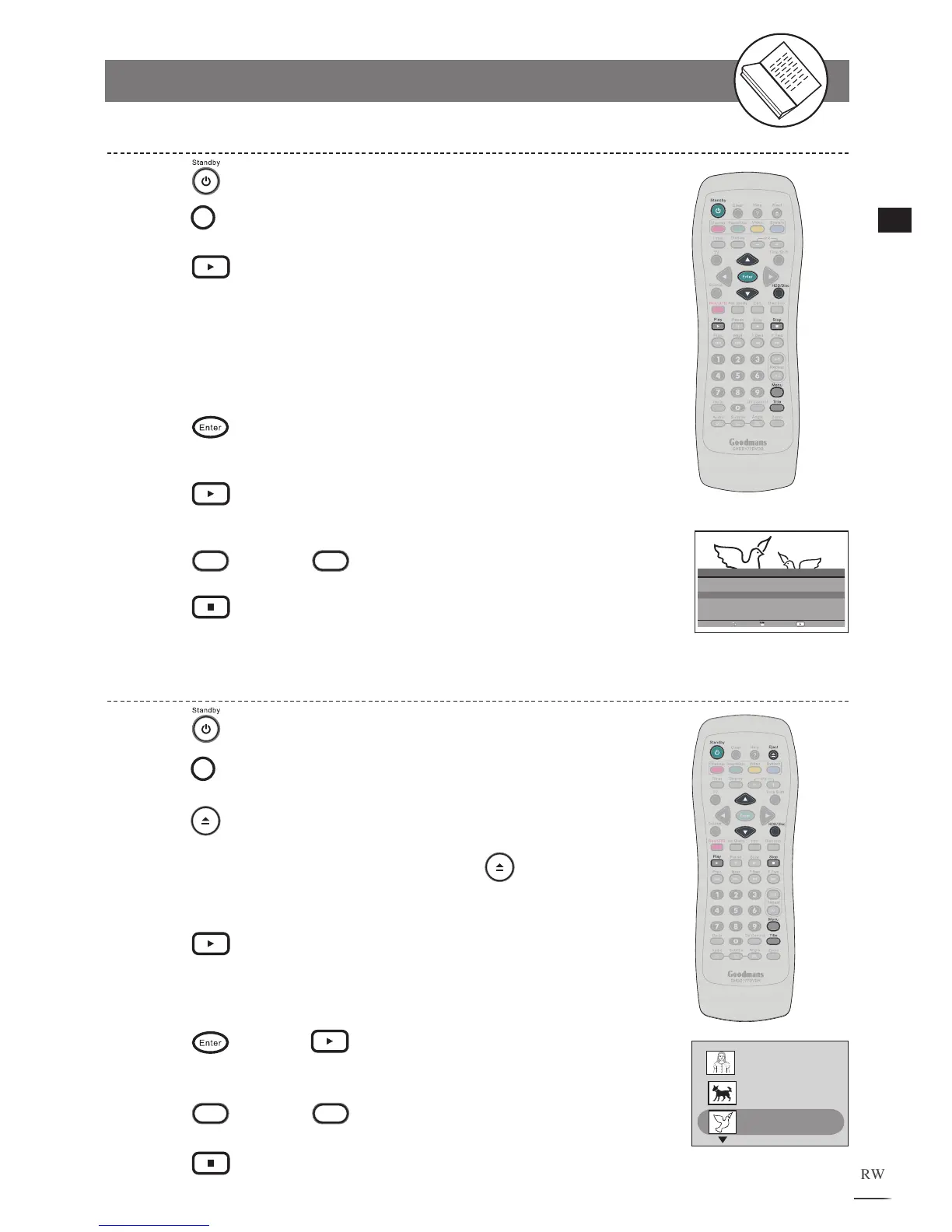
HDD Playback
1
2
3
4
5
6
7
8
Press
Standby to turn on the recorder.
Press
HDD/Disc to switch to HDD mode.
Press
Play, a title menu appears on the screen listing
all of the recorded programmes.
Use
/
on the remote control to highlight a preferred
title. The selected title will be played behind the title menu
immediately as being highlighted.
Press
Enter to select titles from the list that you wish
to play.
Press
Play to exit the menu and start playing the
selected title(s).
Press
Menu or
Title to recall the title menu.
Press
Stop to stop playback.
DVD Playback
Press
Standby to turn on the recorder.
Press
HDD/Disc to switch to DVD mode.
Press
Eject to open the disc tray.
Place a playable disc onto the tray. Press
Eject to close
the disc tray.
Press
Play, a title menu appears on the screen listing
3 recorded programmes per page. U
se / to highlight a
program title and to scroll to next page.
Press
Enter or Play to start playback the
selected title.
Press
Menu or
Title to return to title menu.
Press
Stop to stop playback.
1
2
3
4
5
6
7
8
Title 2
S-VIDEO2
8:20:49 PM, Jan 10, 2005
Length: 0:20:18 Quality:SP
Title 3
SCART
1
1:22:08 PM, Apr 15, 2005
Length: 0:12:33 Quality:EP
Title 1
Prog02
2:36:1
1 PM, Apr 9, 2004
Length: 0:30:42 Quality:HQ
Num Date Time Length QA Program
1 05/10/04 06:09:52 01:34:29 SP SCART
2 12/10/04 11:32:16 00:58:37 EP CVBS1
3 20/11/04 09:19:38 01:12:48 HQ SCART
4 29/11/04 22:15:44 02:07:54 HQ COMP1
5 01/12/04 13:46:57 00:31:35 SP CVBS1
6 25/12/04 18:24:16 00:47:26 SP COMP1
Total = 006 SELECT
MOVE
PLAY



 To Next Page