DVD & HDD
2
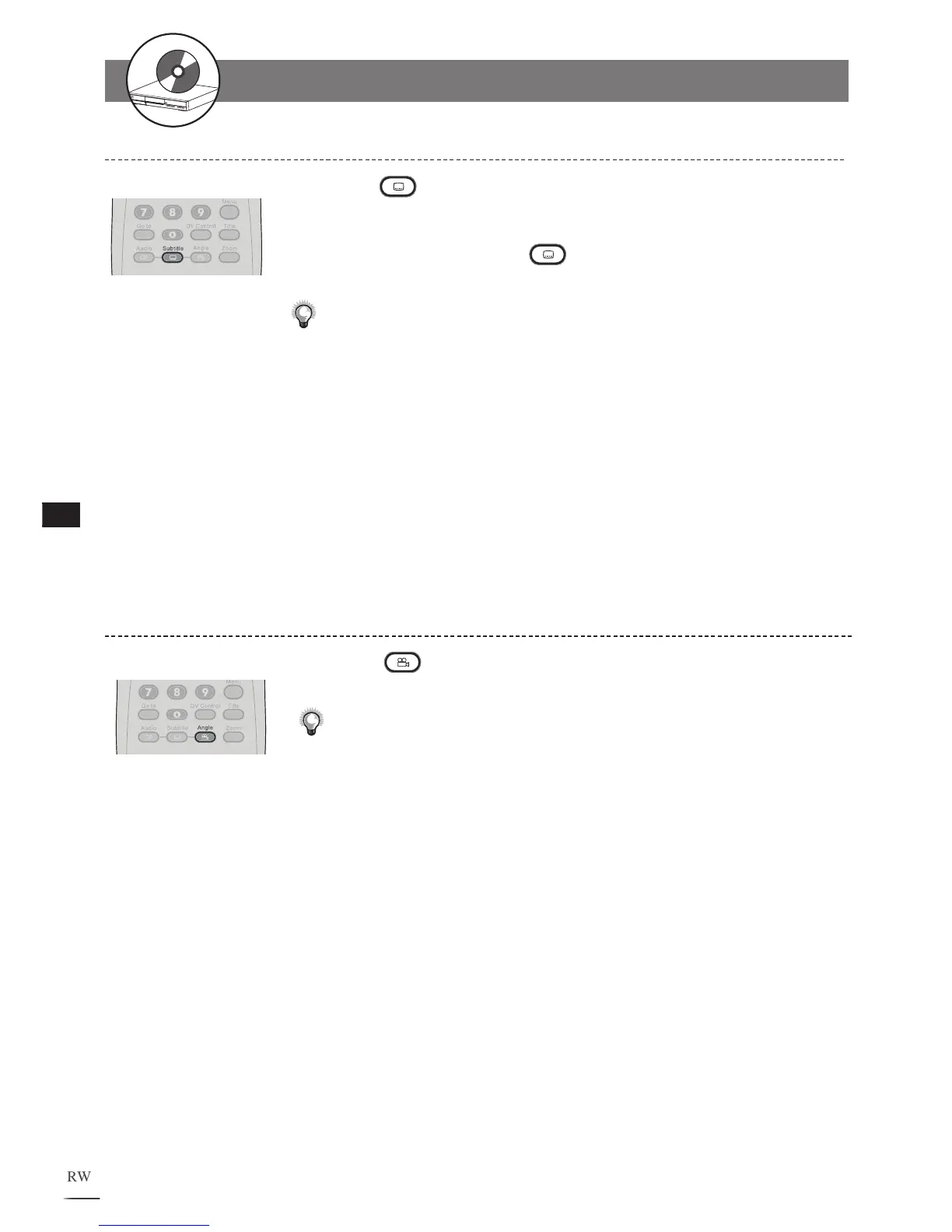
Changing Subtitles
Press
Subtitle repeatedly during playback to select
a preferred subtitle.
T
o hide subtitle, press
Subtitle repeatedly until the
“Subtitle Off” message appears.
Note:
• This function is only valid for discs with pre-recorded subtitles.
• When the preferred language is not among the options, it may indicate
that the language is not available on that disc.
• If no audio soundtrack language is selected, the recorder will play the
default language on that disc.
• In some instances, changing the subtitle language may not take place
immediately after it is selected.
1
2
Viewing from Different Angles
Press
Angle repeatedly during playback to select a
preferred viewing angle.
Note:
• This function is only available with discs that have pre-recorded angle
footages.
1
2-1
HDD and DVD Operations - continued



 To Next Page