© Guldmann GB/US-09/2016 • #550376_3
25
SERVICE AND REPAIR
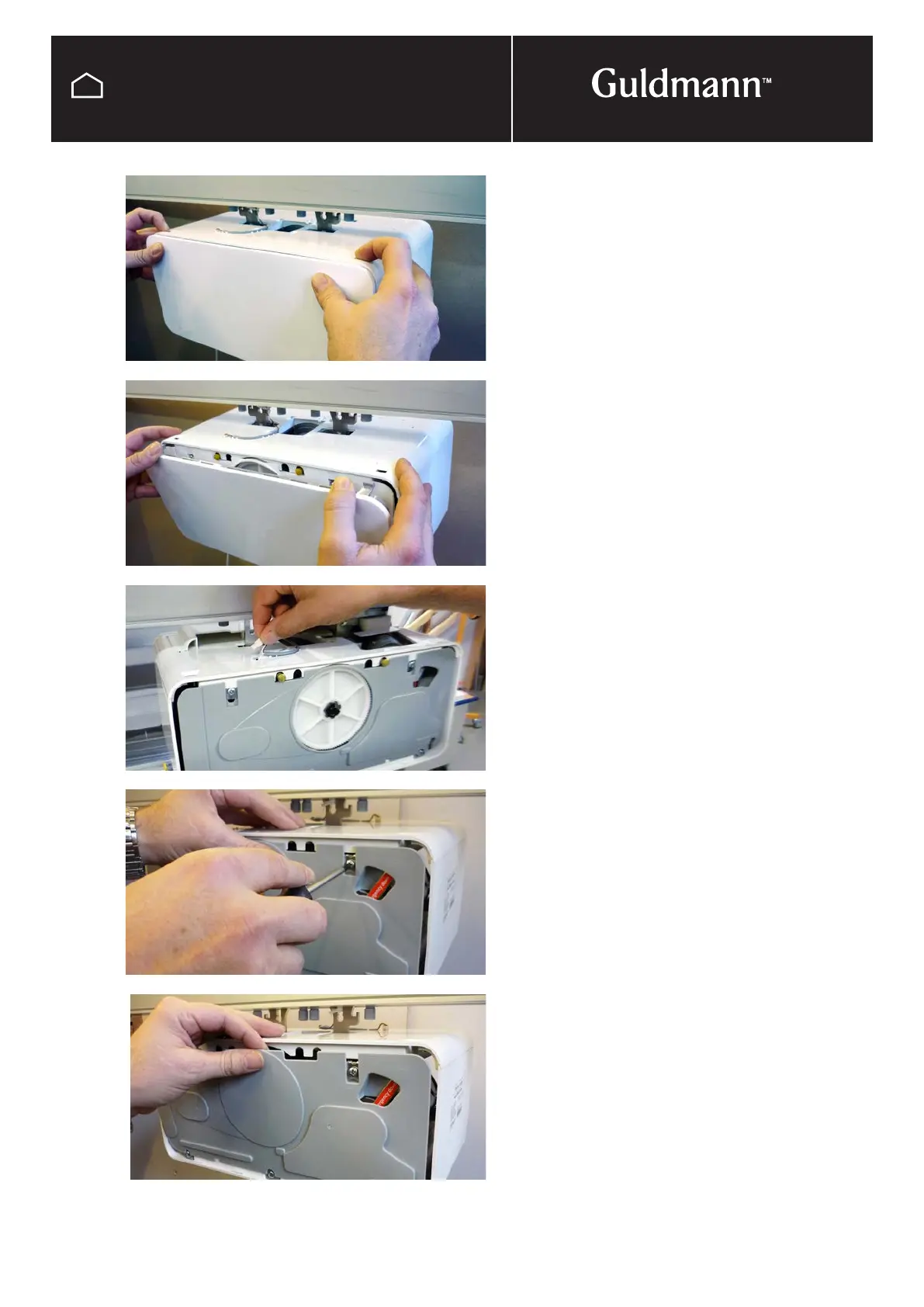
Removing side covers
Remove the side covers, by pressing down with your fin-
gers the 2 grey plastic inserts, located in each corner of the
hoists top cover. Tip the side cover forward and remove.
Unplug charging wire
When the trolley is supplied with pick-up for charging,
unplug charging wire from hoist, remove wire from groove
in top cover.
Removing finger protection
Un-tigthen the 2 screws on the finger protection cover,
slide down clips and remove
GH3
Removing side covers



 To Next Page