© Guldmann GB/US-09/2016 • #550376_3
95
SERVICE AND REPAIR
Guidelines for troubleshooting
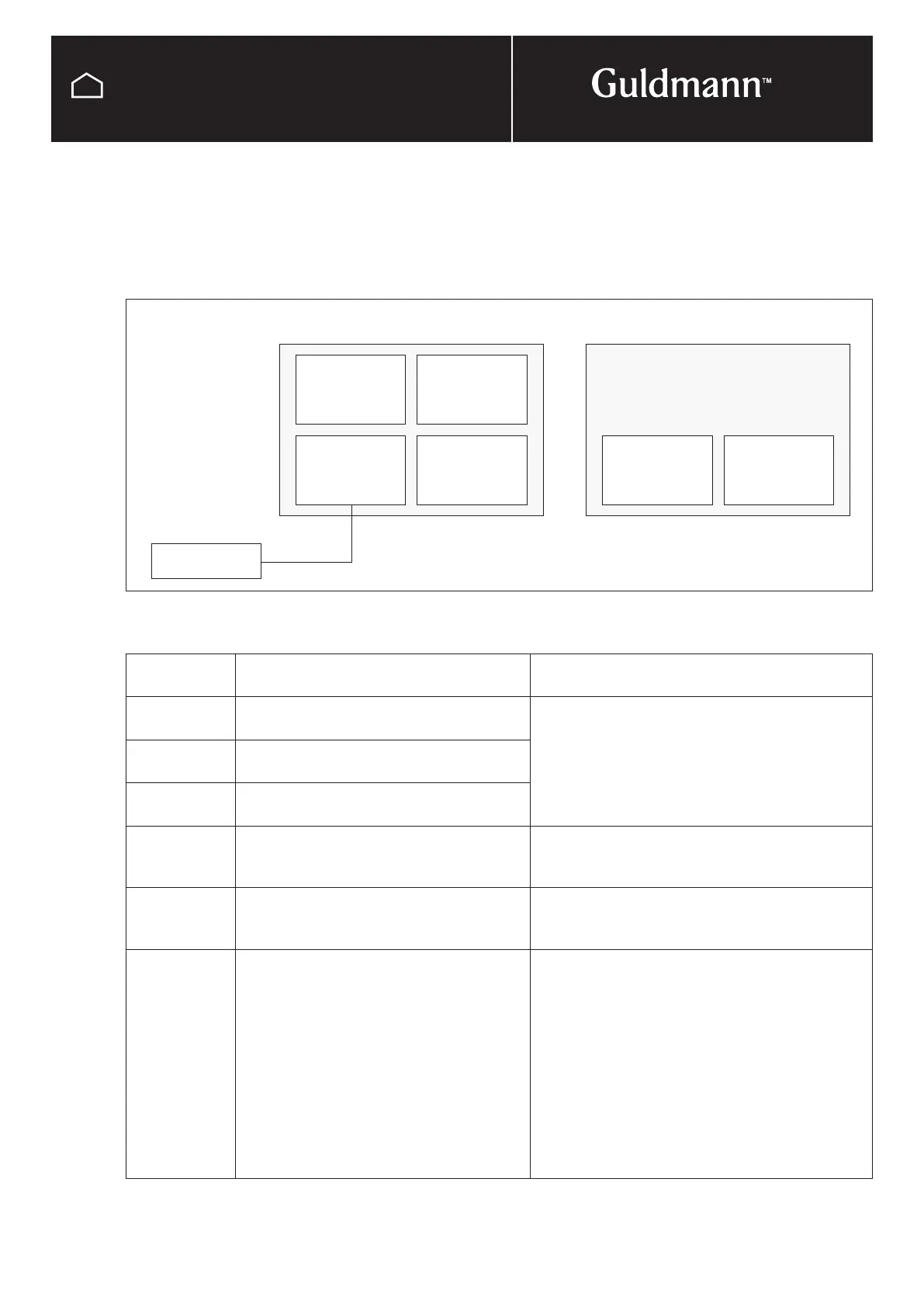
The fault code is combined by the logic module number
and a fault code type. The logic module number can be
seen in the figure below.
Leader hoist Follower hoist
”Twin”
Aux
(32)
Motor safety
-leader-
(16)
Motor safety
-leader-
(18)
Motor safety
-follower-
(17)
Com
(81)
Com
(82)
Hand control
(128)
Hand control
display
Fault description Fault mitigation – Technician
Fault 16/20 Fault on motor brake on leader-leader PCB or
motor (16)
• Check position of handle
• Check cables and micro switch by pulling
emergency strap, does the brake release (click)?
If yes – Replace PCB
If no – Check cable and connection (J12) or replace
motor/gear
Fault 17/20 Fault on motor brake on leader-follower PCB
or motor (17)
Fault 18/20 Fault on motor brake on follower-leader PCB
or motor (18)
Fault 16/21 Fault on tacho detection on leader (16) • Check cables and connection (J14 on 16) or
• Replace motor (16) or
• Replace PCB (16)
Fault 18/21 Fault on tacho detection on twin follower hoist
(18)
• Check cables and connection (J14 on 18) or
• Replace motor (18) or
• Replace PCB (18)
Fault 17/1 Communication fault – Follower PCB (17) • Check cables and connection between leader and
follower PCB (J10 on 16 to J10 on 17)
• Check that LED i on (17),
If LED is on:
• Check jumper settings
• Replace PCB (16) or (17)
If LED is off:
• Check battery voltage, minimum 16 volt and battery
connection on (17)
• If ok then replace (17)
Guidelines for troubleshooting



 To Next Page