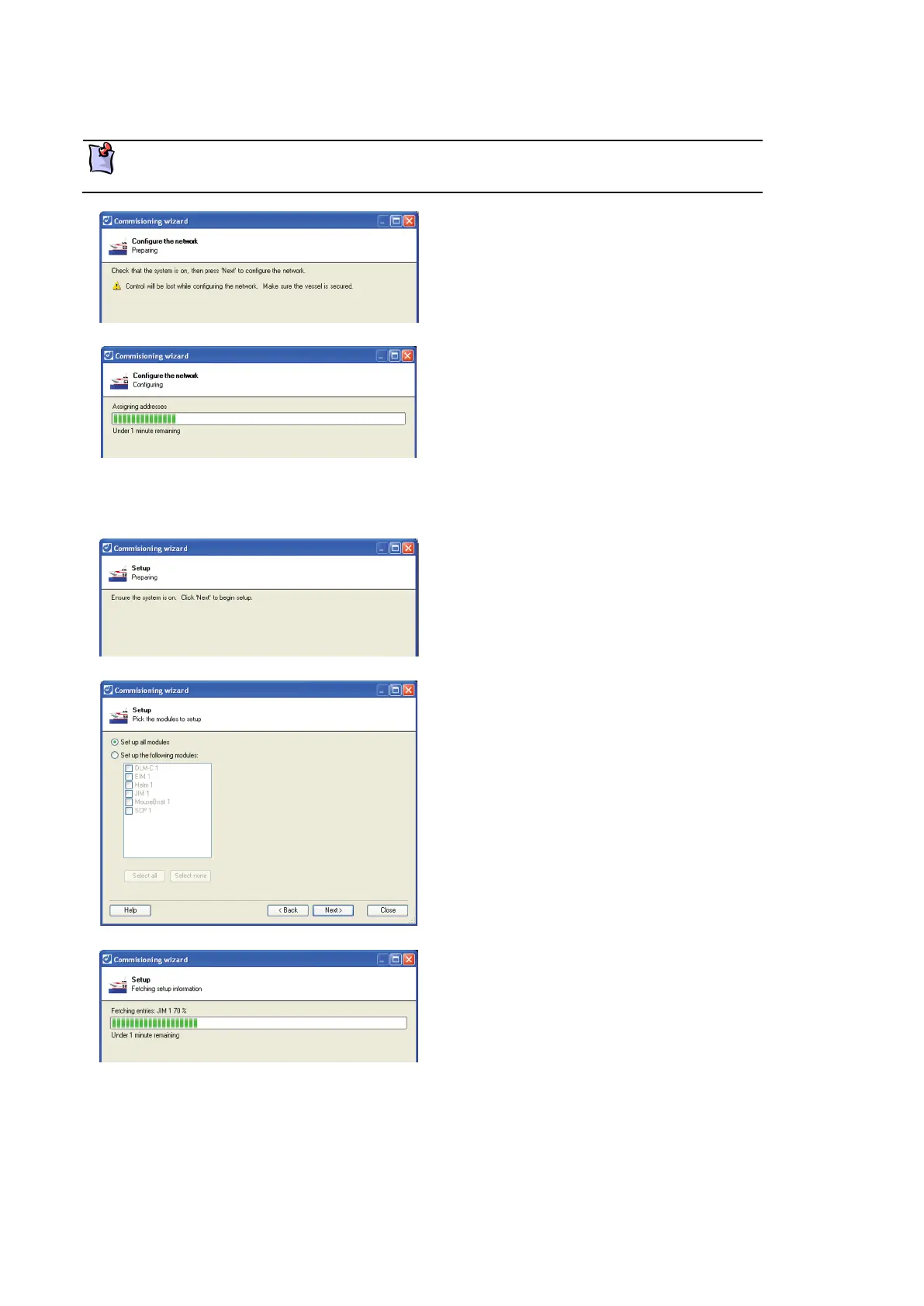
Configuring the network
Configuring the module network assigns a unique number to each module. This step is
required every time a module is added or replaced.
Check that the system is switched on.
Click Next to configure the module network.
A progress bar will indicate that the network is
being configured.
Click Next when complete.
Module set up
Check that the system is switched on.
Click Next to continue setting up the individual
modules.
Select
or select
following modules, and select the modules to set
up.
Click Next to continue.
Current settings for each of the modules selected
are recorded. A progress bar indicates this process.
Click Next to continue.



 To Next Page