Jet setup
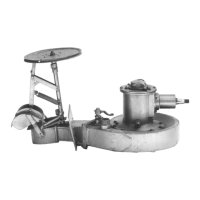
Ensure that the waterjet steering nozzles and position sensors have been correctly set up and centred as
described in the waterjet product manual.
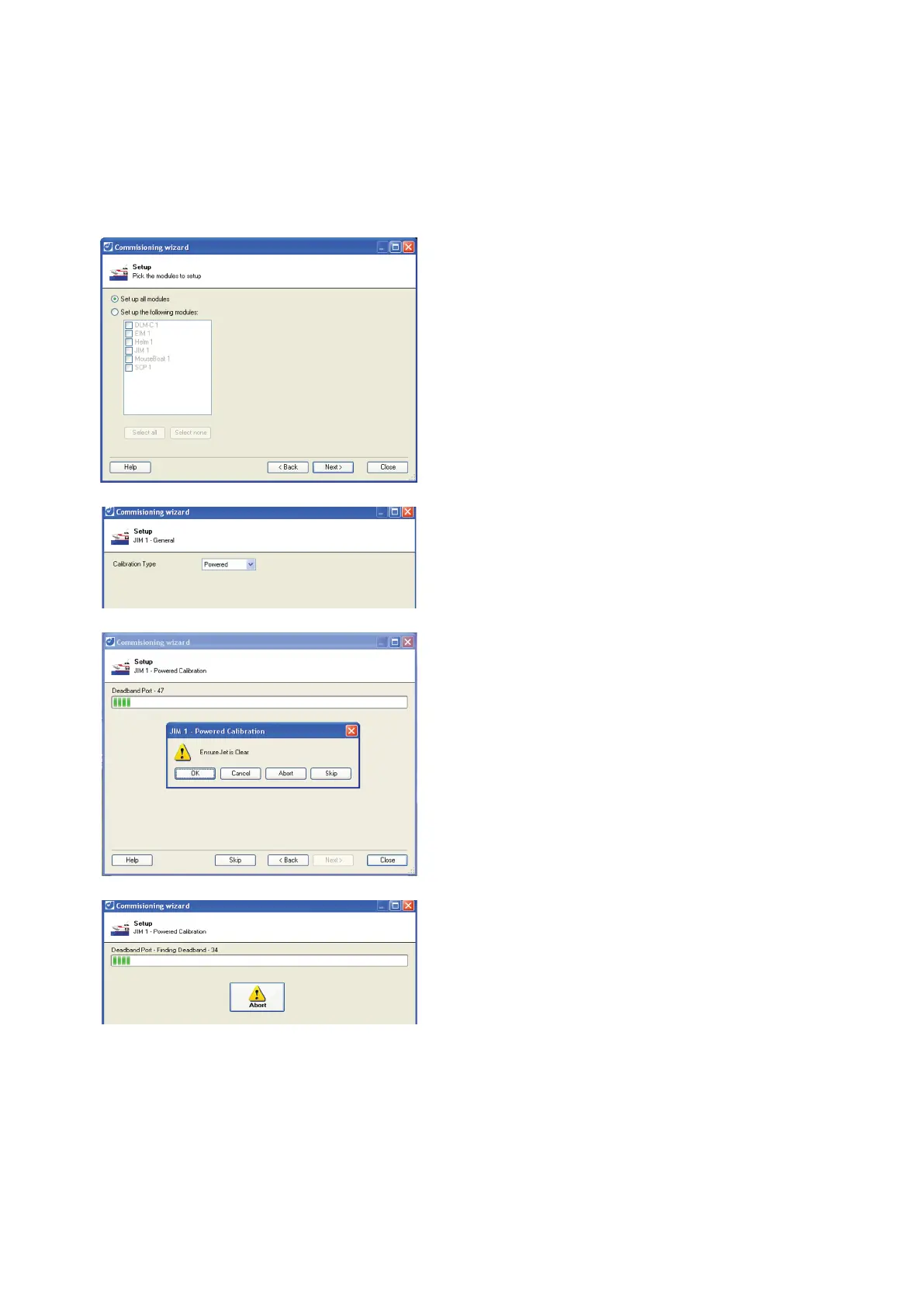
If not already running, start the blue ARROW Support Tool.
Double click on Setup the Modules or click the Jump to..and select Setup the Modules, then click OK.
Select
Set up the following modules
, and select the
.
Make sure that hydraulic power is available.
Select Powered for the calibration type.
Click Next to start calibration.
Make sure the jet units are free of obstructions.
Click OK to continue.
Most of the jet interface module settings will be
automatically configured.
Click the abort button at any time to cancel
configuration.
A progress bar indicates setup progress.
The configuration correctly sets values for the
steering deadband and limits, and the reverse duct



 To Next Page