specification”.)
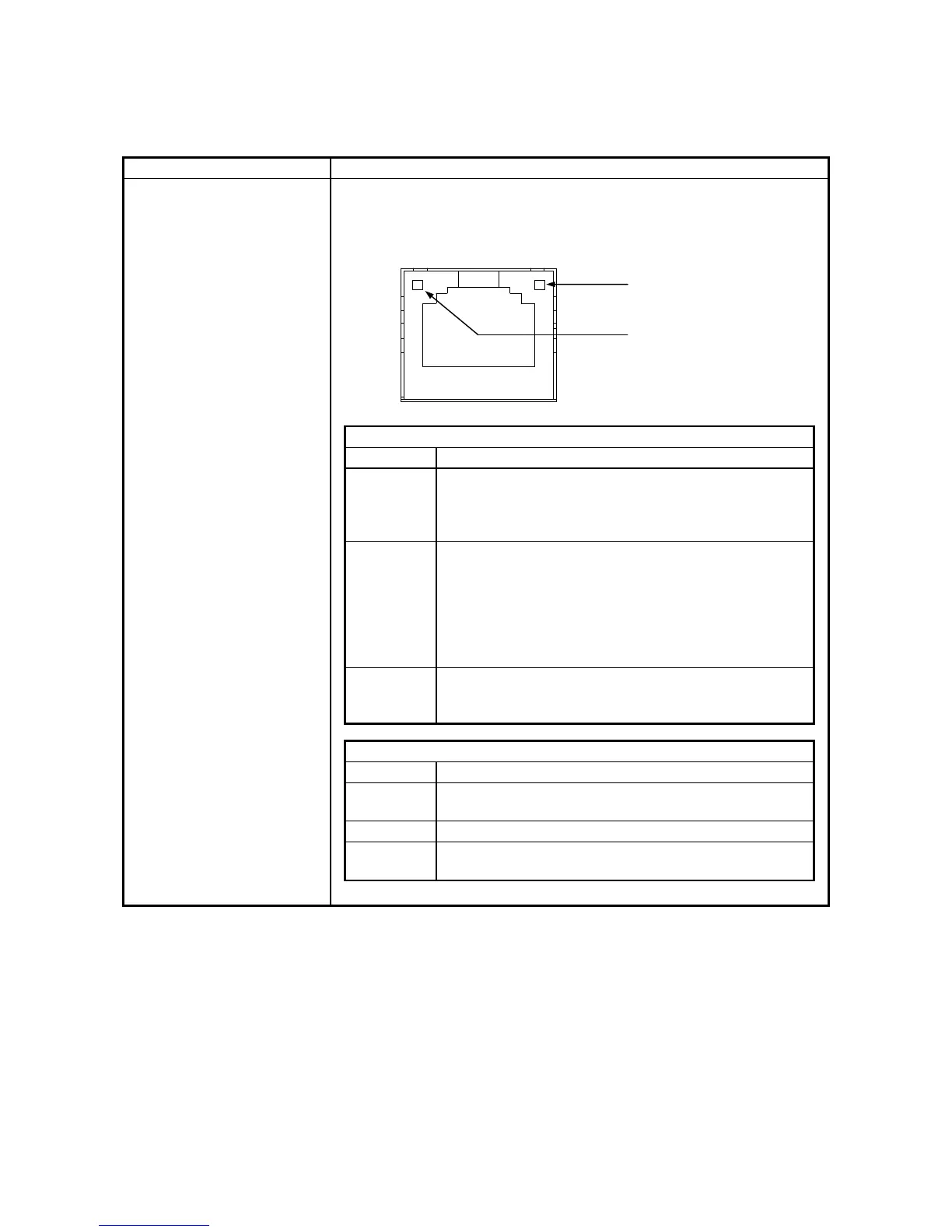
Onboard LAN
ACT/LINK lamp
Lamp Status
Lit in green A link is established.
Both the equipment and the remote device are powered
up and the connection over the twisted-pair Ethernet
cable is stable.
Off No link is established.
• The equipment is not physically connected to the
network.
• The switching hub is not powered up.
• The connection over the twisted-pair Ethernet cable is
not stable.
• The driver settings have some errors.
Blinking in
green
Network data is being transmitted or received.
The blink interval changes depending on the traffic on
the network.
Communication speed lamp
Lamp Status
Lit in
orange
The link is established a
1000 Mbps.
Lit in green The link is established at 100 Mbps.
Off The link is established at 10 Mbps. Or no link is
established.
Communication speed lamp
ACT/LINK lamp



 To Next Page