EasyManua.ls Logo

Hitachi ZW310 - Page 154

Hitachi ZW310
334 pages
Print Icon
To Next Page IconTo Next Page
To Previous Page IconTo Previous Page
Loading...

4-2

 








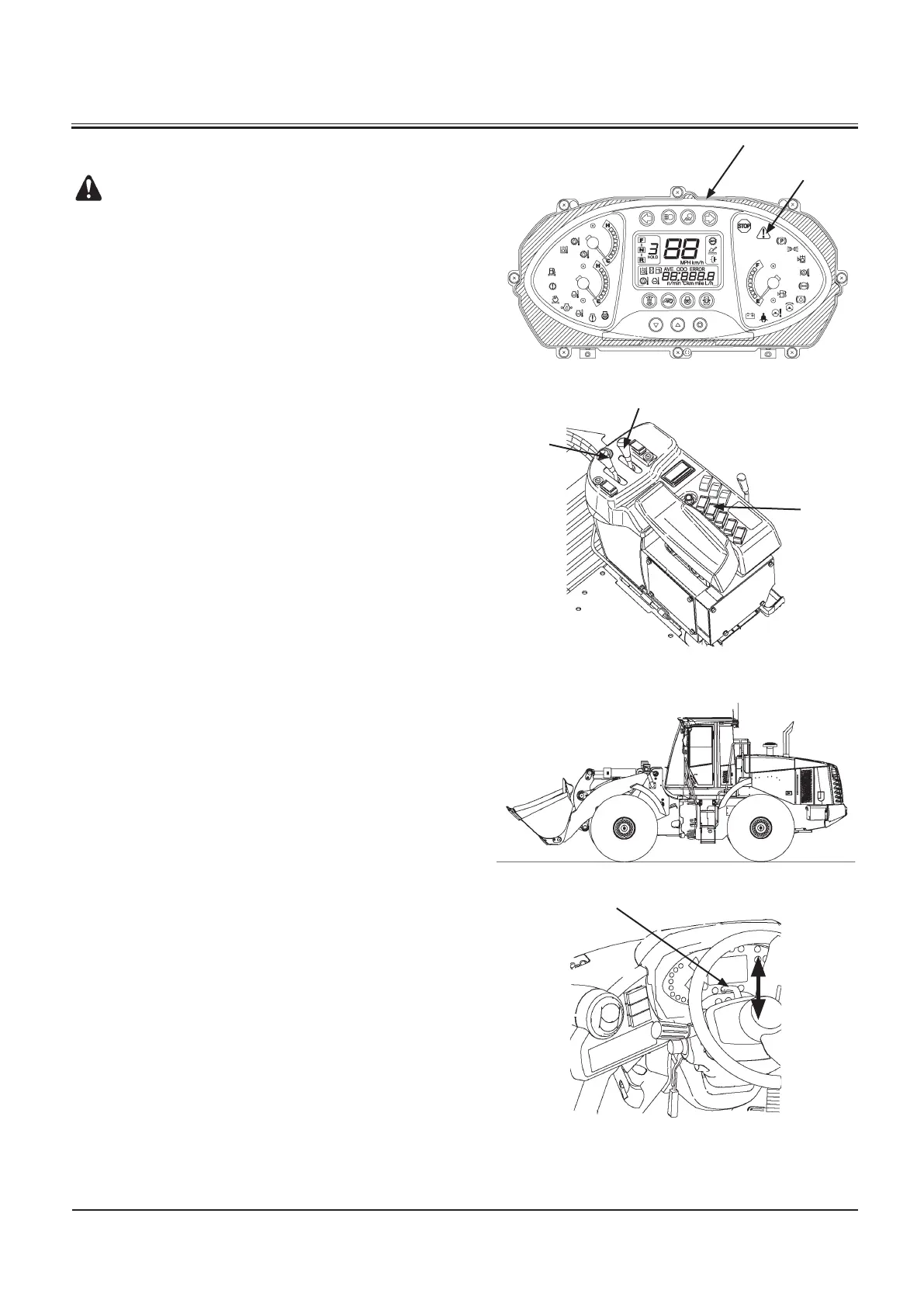
Refer to page 1-56 for information about ride control switch (4).
1. Check that none of the warning indicators except service
indicator (2) on the monitor panel (1) are ON.
2. Set the front attachment in the driving attitude by oper
-
ating bucket control lever (3) and lift arm control lever (4).
3. Press neutral lock switch (6) to the UNLOCK position (7).
M4GF-01-001
M4GB-03-001
M4GB-01-042
M4GB-04-001
Driving Attitude


Table of Contents

Related product manuals