78 NFS2-3030 Programming Manual — P/N 52545:A 11/29/2005
Service Screens Power-up Screen
Figure 5.3 Version Screen 3
5.2 Power-up Screen
The Power-up screen appears when the panel is powering up. A series of self-tests are performed
internally: the tests and the results of the tests appear on the screen as they are completed.
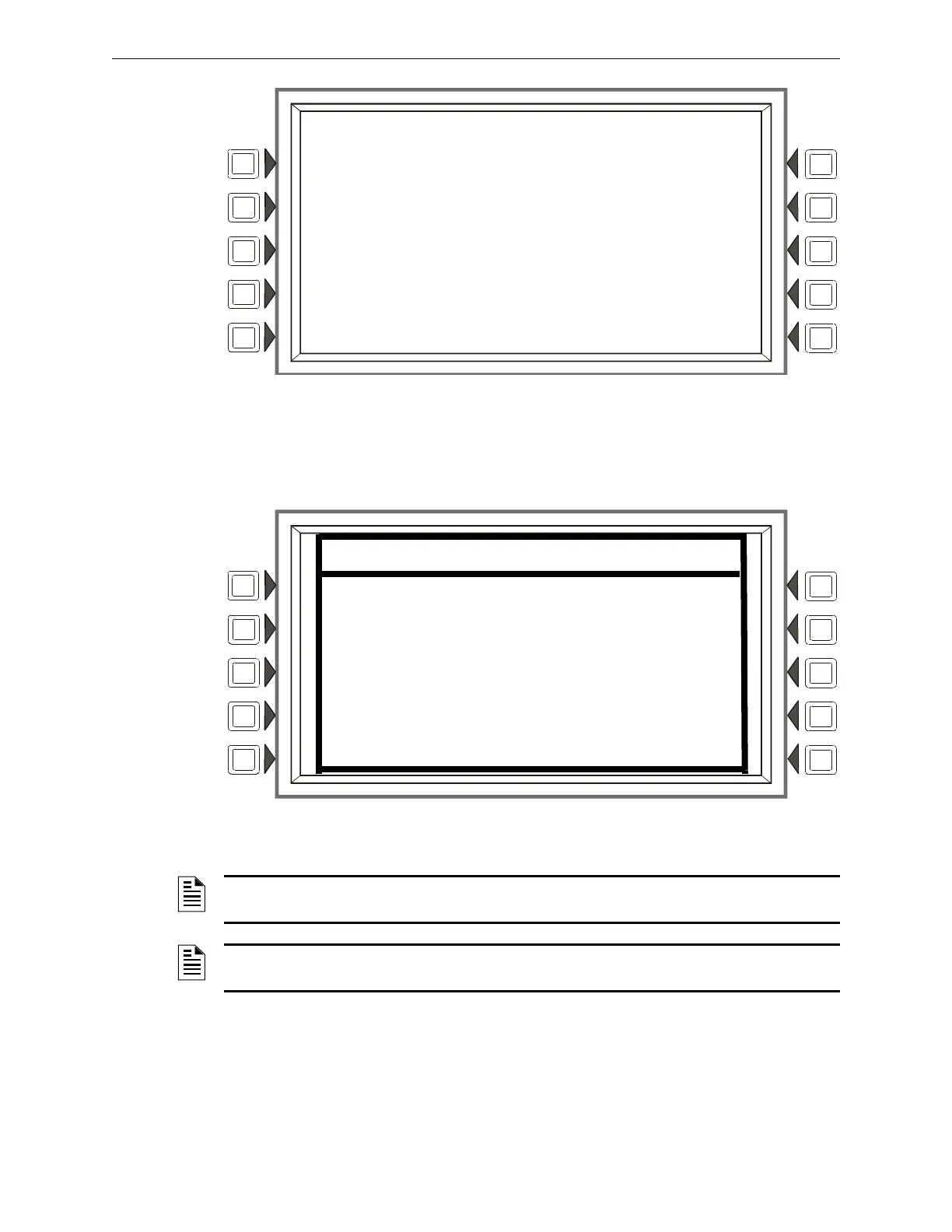
Figure 5.4 Self Test Screen
LCM SOFTWARE VERSION
1 BOOT: 002.004.003 APP: 002.008.001
2 BOOT: 002.004.003 APP: 002.008.001
3 NOT INSTALLED
4 NOT INSTALLED
5 NOT INSTALLED
BOOT: 010.000.025 APP: 010.000.041
SELF TEST
RAM TEST: PASS BOOT CRC: PASS
NVRAM TEST: PASS APP CRC: PASS
RTC TEST: PASS DBASE CRC: PASS
KEYPAD : PASS LCM CRC: PASS
COMM 1 : PASS LCD-160 CRC: PASS
COMM 2 : PASS LANG CRC: PASS
COMM 3 : PASS
NOTE: “LCM” refers to the code resident in the CPU2-3030, not the code that is programmed
into the LCM-320.
NOTE: “LCD-160” refers to the code resident in the CPU2-3030, not the code that is
programmed into the LCD-160.


 To Next Page
 Loading...