5 Commissioning
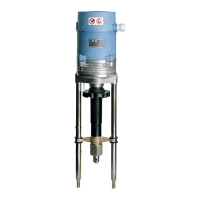
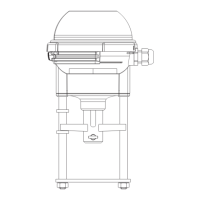
Linear actuators MC220 • MC223
24 Version 1.0 - September 2021 Operating Manual
5.1 Operating parameters and encoding switch settings
Before starting to operate the linear actuator you will have to set the operating
parameters with the help of the encoding switches and jumpers.
5.2 Setting the input signal
Additional information: Input signal (Y) on page 8
5.3 Setting the hysteresis
For further information see 2.4.5 Hysteresis on page 9
5.4 Setting the actuating direction
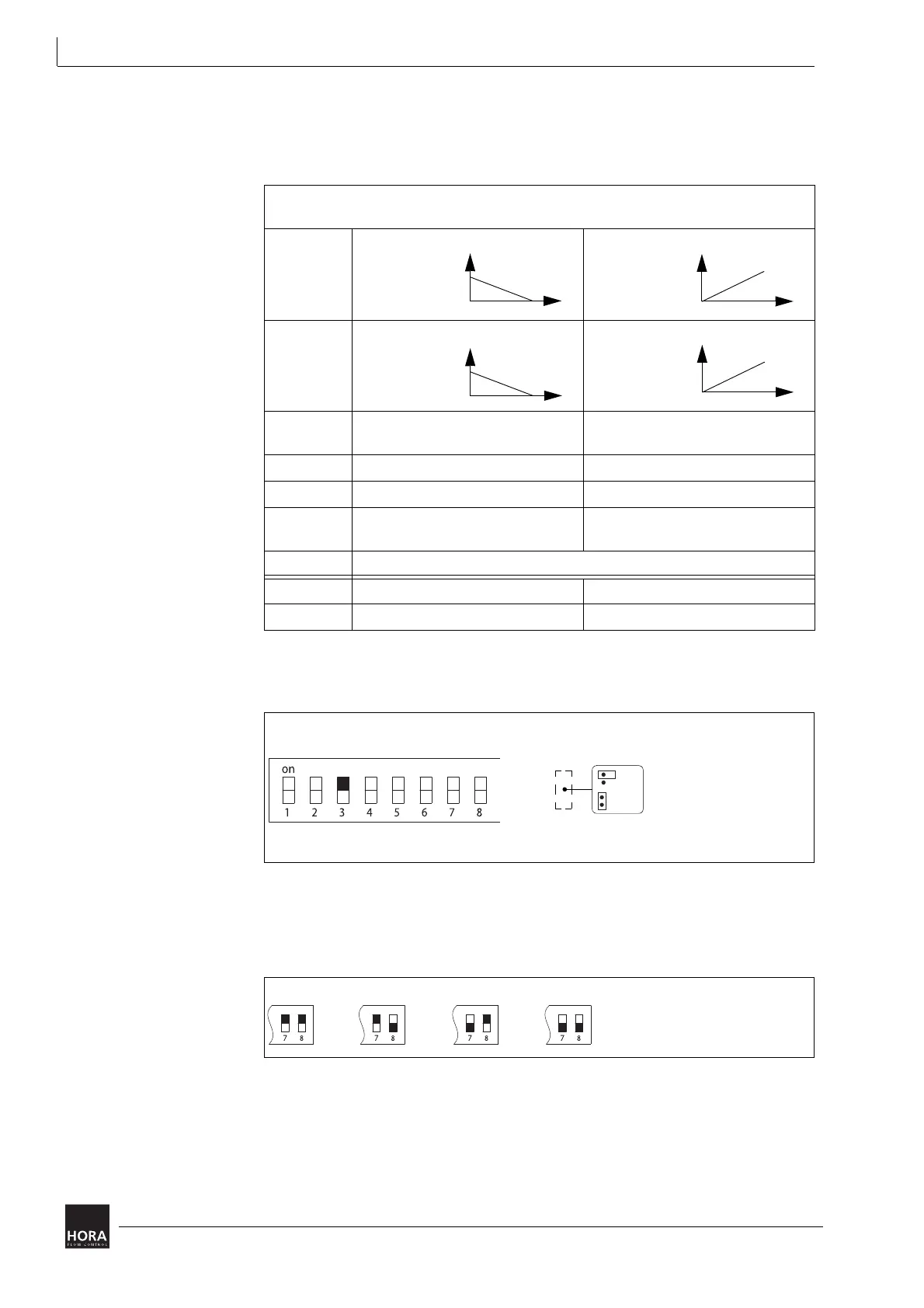
You can use the encoding switch (reverse operation) to reverse the actuating
direction of the linear actuator.
Switch /
jumper
on off
S1 X-
characteristic
line
X-characteristic
line
S2 Y-characteristic
line
Y-characteristic
line
S3 Input signal (Y)
0 … 10 V DC bzw. 0 … 20 mA
Input signal (Y)
2 … 10 V DC bzw. 4 … 20 mA
S4 Actuating time 4s/mm Actuating time 6 s/mm
S5 Auto test and auto pause on Auto test and auto pause off
S6 Limit position actuator spindle
extended
Limit position actuator spindle
retracted
S7, S8 S7 and S8 are used to set the hysteresis (0.15…0.5V).
JP1 Actuating force 1 kN Actuating force 1.6 kN
JP2 Input signal (Y) in mA Input signal (Y) in V
table 4 Encoding switch and jumper settings
diagram 18 Setting the input signal
0 ... 10 V
0 ... 20 mA
JP2
2 ... 10 V
4 ... 20 mA
mA
V
diagram 19 Set hysteresis


 To Next Page