6 Operation
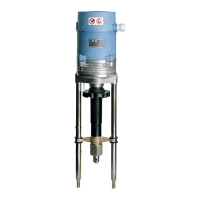
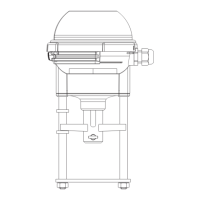
Linear actuators MC55
22 Version 3.3 - November 2014 Operating Manual
6 Operation
Prior to commissioning the linear actuator you will have to select the operating
mode.
5 Commissioning on page 18
6.1 Changing between manual and automatic mode
It is possible to run the linear actuator in automatic mode or manual mode
(manual adjustment).
• In automatic mode the spindle nut moves to the position set by the controller.
• In manual mode it is possible to set the spindle manually, e. g.for control
purposes. Output signal (X) is not available in manual mode.
How to change-over in manual mode
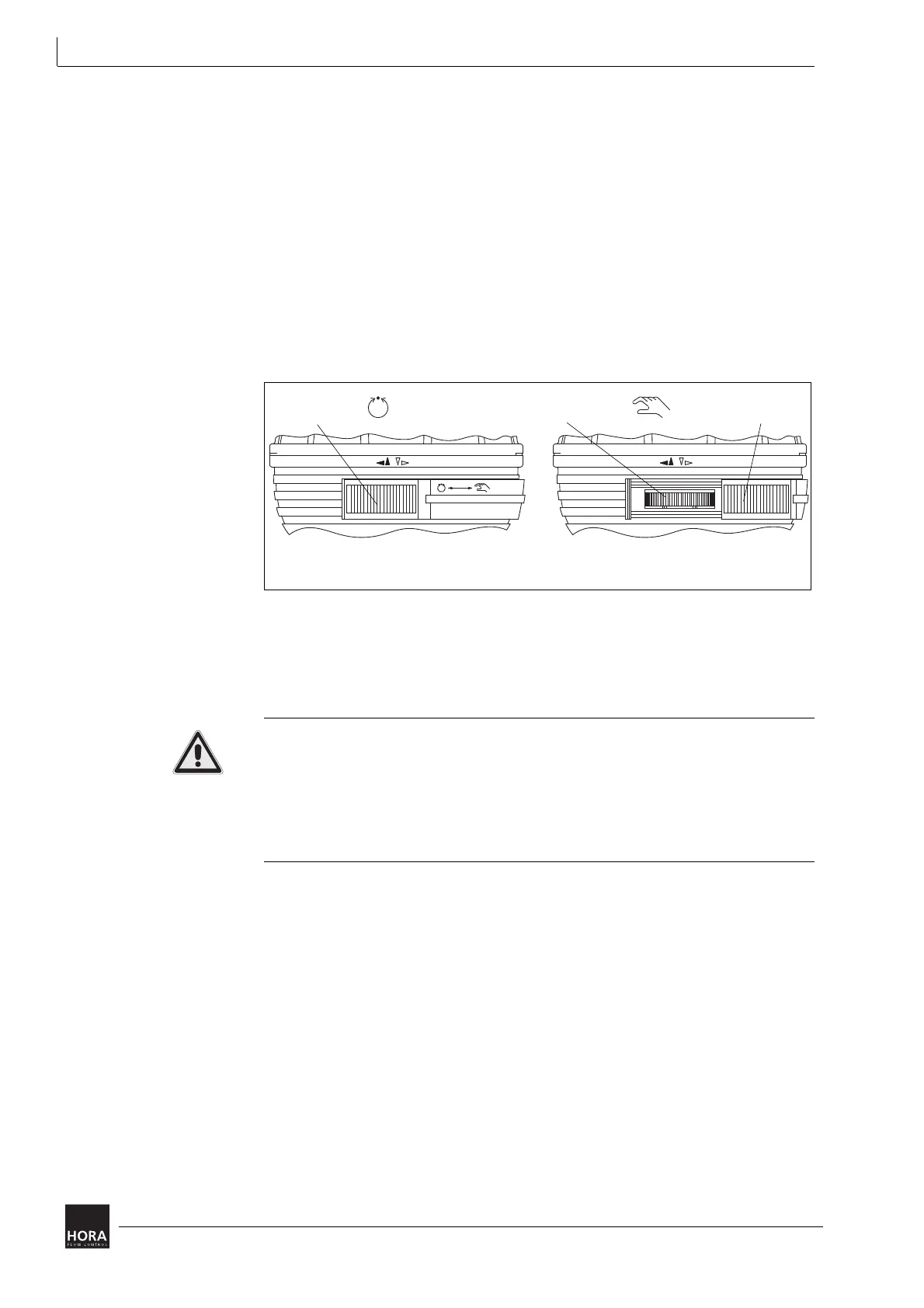
1 Push the slide bar (34) into manual position until you hear an audible locking
sound.
Risk of damage to valve and actuator during manual mode!
The valve may get damaged if it is pushed too hard into its receptacle during
manual mode.
• Do not try and keep turning the hand wheel when you realise that the required
effort increases noticeably!
• Never use force !
2 Use the hand wheel to turn the spindle nut to the desired position. Turn the hand
wheel until the preset potentiometer increases. Do not use force!
How to change-over in automatic mode
1 Push the slide bar to (34) position automatic mode.
2 The linear actuator first moves to both limit positions and afterwards to the
position specified by the controller.
Automatic operation
34 Slide Valve
Manual operation
36 Hand wheel
diagram 12 Selecting automatic mode
(IP 30)
(IP 54)


 To Next Page