+$%&
6
HP
PrecisionScan Pro
User’s Guide
106
Saving scanned images
Book Contents Index
➮
➮
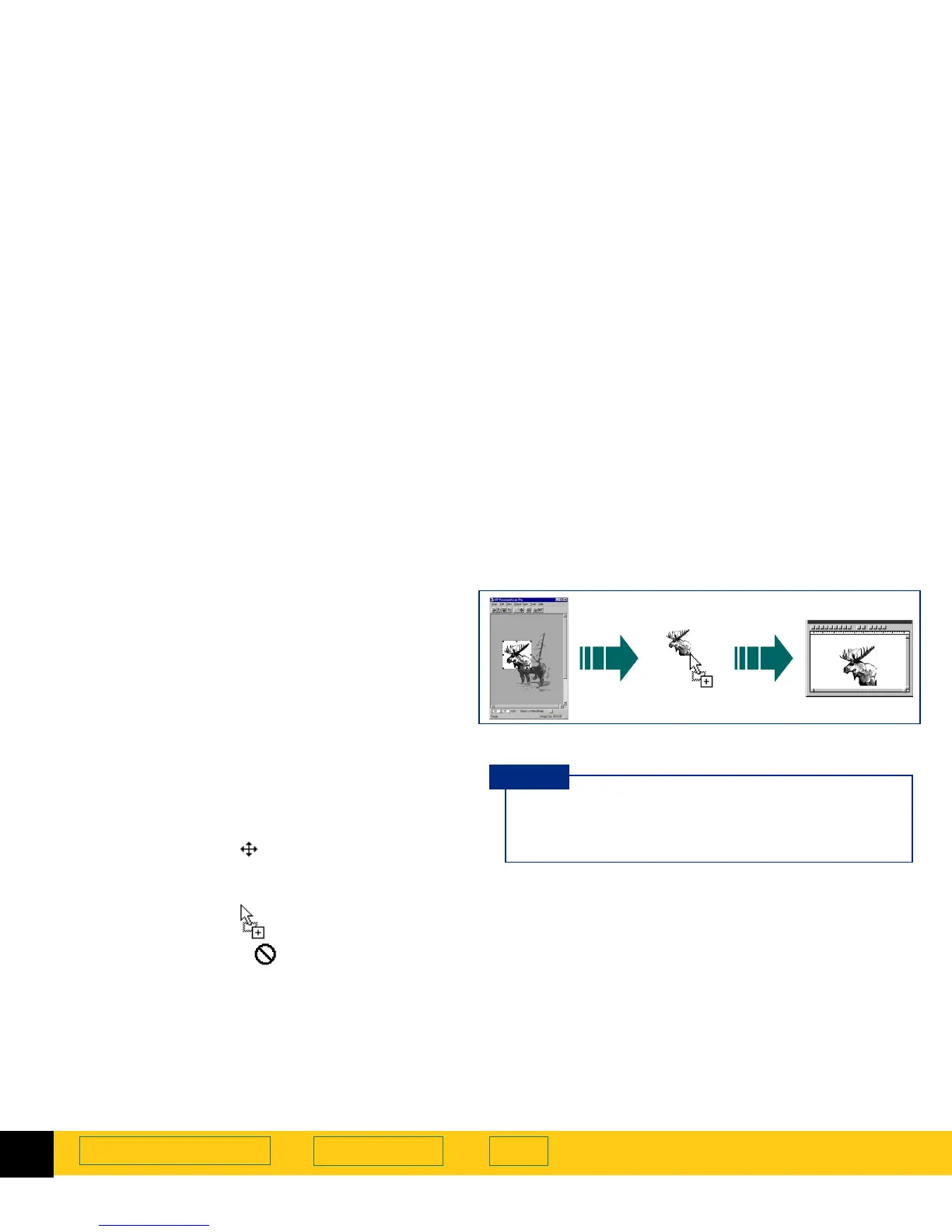
Drag-and-drop to another program
1
Start the destination program.
2
Open the document and view the page that will
receive the image.
3
In the scanning software window, position the
pointer inside the selection area.
The pointer changes to .
4
Press the left mouse button and drag the image to its
position in the open document.
The pointer changes to .
(If the pointer changes to , the destination
program does not accept drag-and-drop.)
5
Release the mouse button.
A final scan of the image is performed.
The image appears in the destination program.
The image in the selection area can be dragged and
dropped into another program that supports drag-
and-drop.
After the image is dropped into the destination
program, the image becomes part of the document
file.
Be sure to keep the original in the same place on
the scanner glass until the final scan of the image is
completed.
TIP








 To Next Page