+$%&
2
HP
PrecisionScan Pro
User’s Guide
38
A tour of the scanning
software
Book Contents
Index
➮
➮
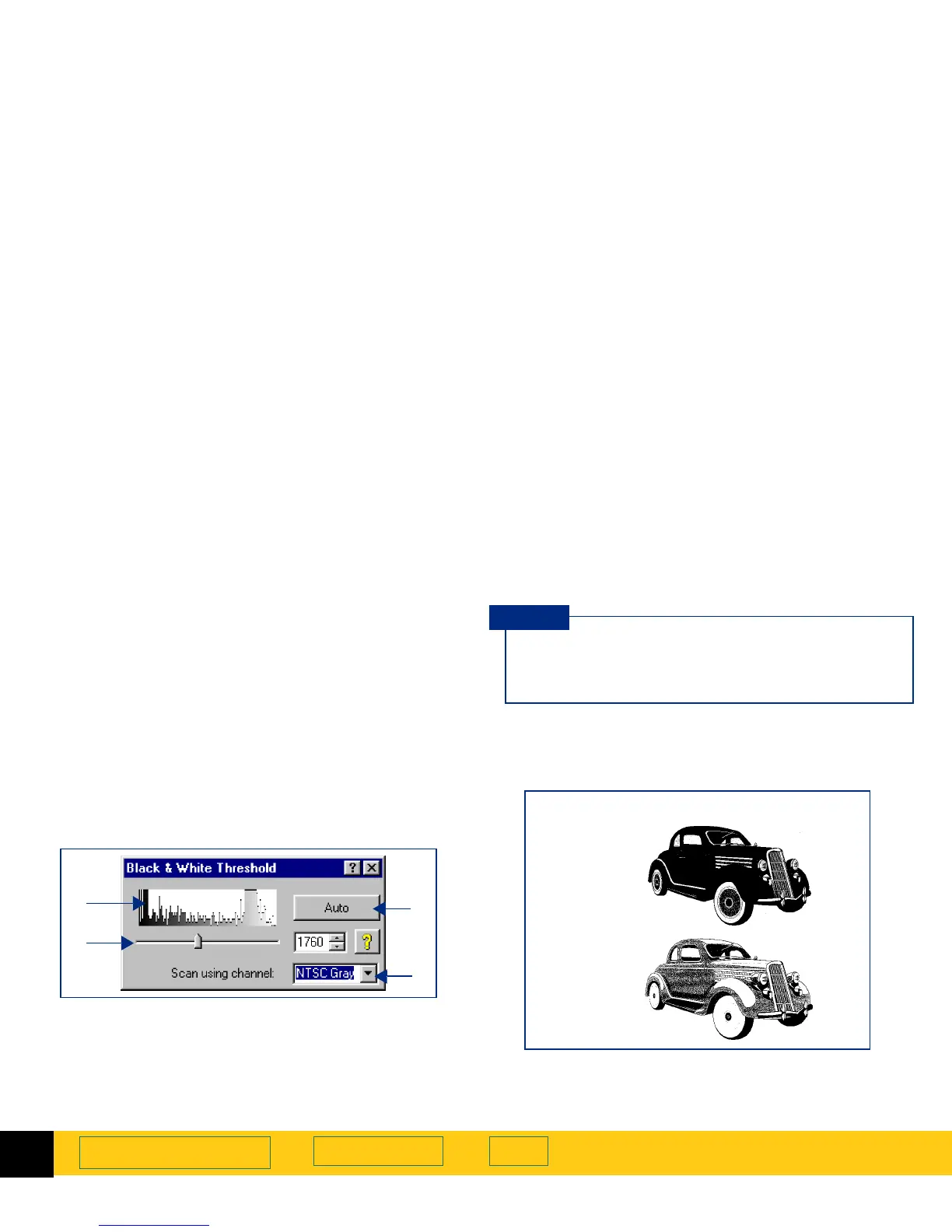
Black & White Threshold tool
The
Black & White Threshold
tool lets you change the
dividing point for black and white pixels in an image
that uses the
Black & White Bitmap (raster)
output type.
All pixels below the threshold will be output as black
and all pixels above the threshold will be output as
white.
After you have drawn a selection area, use this tool to:
➊
view the distribution of black and white pixels in the
selection area
➋
set the black and white threshold (see page
92
)
➌
set the color channel
➍
set the black and white threshold to the value
determined by the scanning software
➋
➍
➊
➌
After you change settings in the
Black & White
Threshold
tool, the results of the new settings can
be seen in the preview area.
TIP
Black & White Bitmap (raster)
output type
Default
threshold
setting
Low
threshold
setting








 To Next Page