+$%&
3
HP
PrecisionScan Pro
User’s Guide
66
Scanning pictures
Book Contents Index
➮
➮
See page
34
for more about the
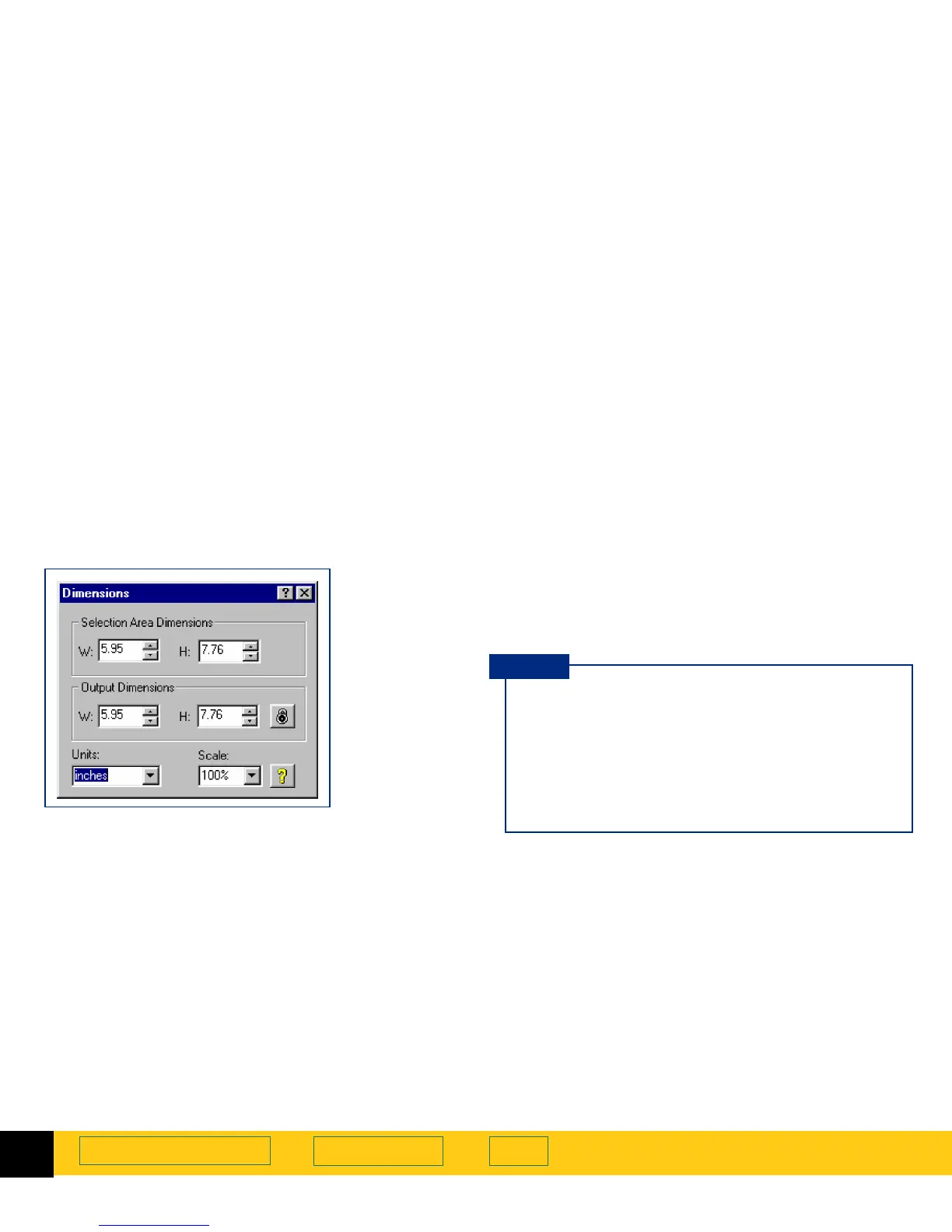
Dimensions
tool.
Setting units
The
Units
field in the
Dimensions
tool sets the units of
measurement for the
Width
and
Height
fields in the
Selection Area Dimensions
and the
Output Dimensions
areas. The units available are:
■
inches
■
centimeters
■
points
■
pixels
To set units
1
Create a selection area (page
58
).
2
Click the list button in the
Units
field of the
Dimensions
tool and select a unit of measurement.
When you change units:
■
the output width value in both
Width
fields
changes
■
the output height value in both
Height
fields
changes
■
the output width value in the info bar changes
■
the output height value in the info bar changes
TIP








 To Next Page