+$%&
2
HP
PrecisionScan Pro
User’s Guide
39
A tour of the scanning
software
Book Contents
Index
➮
➮
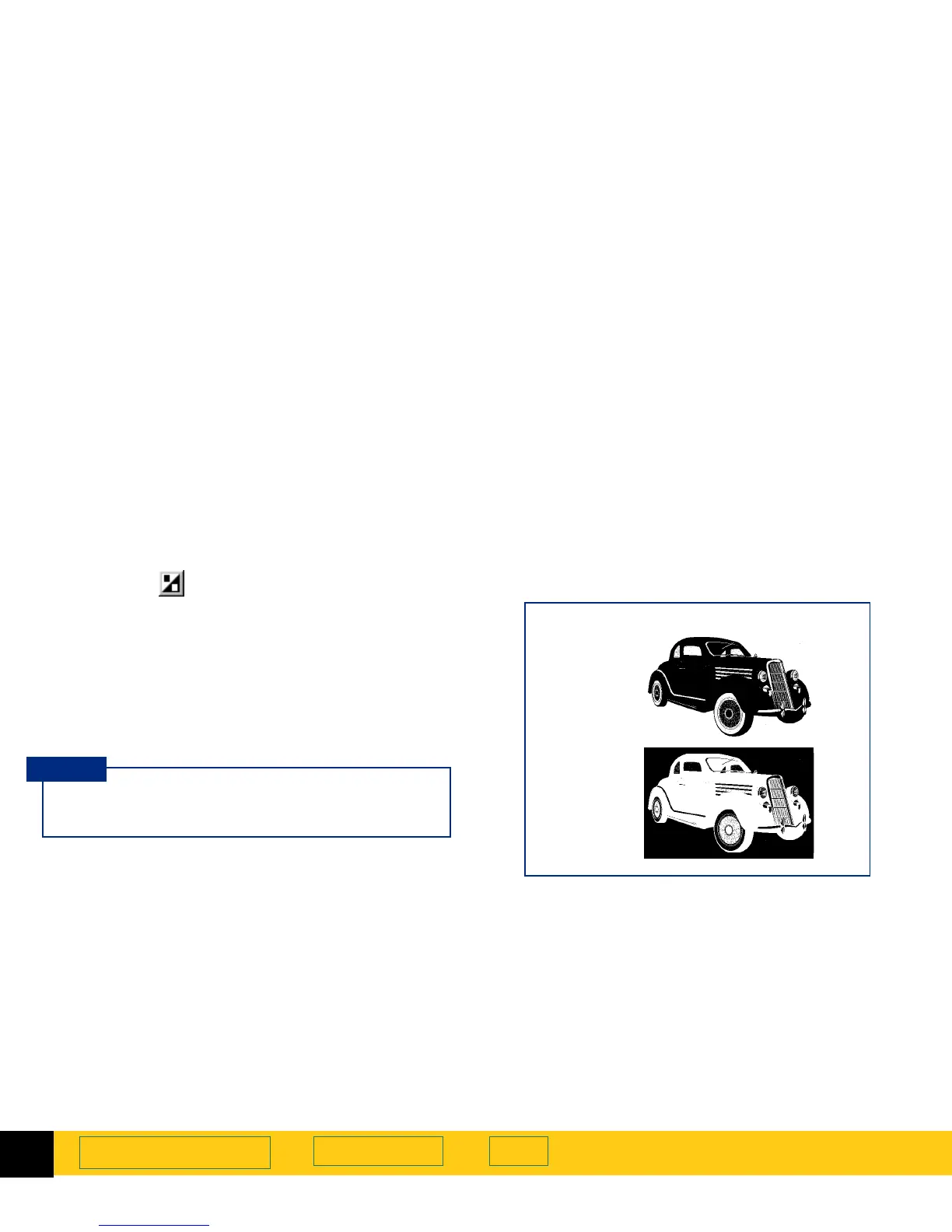
Invert tool
The
Invert
tool converts the white areas of an
image to black and the black areas to white. For color
images, the complementary color is scanned.
You can invert an image if you save to a raster output
types, such as TIFF, GIF, or JPEG. Scans saved as B&W
Vector, Text and Text with Images can not be inverted.
In general, Invert is useful for drawings and spot color
images.
When you turn on the
Invert
option, the inverted
image is displayed in the preview area.
TIP
Black & White Bitmap (raster)
output type
Normal
Inverted








 To Next Page