+$%&
4
HP
PrecisionScan Pro
User’s Guide
75
Adjusting images of
pictures
Book Contents
Index
➮
➮
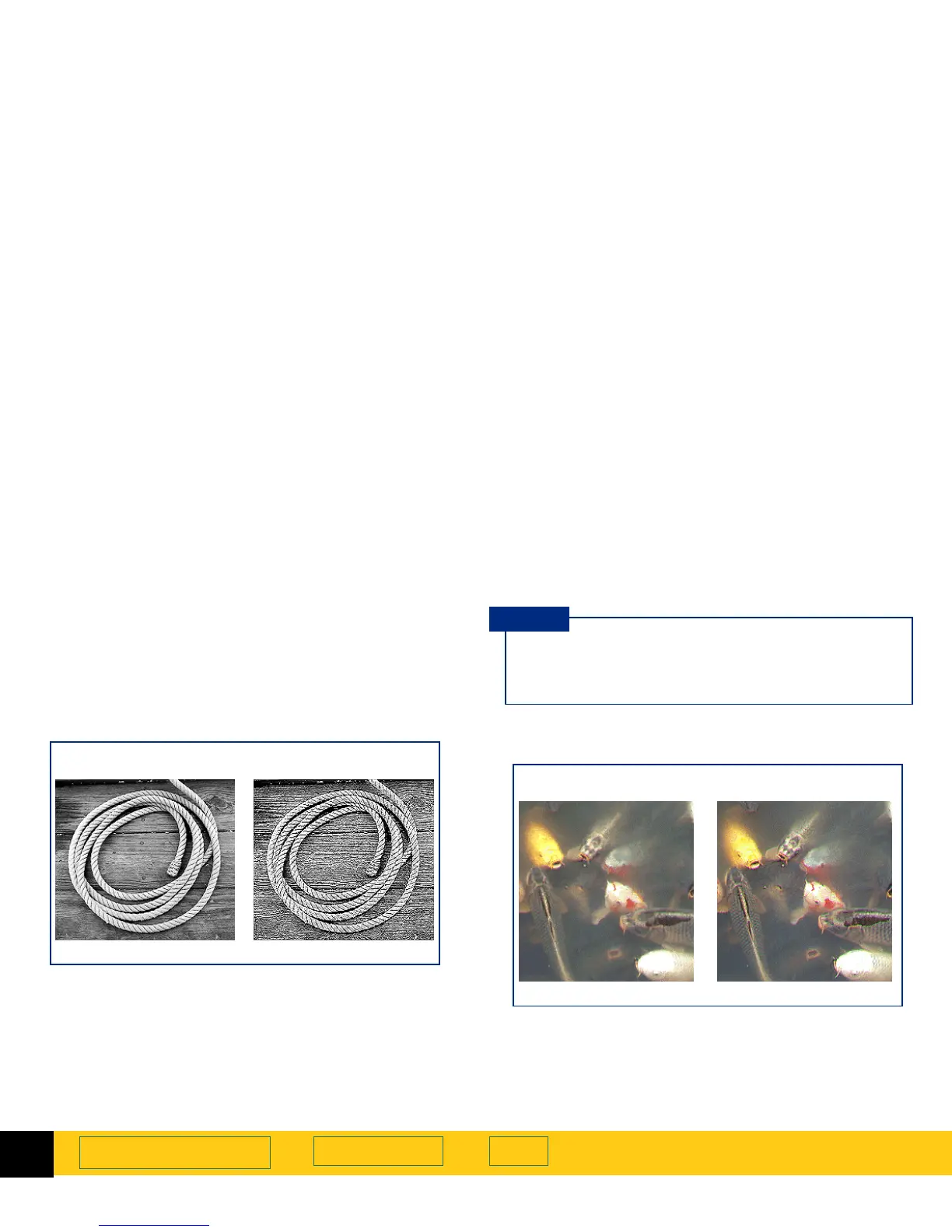
Sharpen
The right amount of sharpening enhances detail in the
scanned image. Too much or too little sharpening can
accent flaws and emphasize undesirable patterns in
images of photographs, drawings, or line art.
If the original picture is not sharp, or you want to create
a special effect, you can increase or decrease
sharpening with the
Sharpen Level
tool. The sharpen
level you select will be applied to the final scan.
See page
33
for more about the
Sharpen Level
tool.
Grayscale
output type
Medium
sharpen level
Extreme
sharpen level
The scanning software automatically selects the
optimal sharpen level for the output type applied
to the image.
TIP
True Color
output type
Medium
sharpen level
High
sharpen level








 To Next Page