+$%&
3
HP
PrecisionScan Pro
User’s Guide
63
Scanning pictures
Book Contents Index
➮
➮
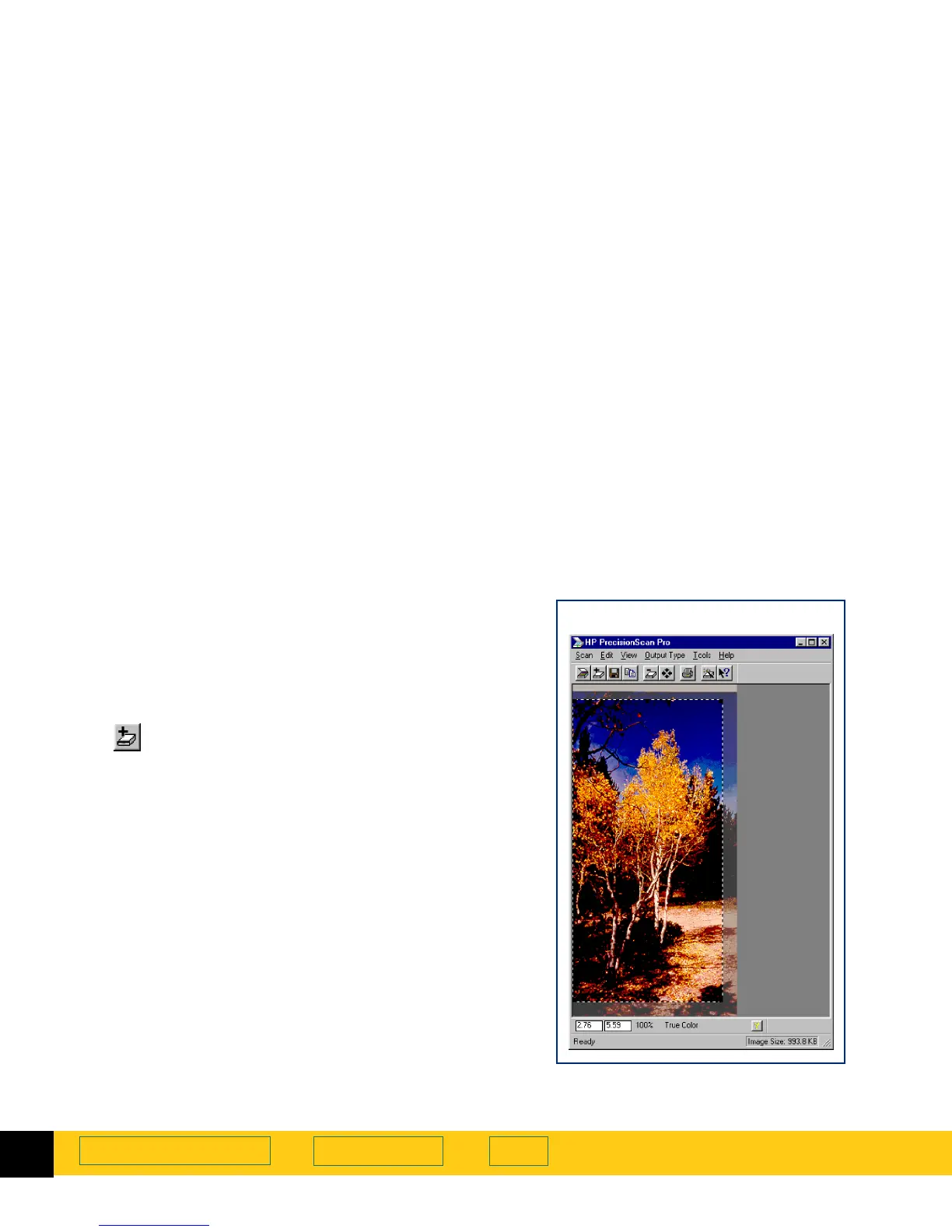
Zoom scan
Zoom
scan lets you view the selection area at closer
range. Use the
Zoom
command to see the image better
when you adjust it.
Performing a Zoom scan
1
Create a selection area (page
58
).
2
To enlarge the view of the selection area:
•
Click , the
Zoom
button in the toolbar
– or –
•
from the
Scan
menu, choose
Zoom
.
The scanner scans the selection area and the
selection area fills the preview area.








 To Next Page