+$%&
2
HP
PrecisionScan Pro
User’s Guide
44
A tour of the scanning
software
Book Contents
Index
➮
➮
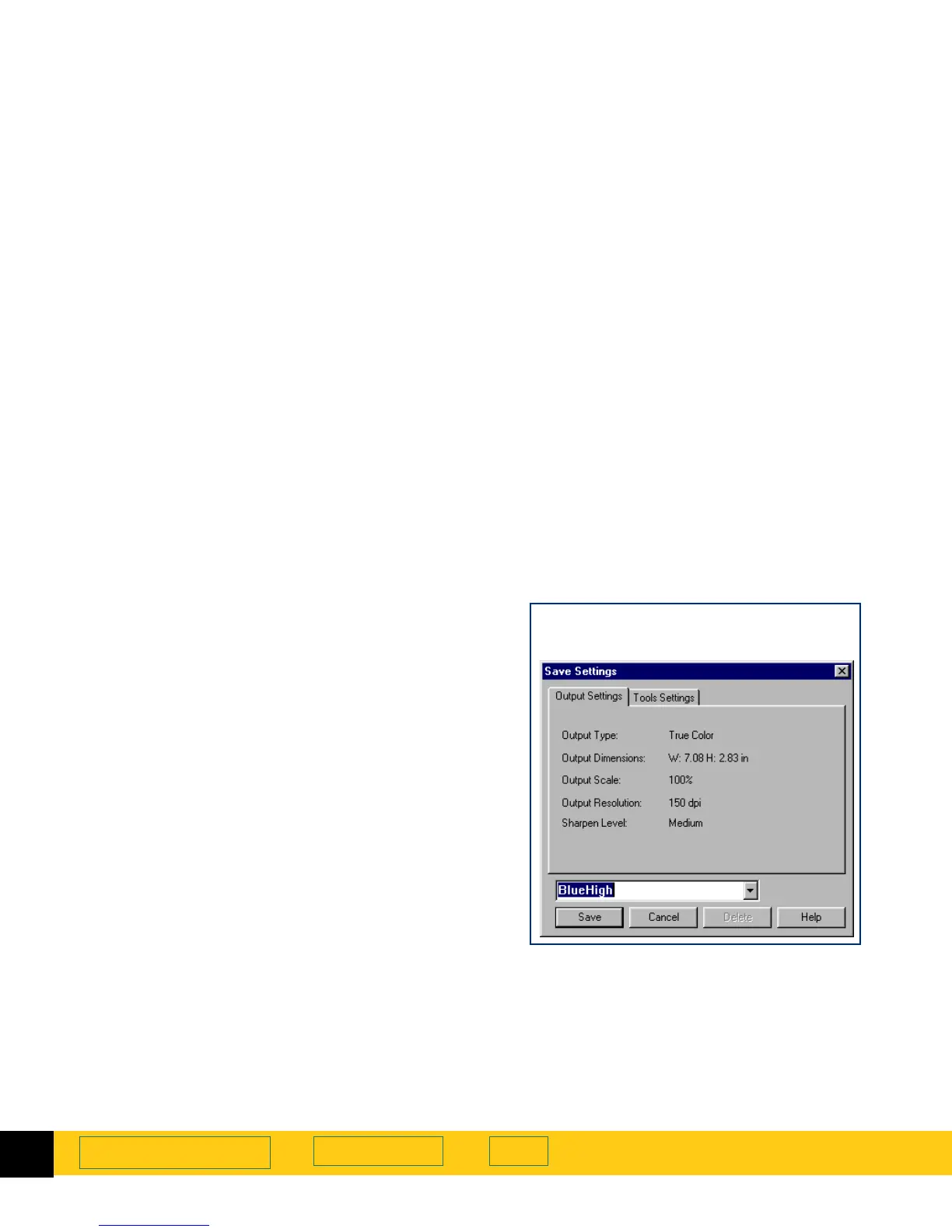
Save and re-use adjustment settings
You can save the settings you have made to an image
and apply those settings to a another scan during the
current scanning session or after restarting
HP PrecisionScan Pro
. When you save a set of settings,
you give the set of settings a name.
When you want to use those settings for a different
image, load the settings using the same name
(page
46
).
The settings saved are:
■
Output Type
■
Dimensions
tool values (output size and output scale)
■
Output Resolution
tool value
■
Sharpen Level
tool value
■
Exposure Adjustment
tool values
■
Color Adjustment
tool values
■
Black & White Threshold
tool value
■
Invert
■
Use Transparency Adapter
■
the selection area, if one existed








 To Next Page