EasyManua.ls Logo

HP 6300C - ScanJet - Flatbed Scanner - Page 45

HP 6300C - ScanJet - Flatbed Scanner
121 pages
Print Icon
To Next Page IconTo Next Page
To Previous Page IconTo Previous Page
Loading...
+$%&
2
HP
PrecisionScan Pro
User’s Guide
45
A tour of the scanning
software
Book Contents
Index
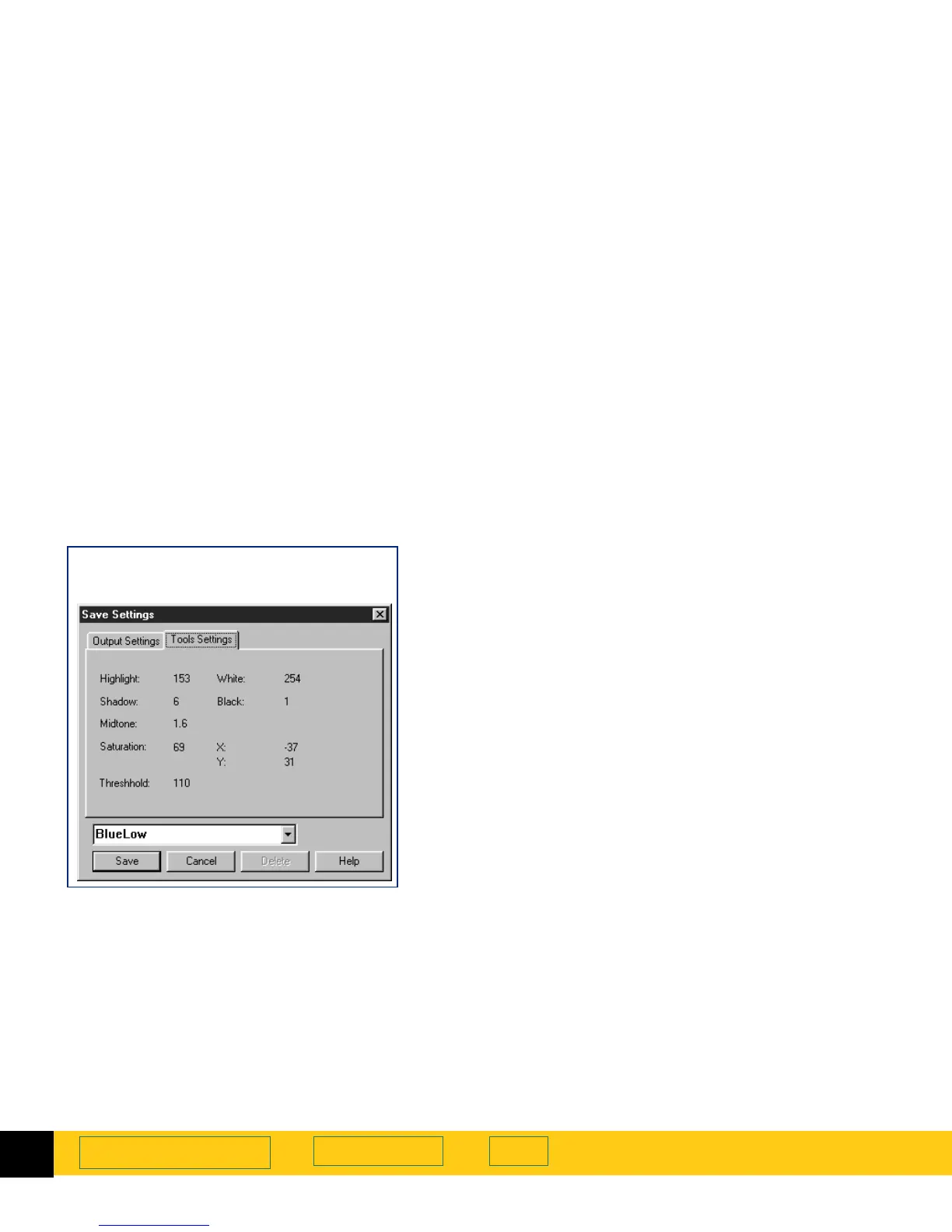
Saving a set of settings
1
From the
Scan
menu, select
Save Settings...
The
Save Settings
dialog box appears (see page
44
).
2
Review the settings listed in the
Output Settings
and
the
Tools Settings
tabs.
3
If the settings are acceptable for saving, click in the
text field of the
Save Settings
dialog box, then type a
name for the settings.
4
Click
Save
.
The
Save Settings
dialog box closes.
The named set of settings is saved for future use
(see page
46
).
Save Settings
dialog box
Tools Settings
tab

Table of Contents

Related product manuals